Elige cómo se ven las direcciones de tu página
Los pasos
-
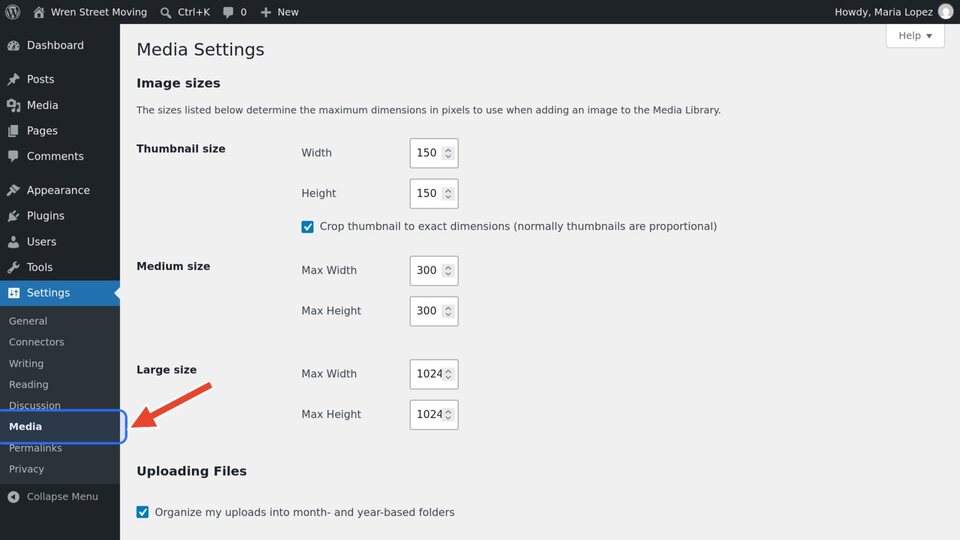
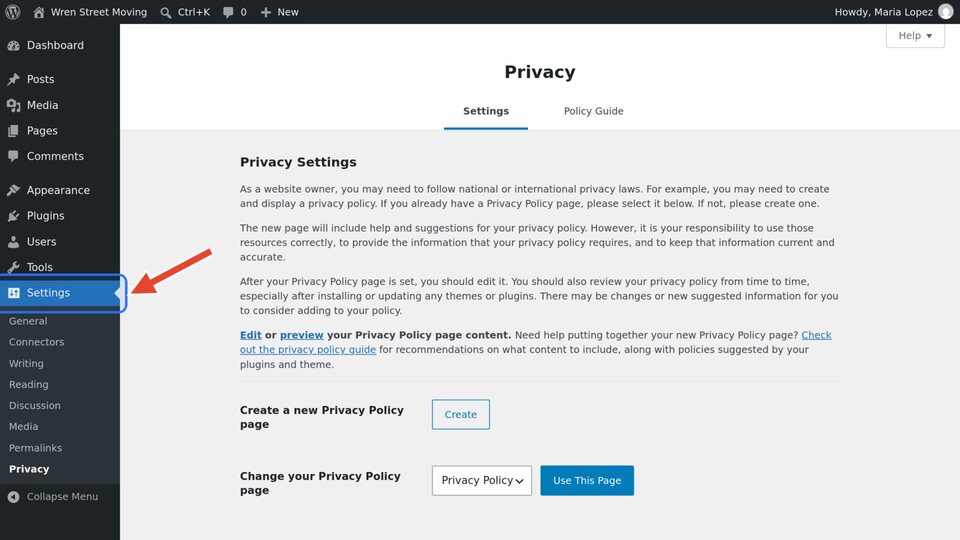
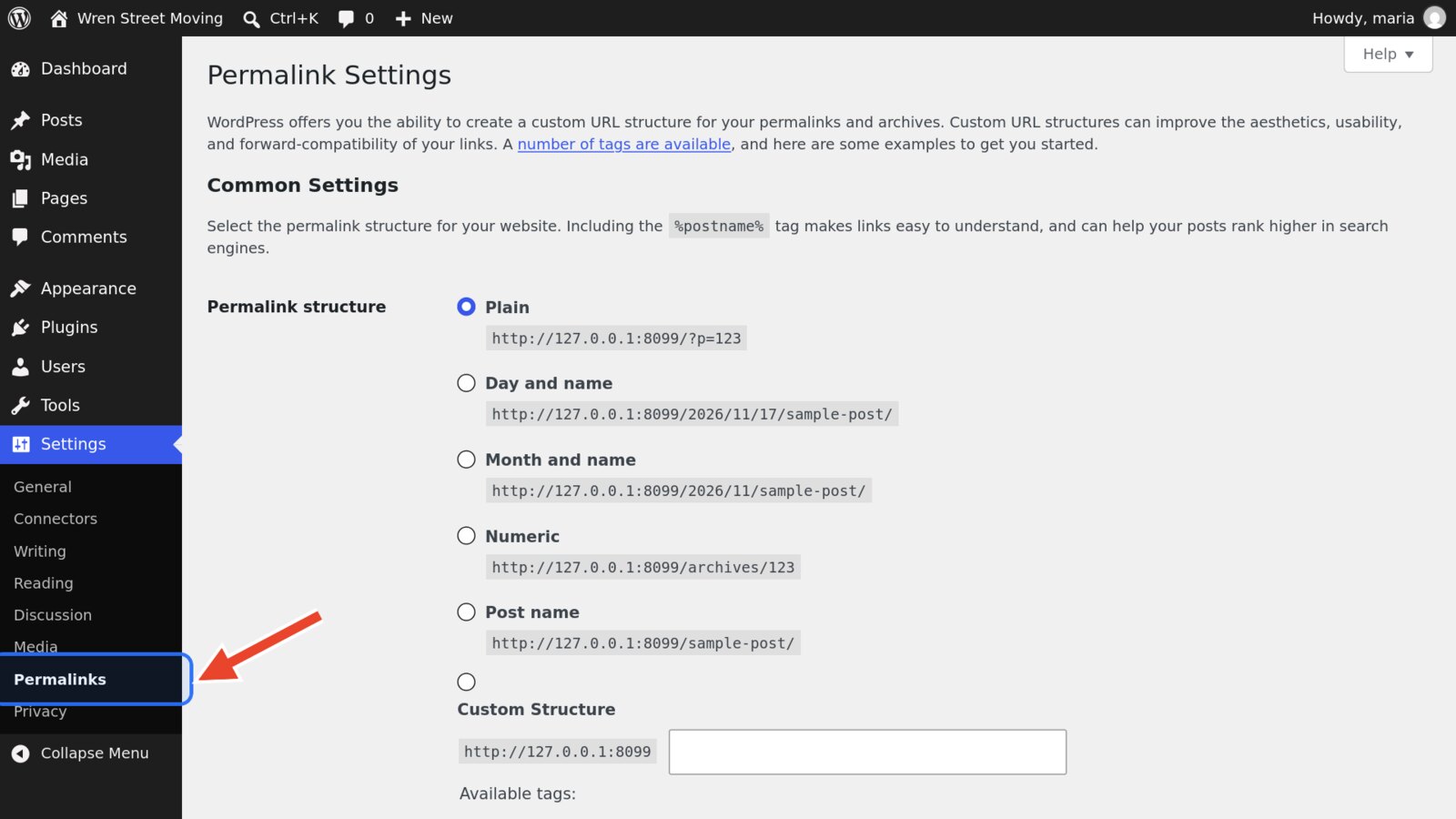
Permalinks is inside Settings, in the left menu.Permalinks está dentro de Settings, en el menú de la izquierda.
-
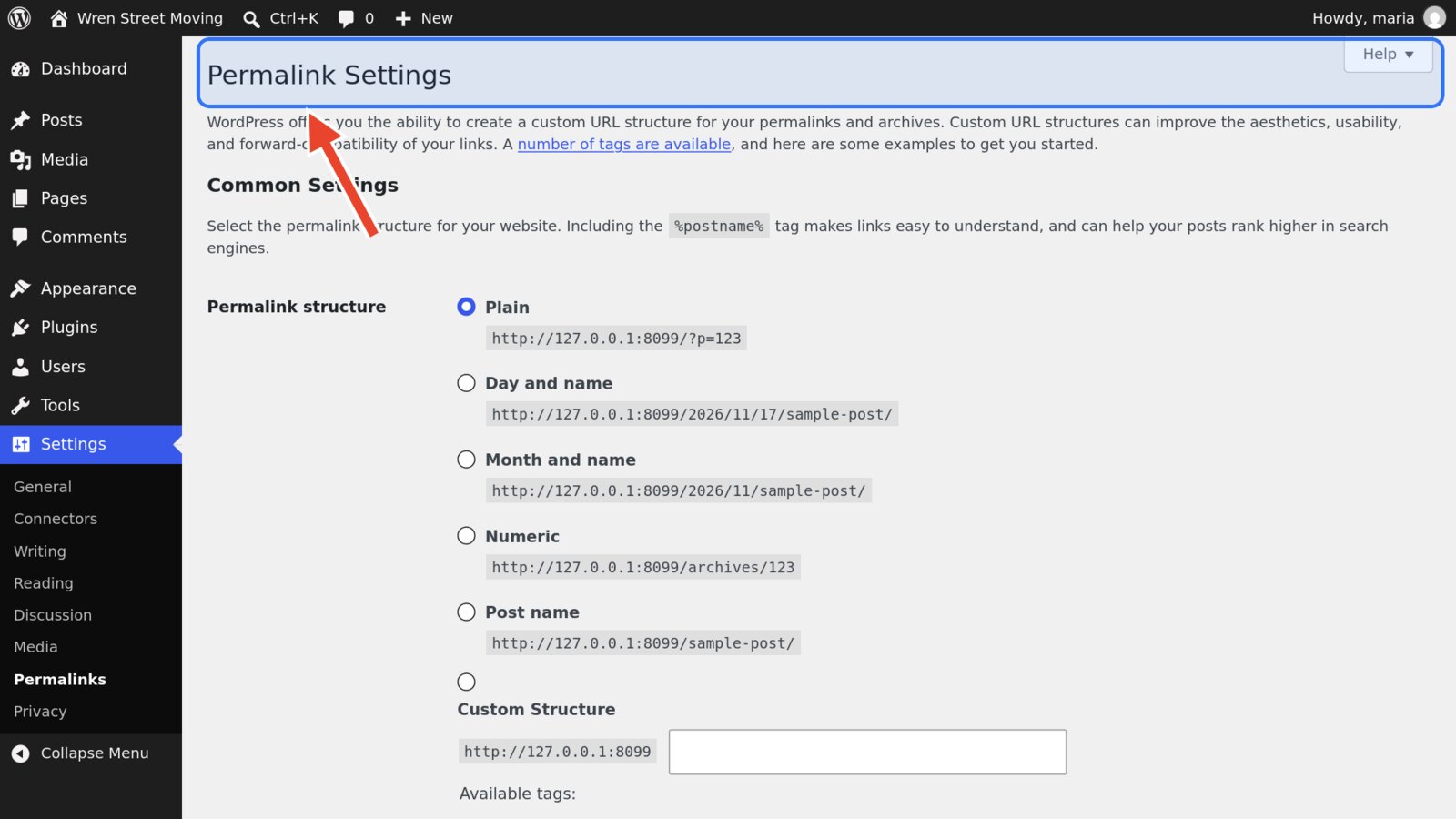
This is the Permalink Settings screen.Esta es la pantalla Permalink Settings.
-
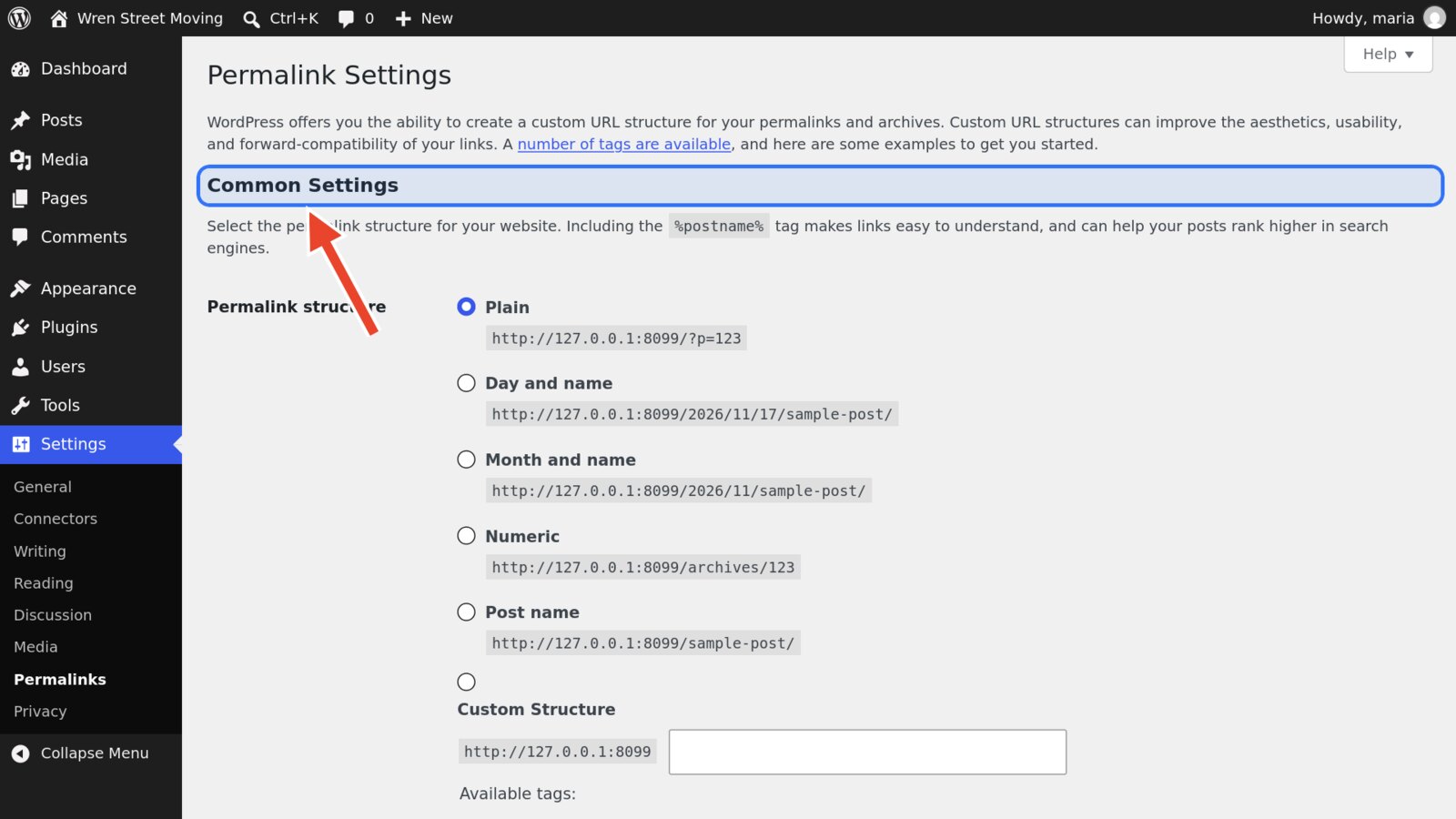
Common Settings lists ready-made styles for your page addresses.Common Settings muestra estilos listos para las direcciones de tus páginas.
-
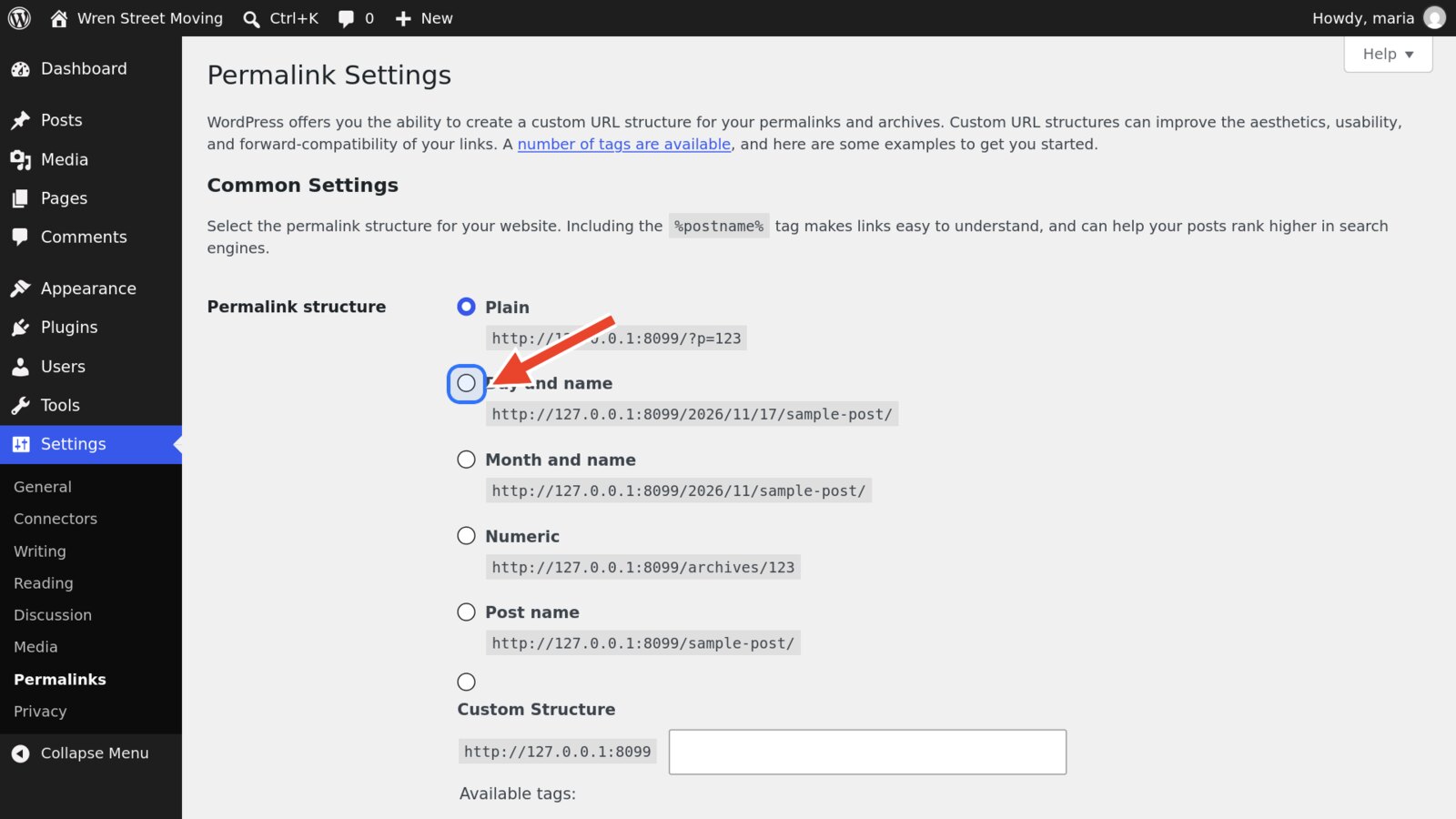
Day and name puts the date in every address.Day and name pone la fecha en cada dirección.
-
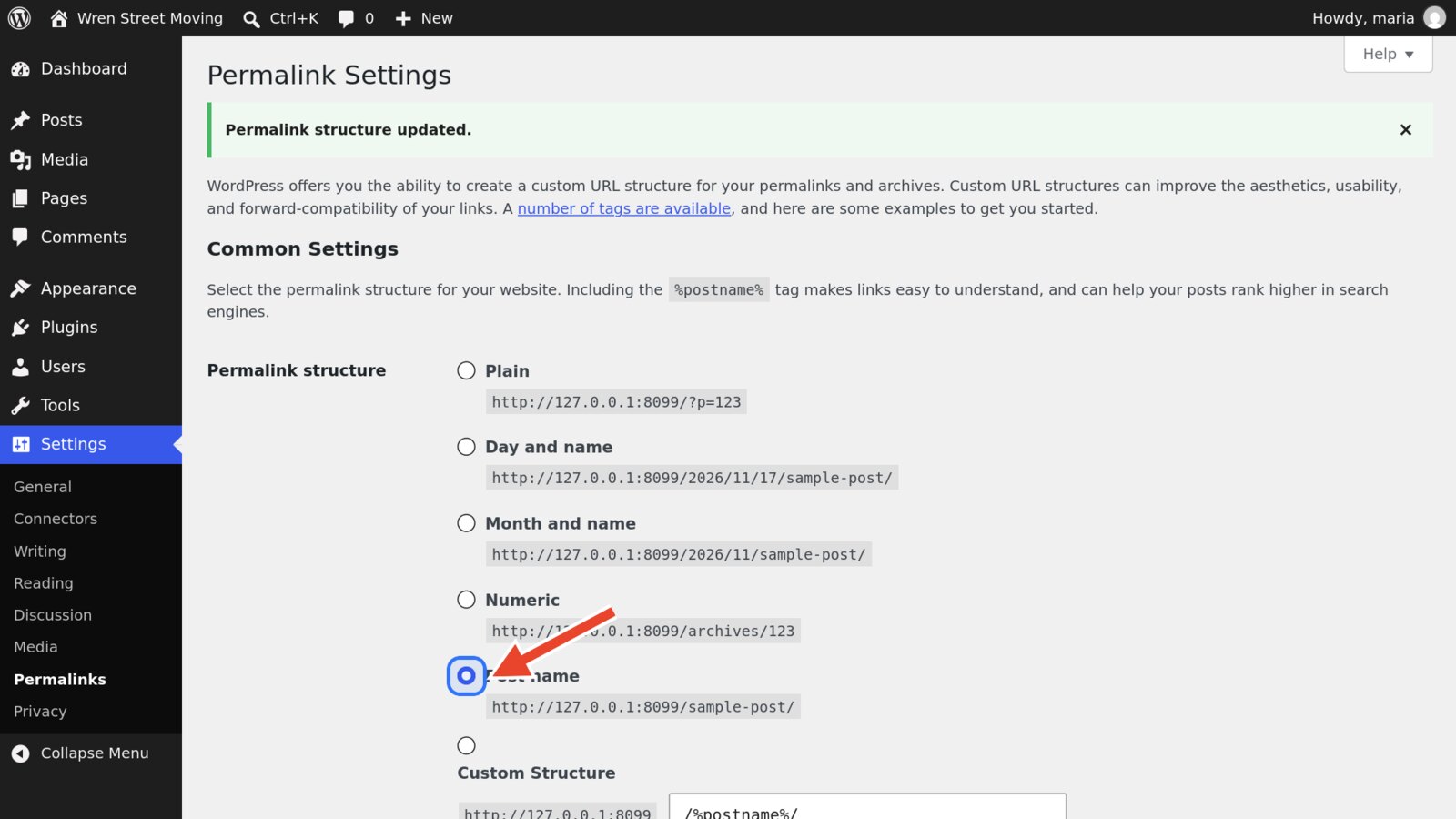
Choose Post name. It gives short addresses like your site, then the page name.Elige Post name. Da direcciones cortas: tu sitio y luego el nombre de la página.
Consejo: Pick Post name once, at the start.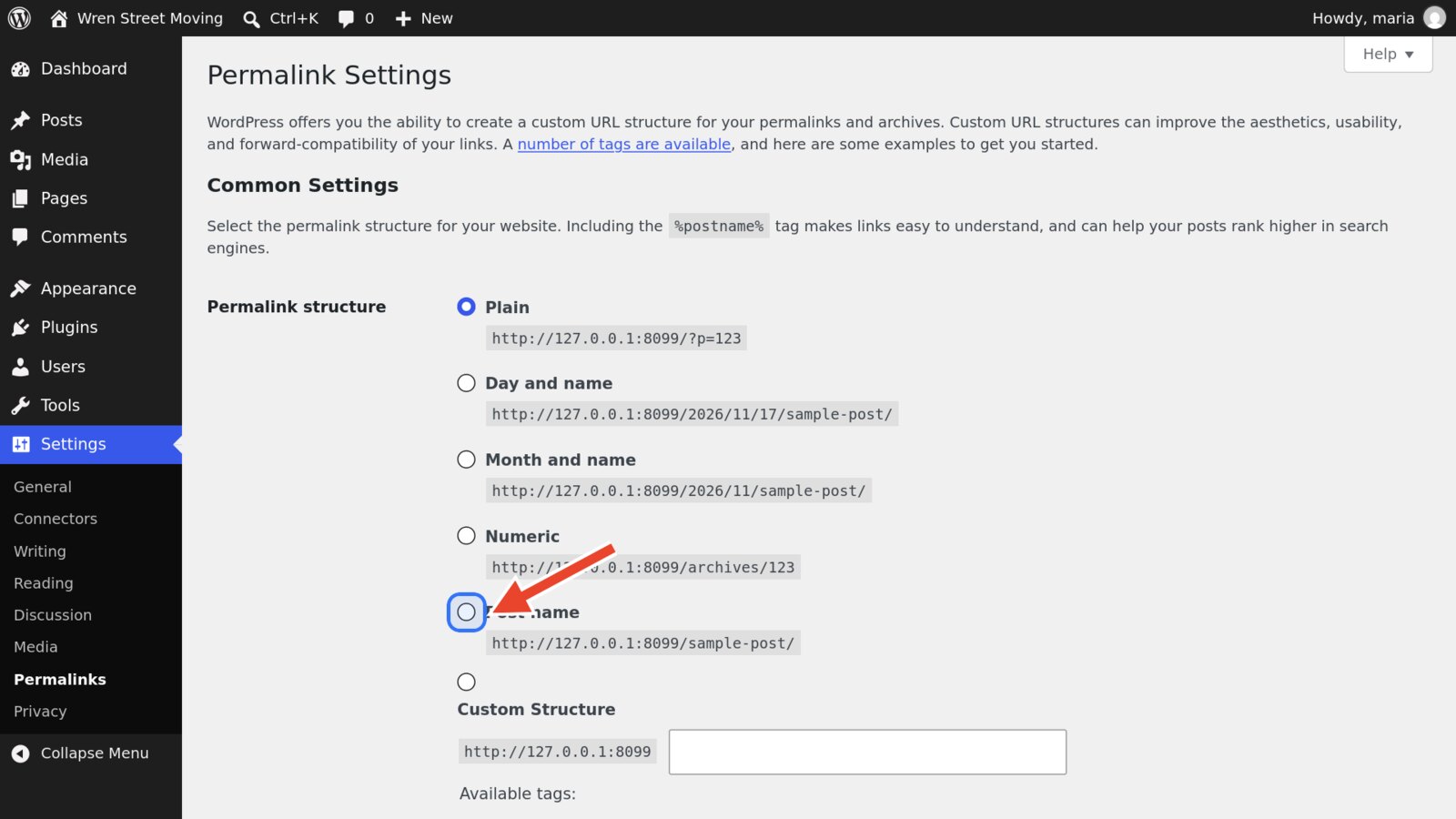
-
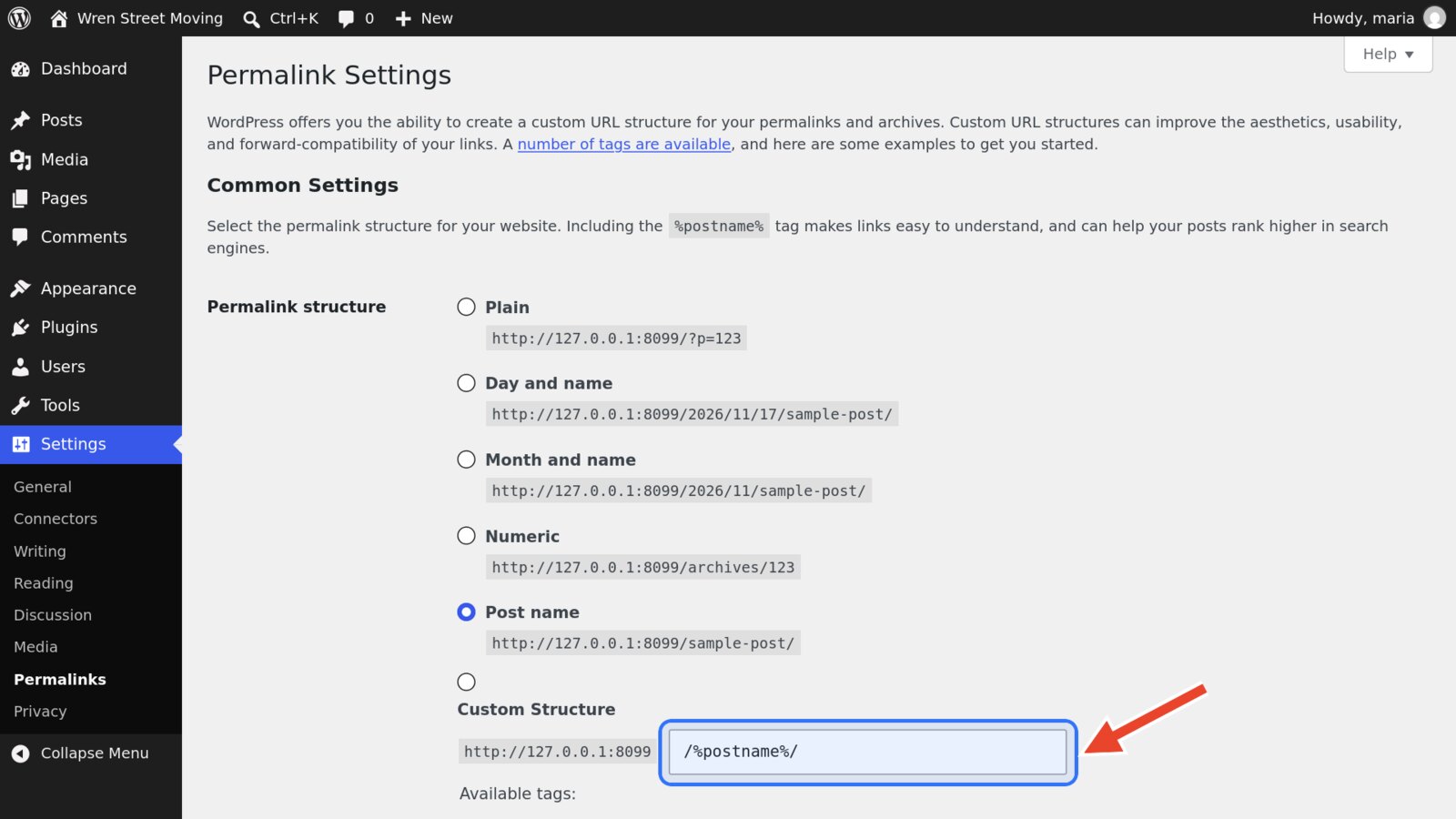
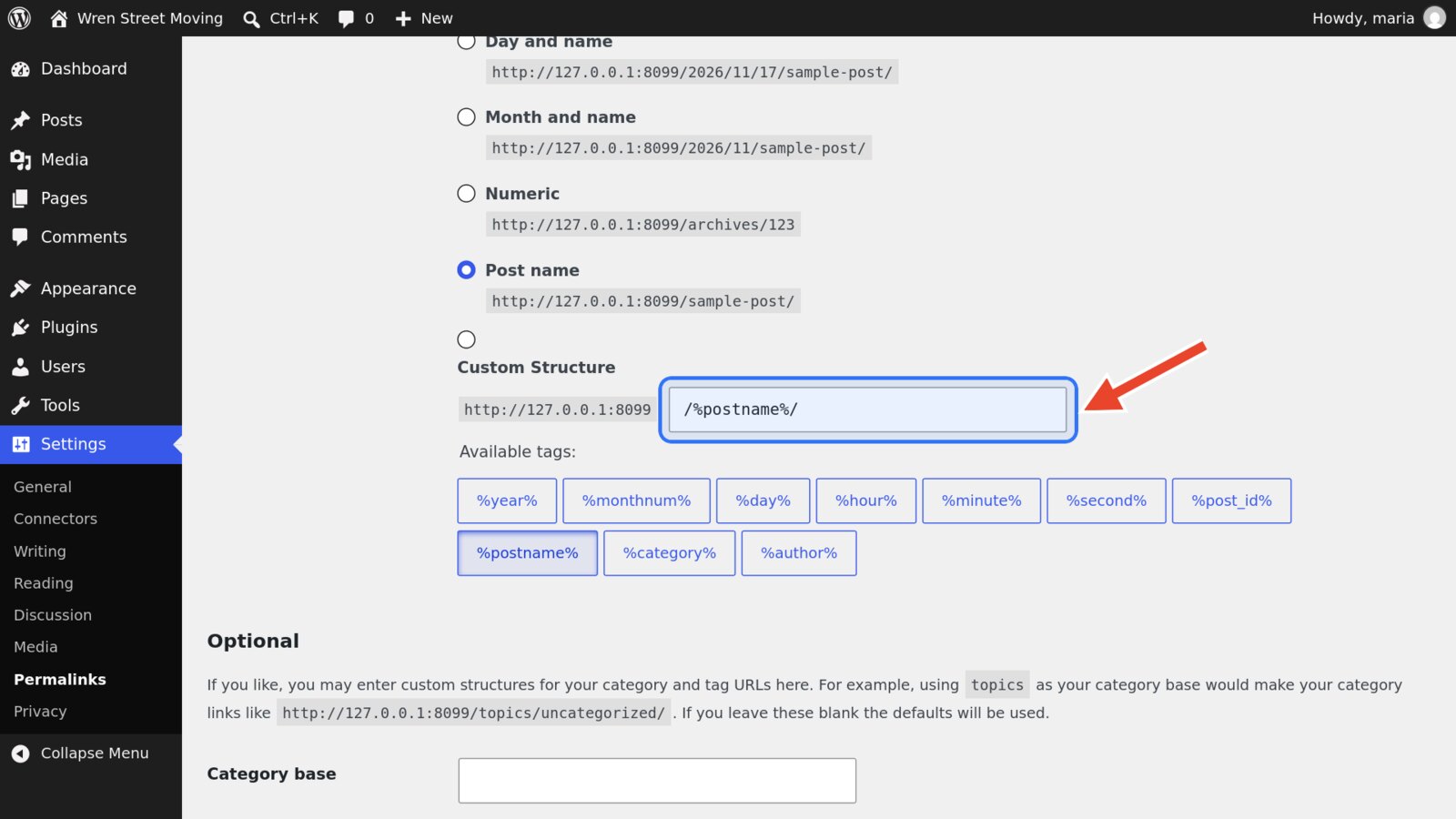
The box below now shows /%postname%/ as your structure.El cuadro de abajo ahora muestra /%postname%/ como tu estructura.
-
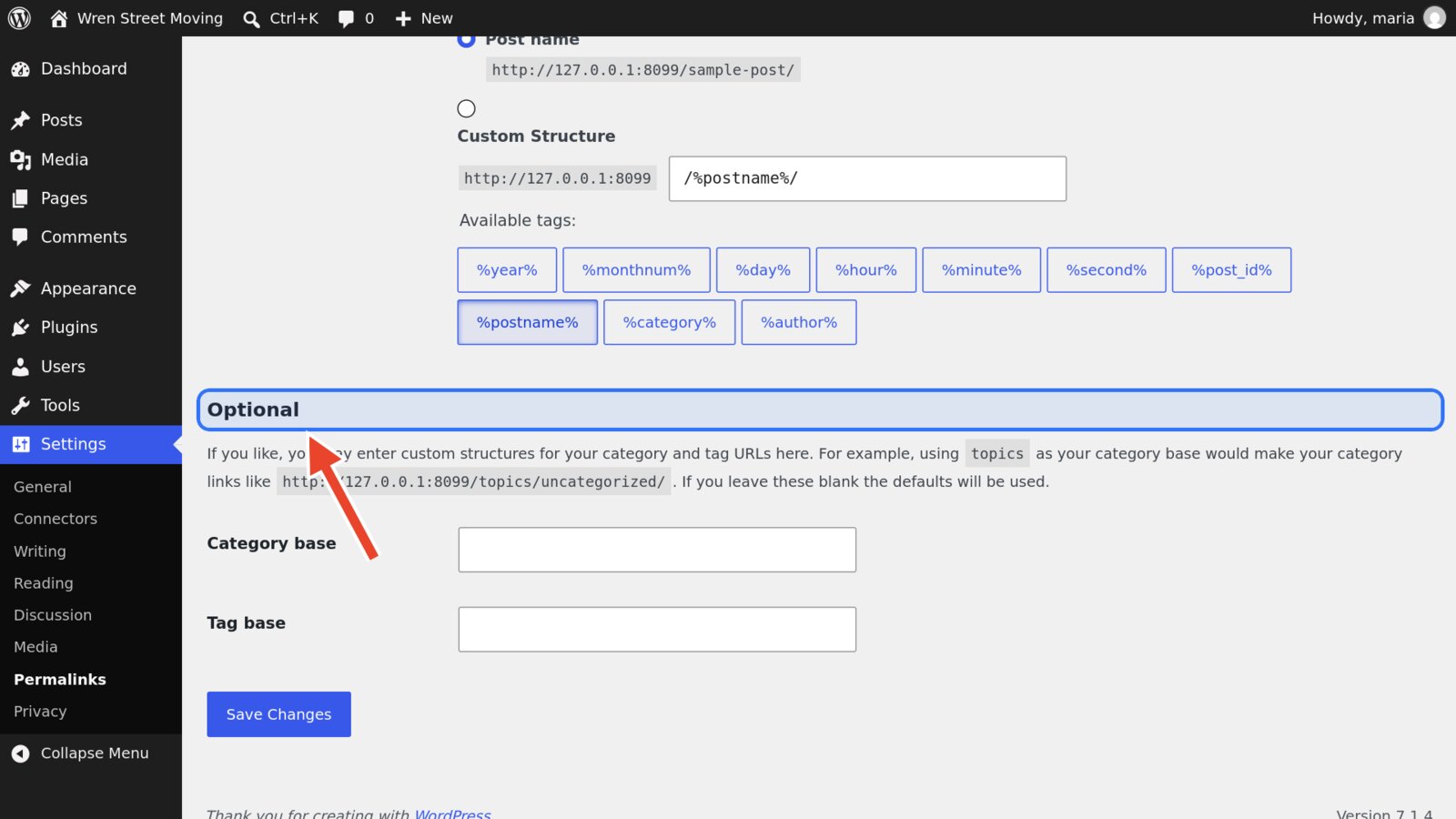
The Optional section can stay as it is.La sección Optional puede quedarse como está.
-
Press Save Changes at the bottom. Nothing changes until you do.Presiona Save Changes, abajo. Nada cambia hasta que lo hagas.
Consejo: Changing permalinks later breaks links people have saved.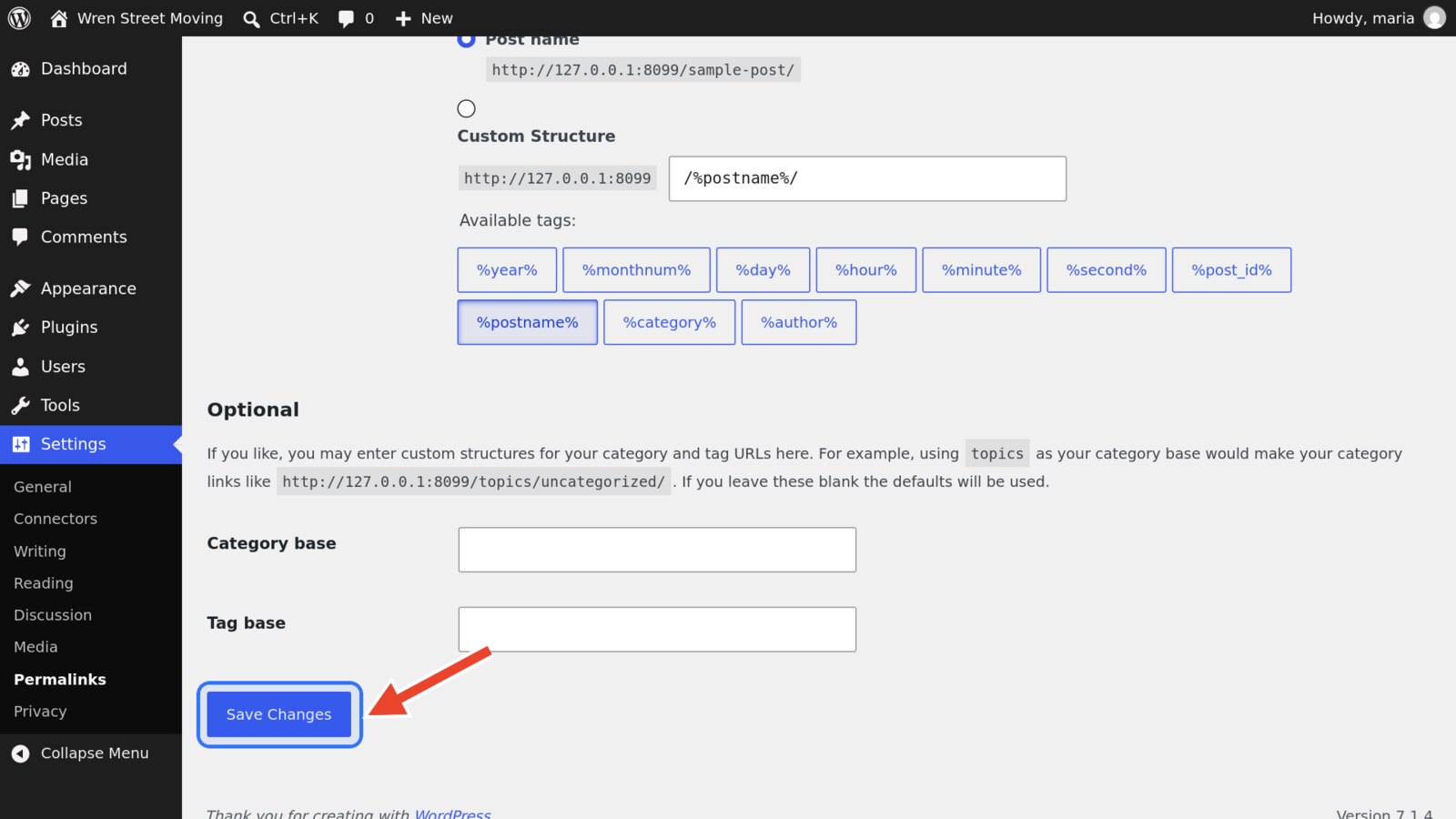
-
After saving, Post name is the selected style.Después de guardar, Post name es el estilo seleccionado.
-
The structure box still shows /%postname%/. Your new address style is saved.El cuadro de estructura sigue mostrando /%postname%/. Tu nuevo estilo de dirección está guardado.
¿Atascado en tu propia página web?
Te guío paso a paso, en video, en tu sitio real. O déjame el trabajo y lo dejo hecho.
- Tú haces clic, yo guío
- Un solo precio por trabajo, fijado antes de empezar
- Inglés o español
De dónde viene esto
Cada paso se realizó en un sitio de WordPress real y se verificó con la documentación oficial de WordPress: