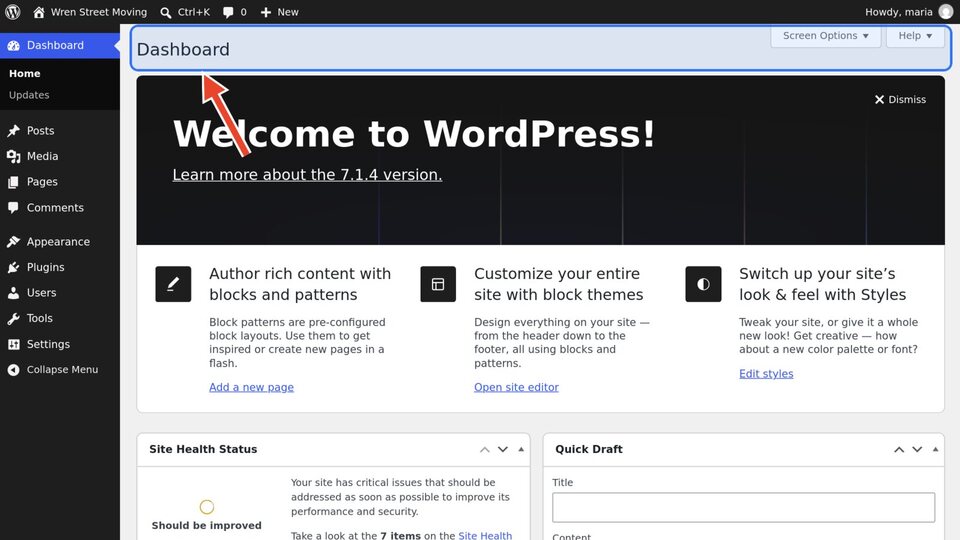
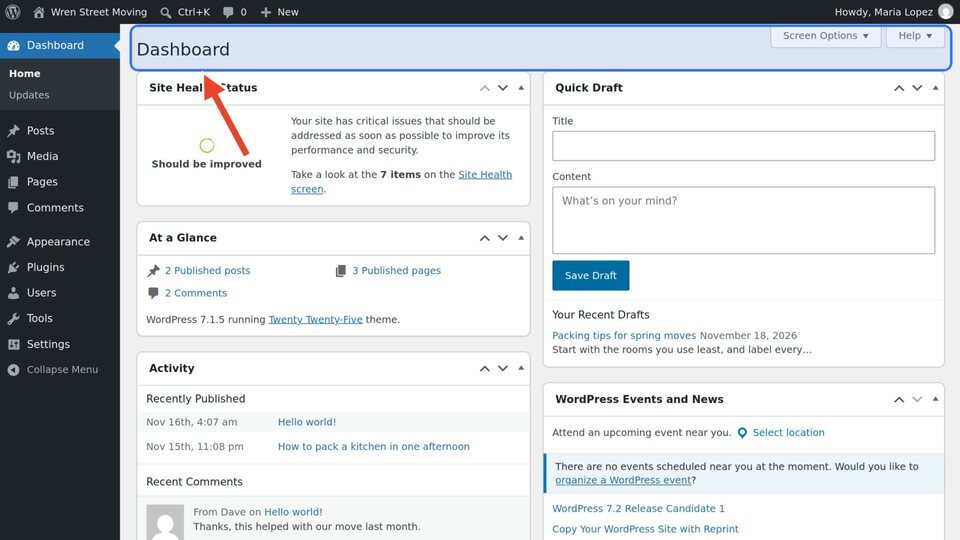
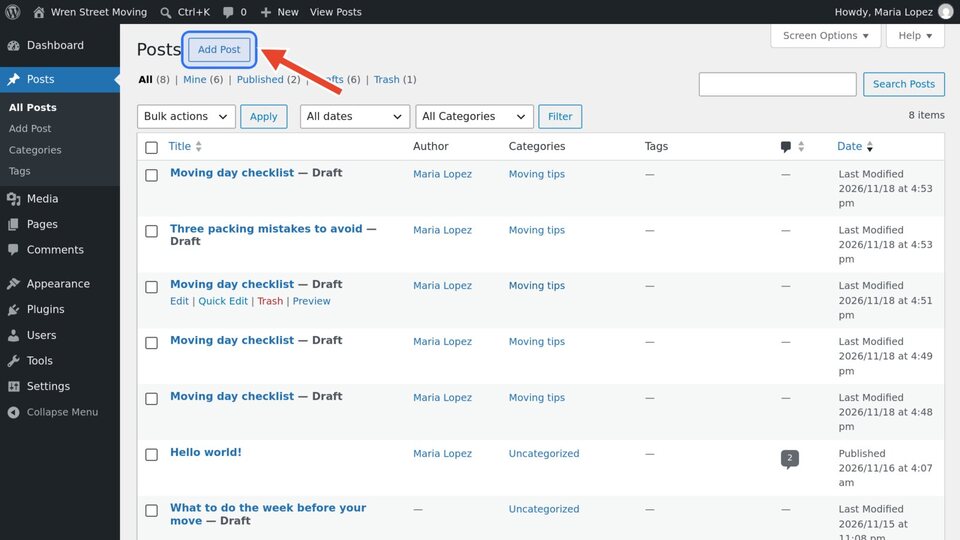
The login screen
The steps
-
This is the WordPress login screen, found at wp-login.php on your site.Esta es la pantalla de inicio de sesión de WordPress, en wp-login.php de tu sitio.
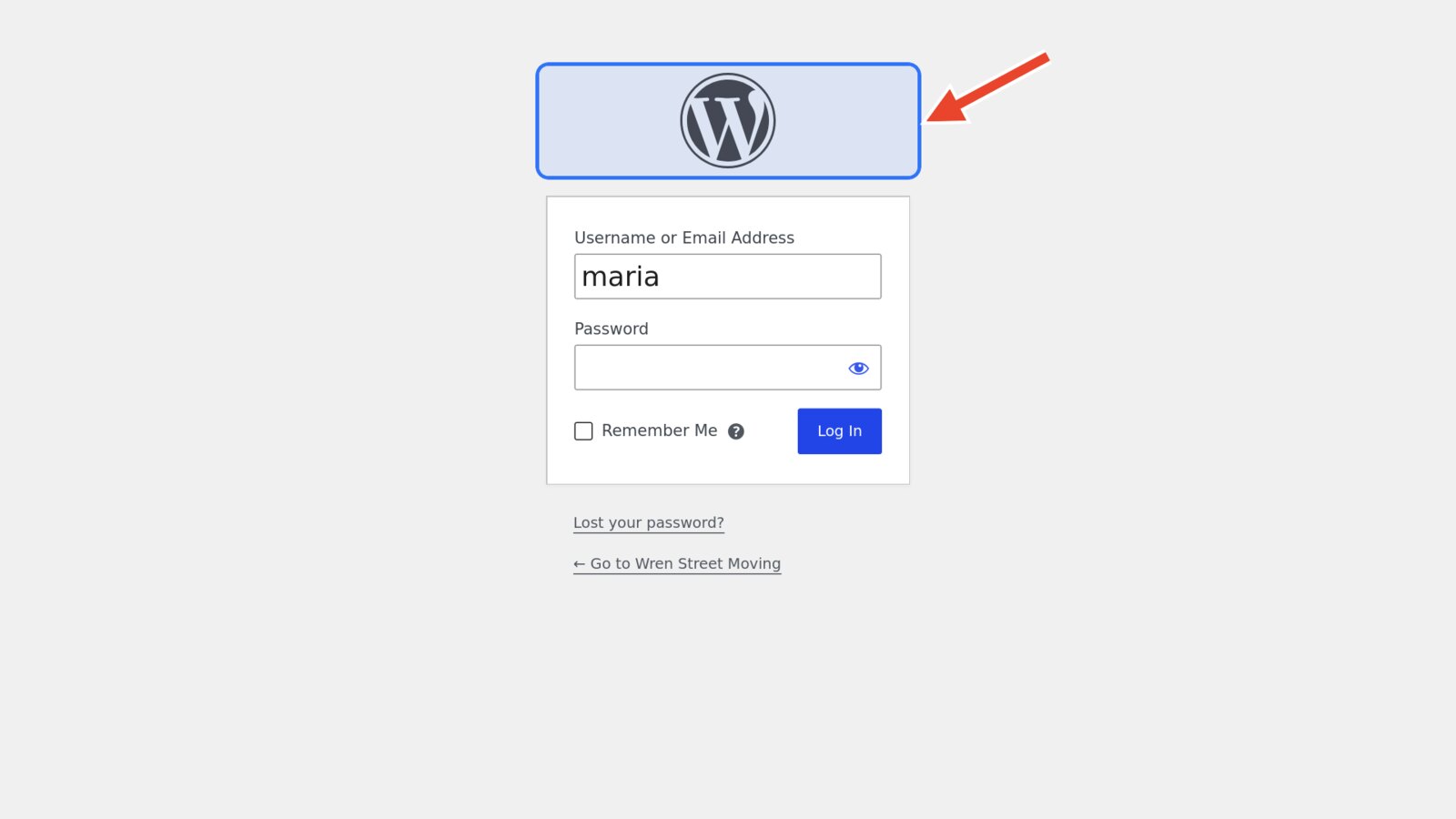
-
Your username goes in this first box.Tu nombre de usuario va en este primer cuadro.
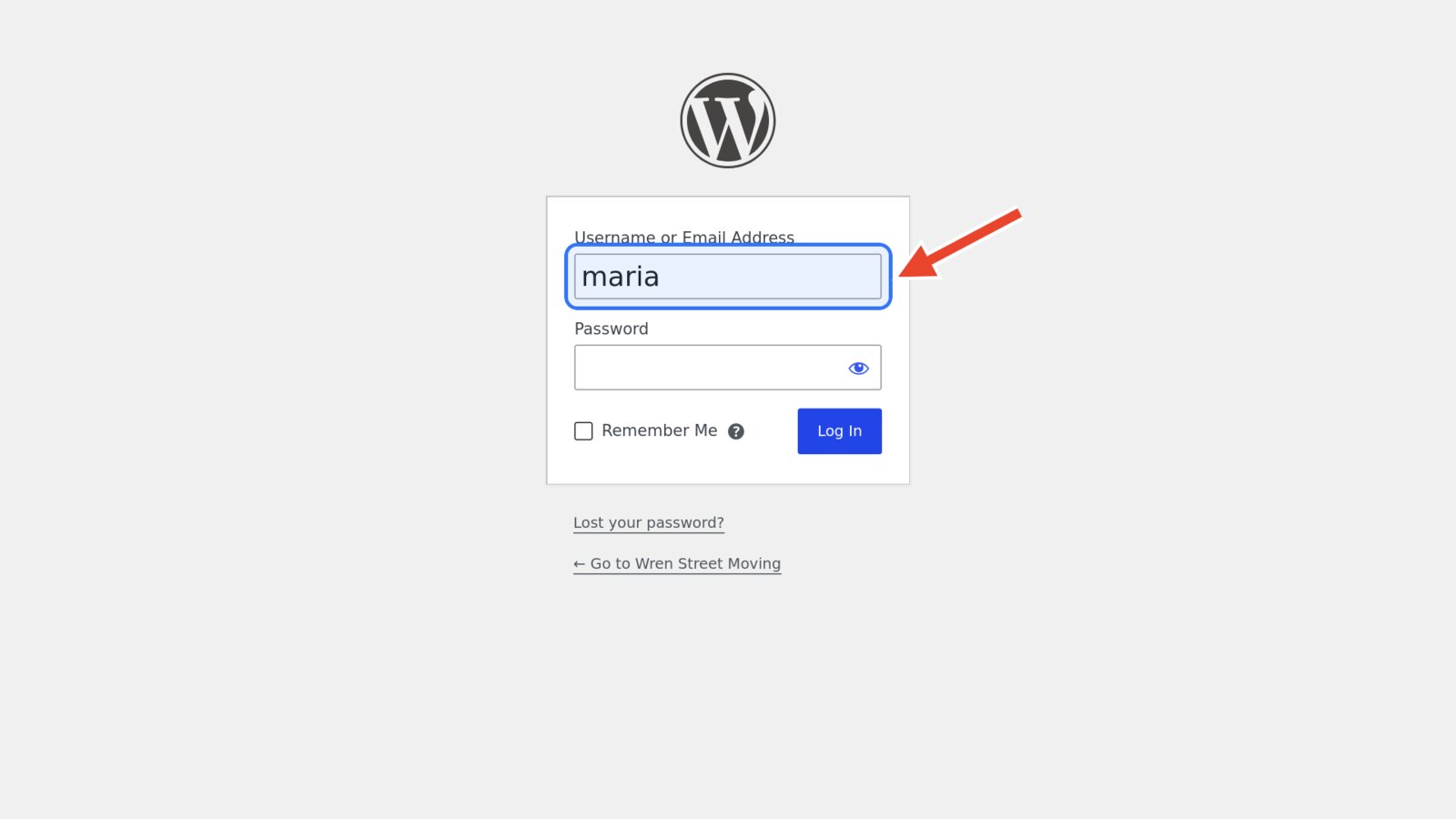
-
Your password goes in this second box.Tu contraseña va en este segundo cuadro.
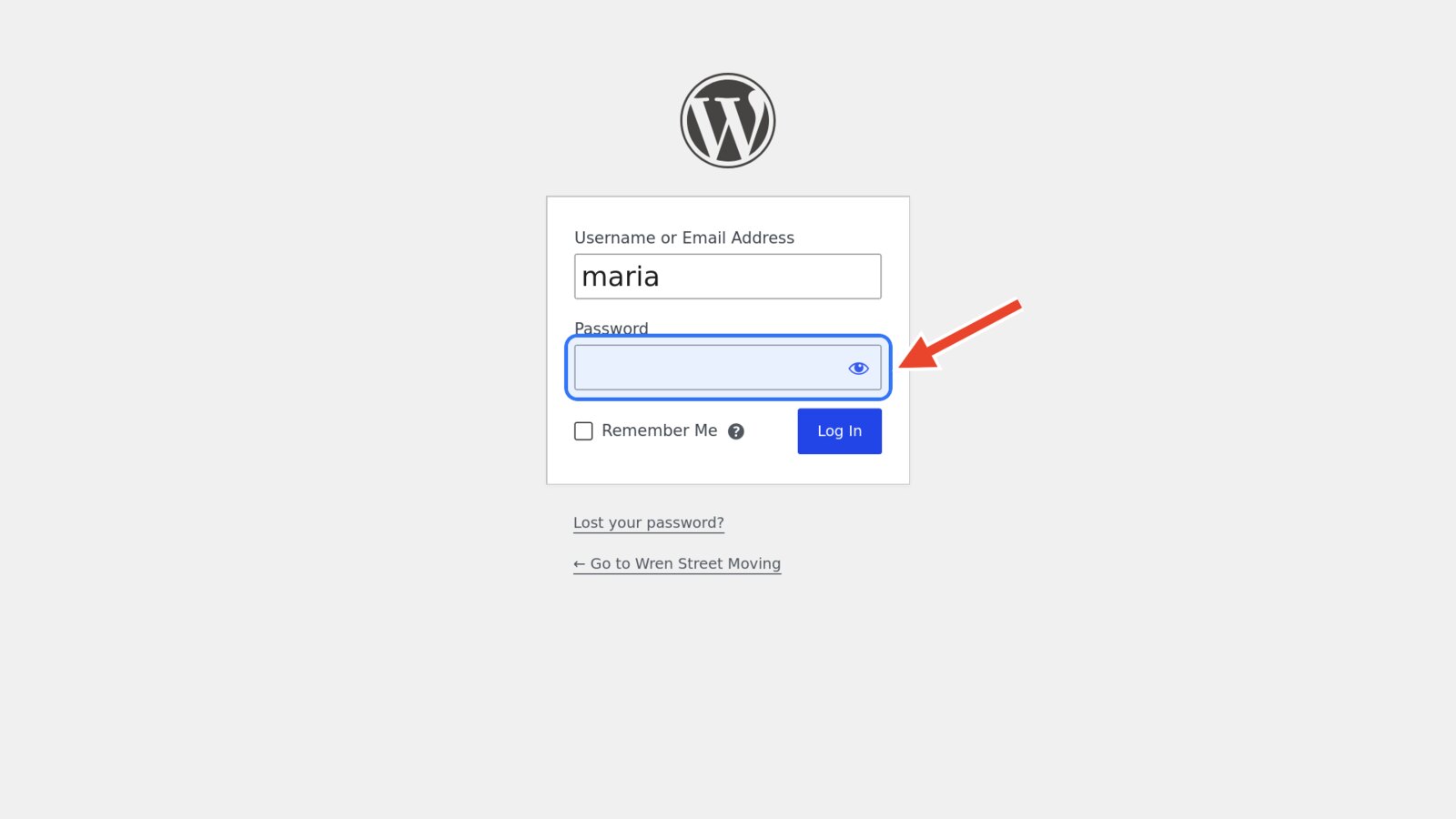
-
This button next to the password box shows or hides what you typed.Este botón junto a la contraseña muestra u oculta lo que escribiste.
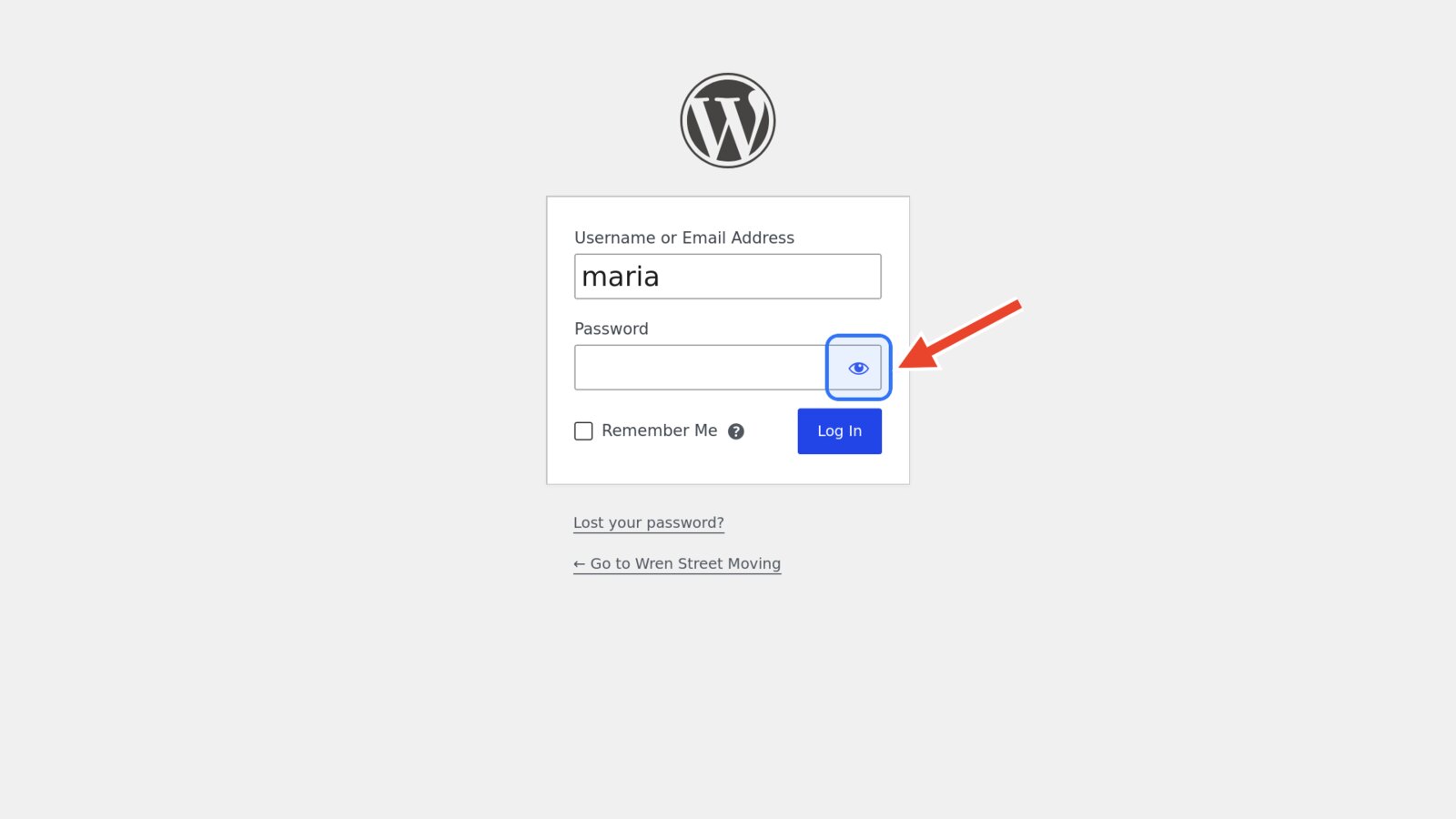
-
Remember Me keeps you logged in on this computer.Remember Me te mantiene con la sesión abierta en esta computadora.
Tip: Skip Remember Me on a shared computer.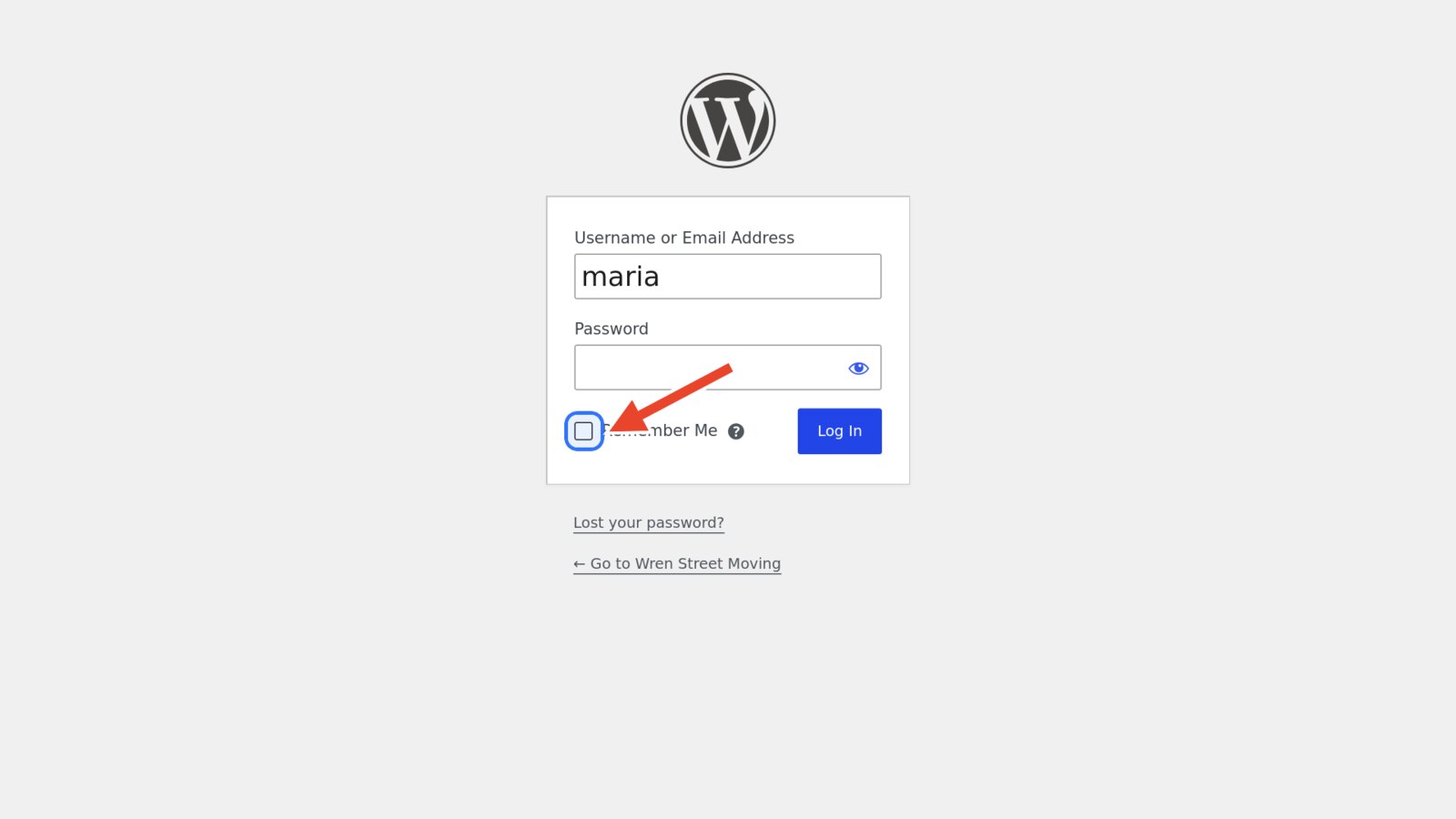
-
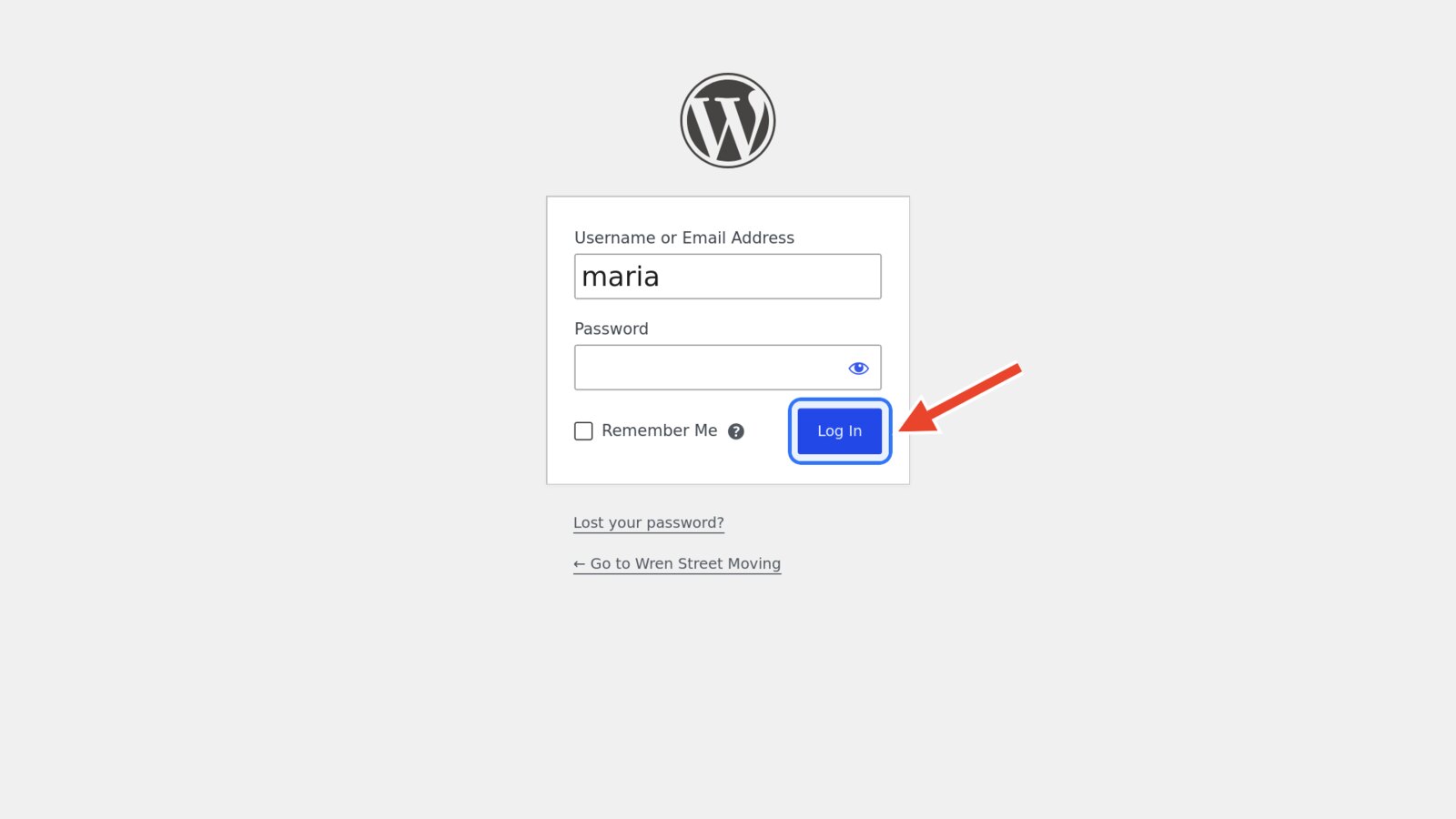
After filling both boxes, you press Log In to enter the dashboard.Después de llenar ambos cuadros, presionas Log In para entrar al panel.
-
If you forget your password, use the Lost your password? link.Si olvidas tu contraseña, usa el enlace Lost your password?.
Tip: Lost your password sends a reset link to your email.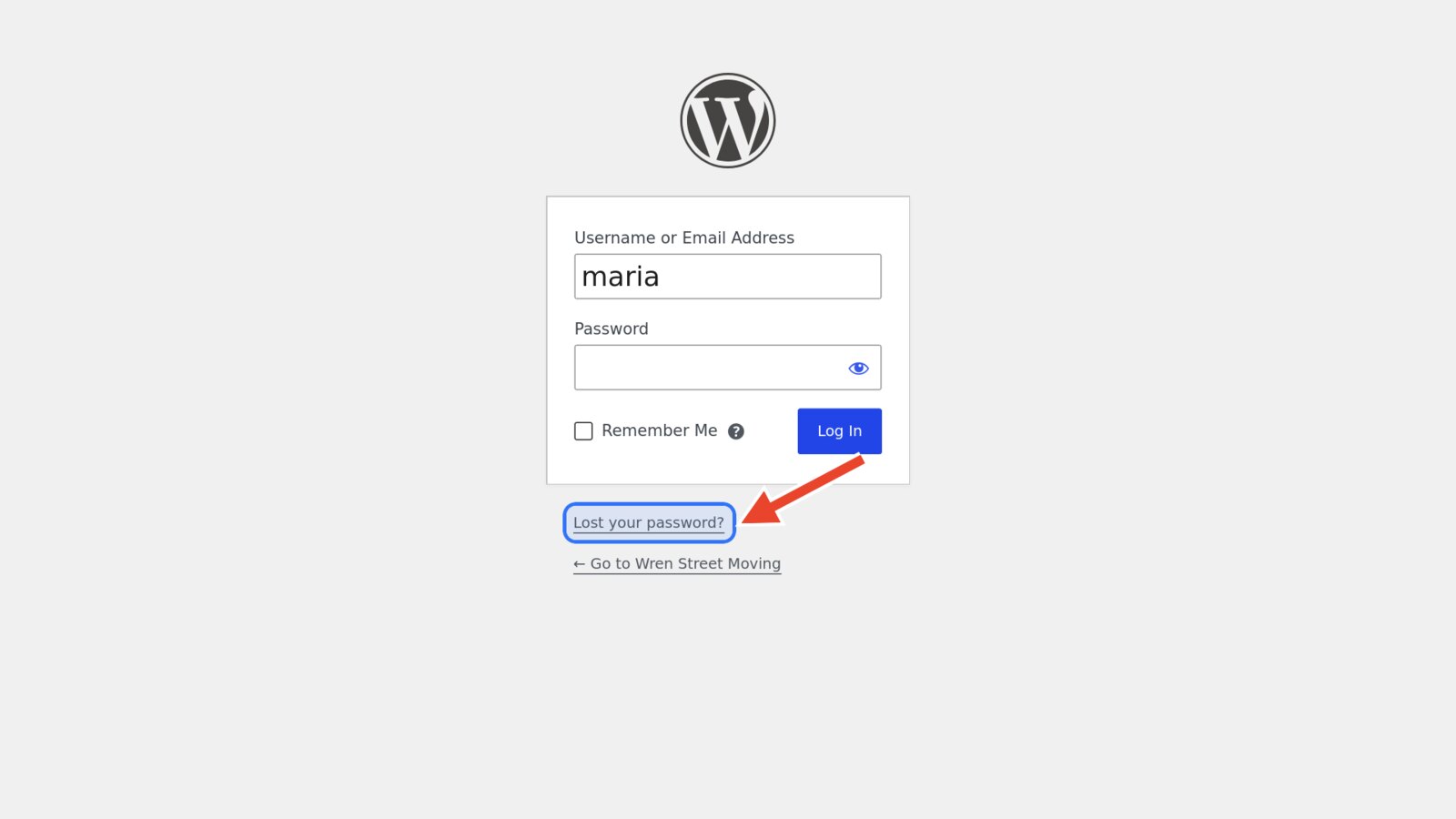
-
It opens a screen where you type your username or email, and WordPress emails you a reset link.Abre una pantalla donde escribes tu usuario o correo, y WordPress te envía un enlace para cambiarla.
-
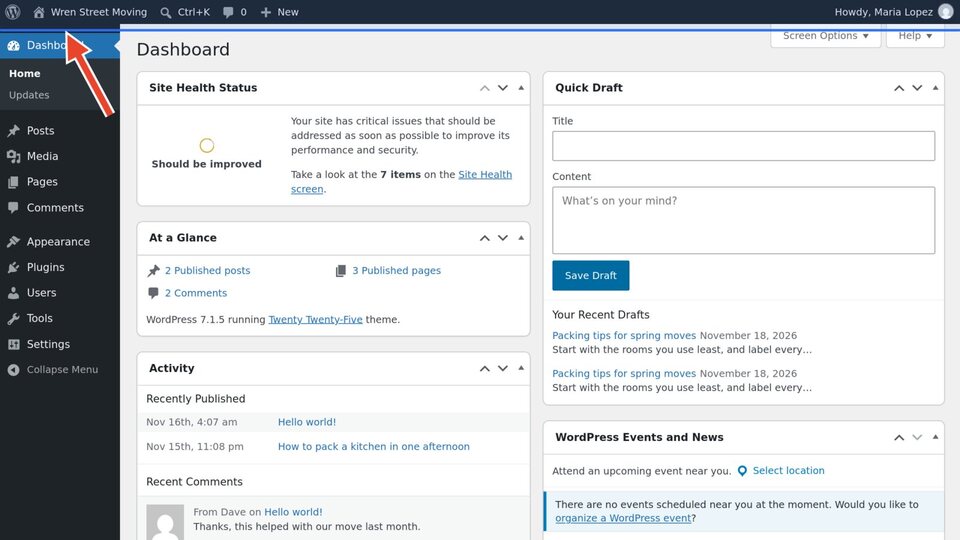
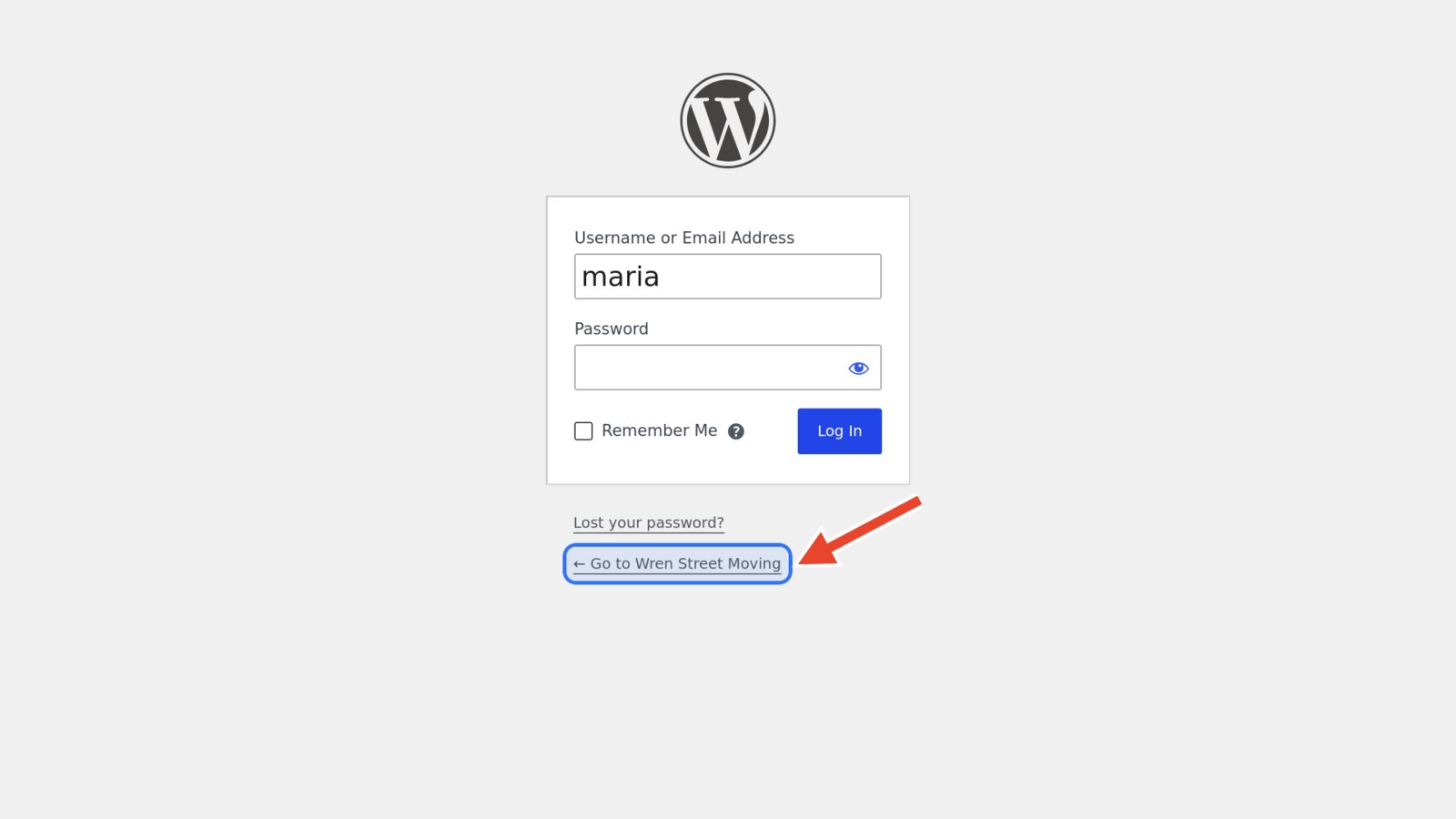
This link takes you back to the public Wren Street Moving site.Este enlace te lleva de vuelta al sitio público de Wren Street Moving.
-
That is the whole login screen: two boxes, Remember Me, Log In, and two links.Esa es toda la pantalla de inicio de sesión: dos cuadros, Remember Me, Log In y dos enlaces.
Stuck on your own site?
Get walked through it one-on-one, on video, on your real site. Or hand the job over and have it done.
- You click, I guide
- One price per job, set before work starts
- English or Spanish
Where this comes from
Every step was run on a real WordPress site and checked against the official WordPress documentation: