Short videos that show you where to click in WordPress, with a red arrow on every step and a screenshot to match. Each one covers a single job, from start to finish, on a real site.
- 31 lessons
- About 34 min in all
- English and Spanish
- A screenshot for every step
Start here
Find your way around before you change anything.
Posts, pages and media
Write it, sort it, and find it again.
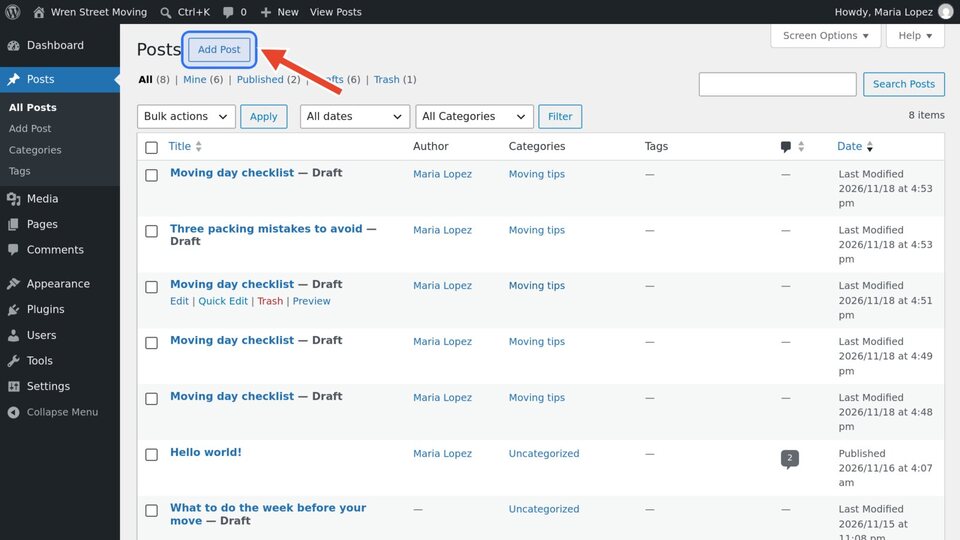 1 min
5
Write and publish a post
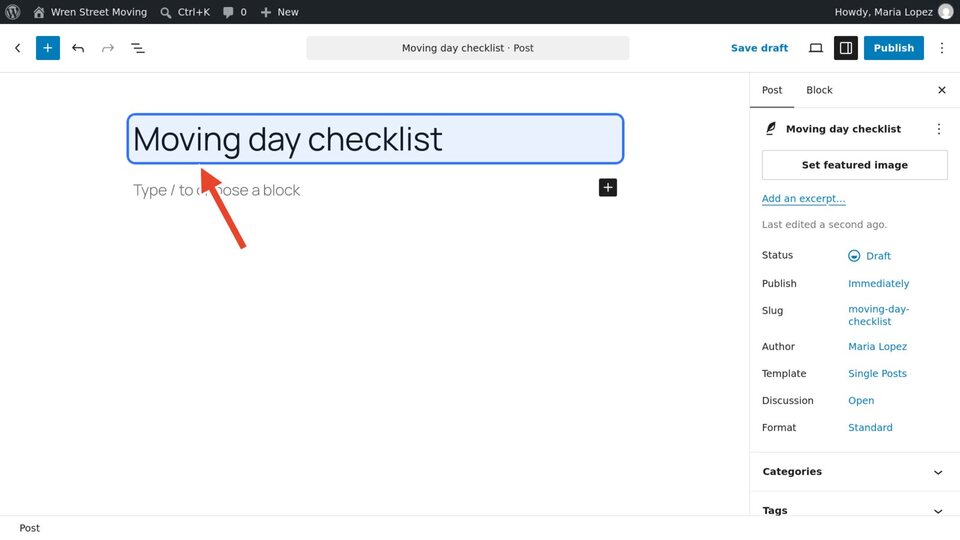 1 min
6
Add blocks in the WordPress editor
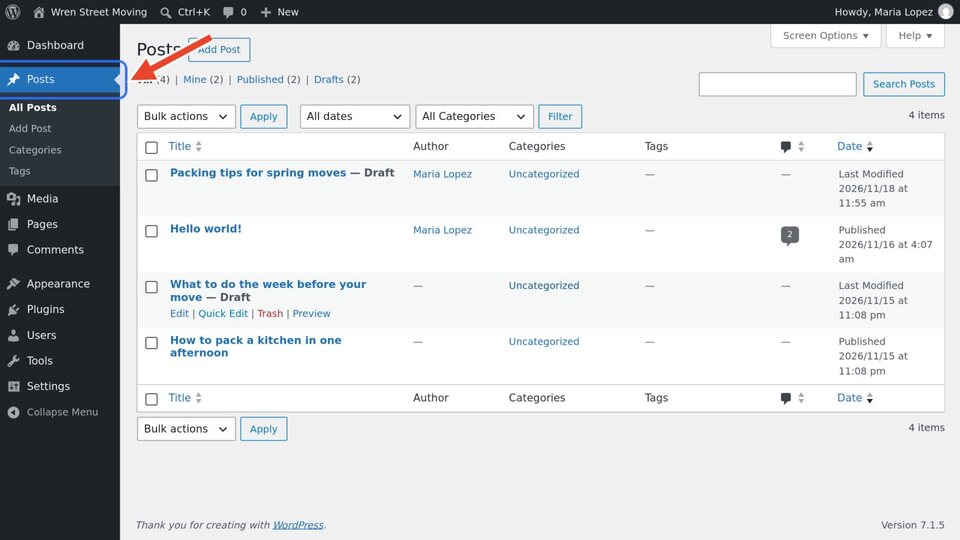 1 min
7
Find, quick edit and trash a post
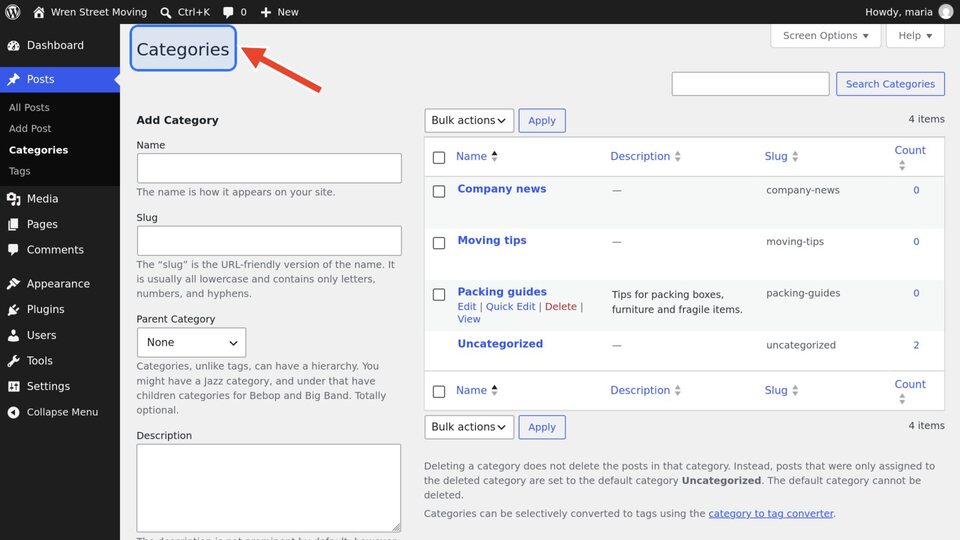 1 min
8
Add and use categories
 1 min
9
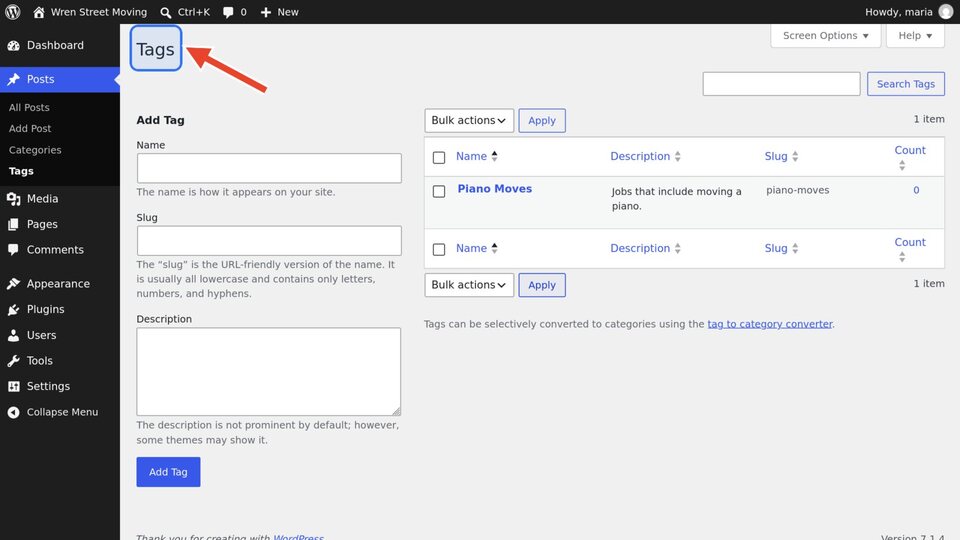
Add and use tags in WordPress
 1 min
10
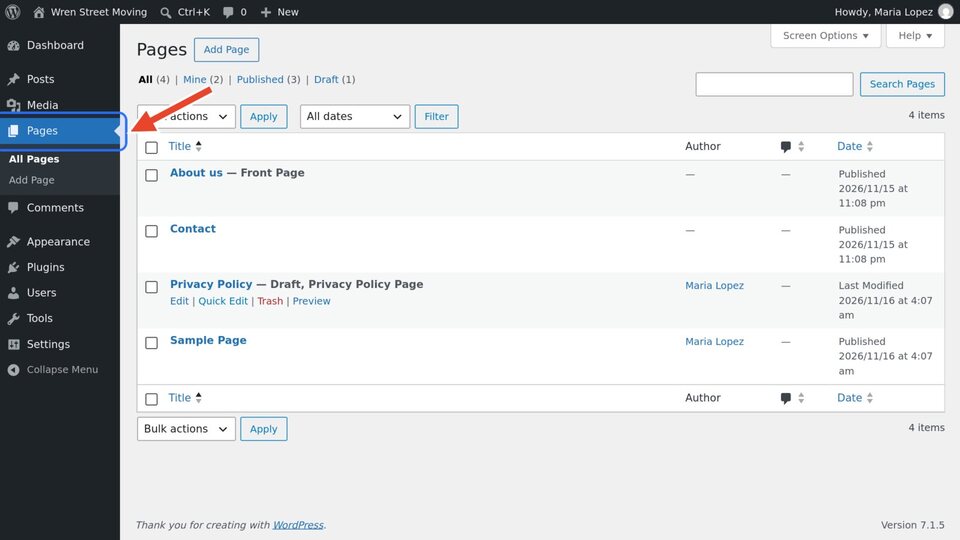
Add a new page
 1 min
11
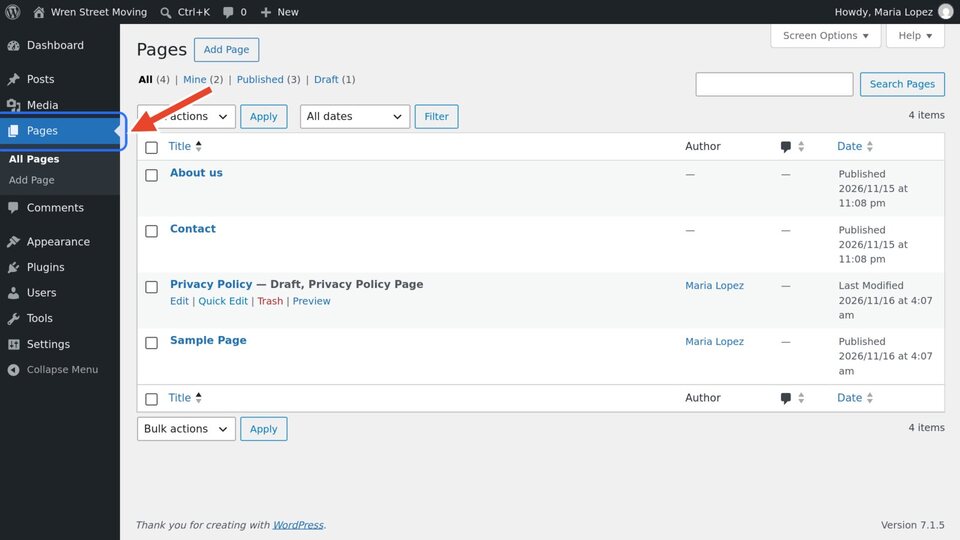
Pages: what they are and how they differ from posts
 1 min
12
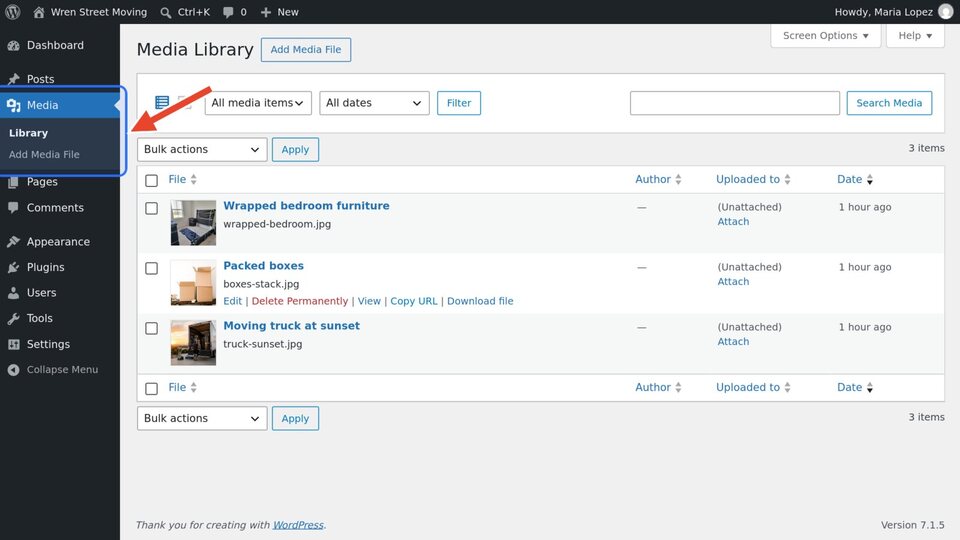
Find a media file and open its details
 1 min
13
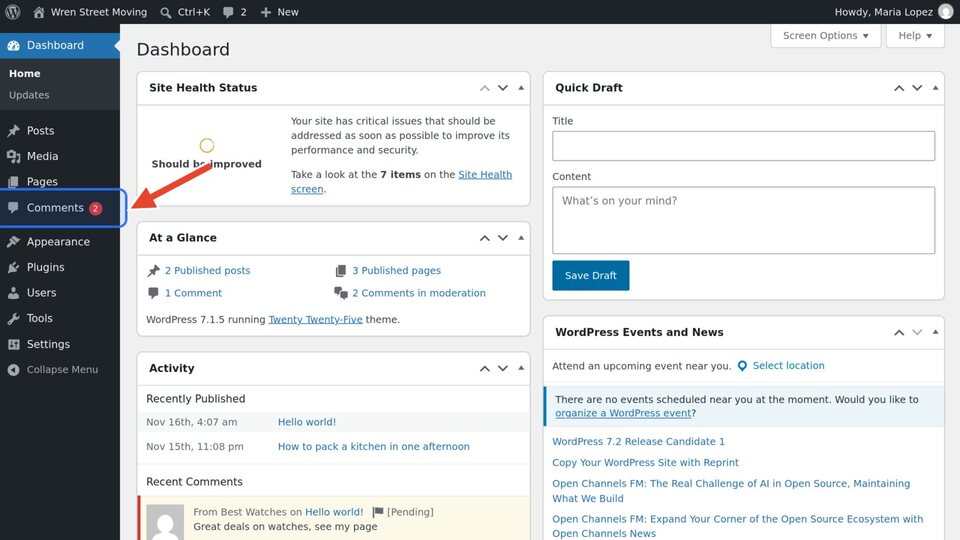
Approve and spam comments
Themes and plugins
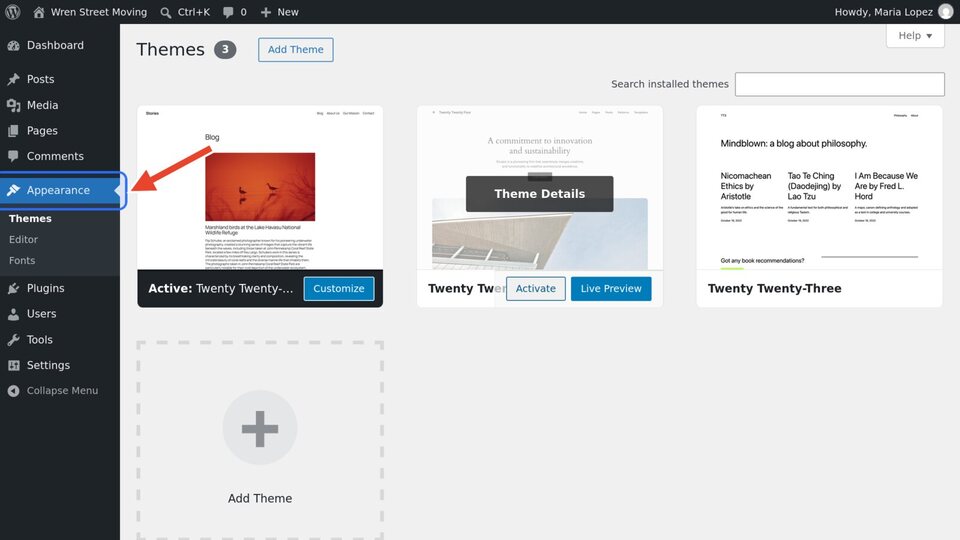
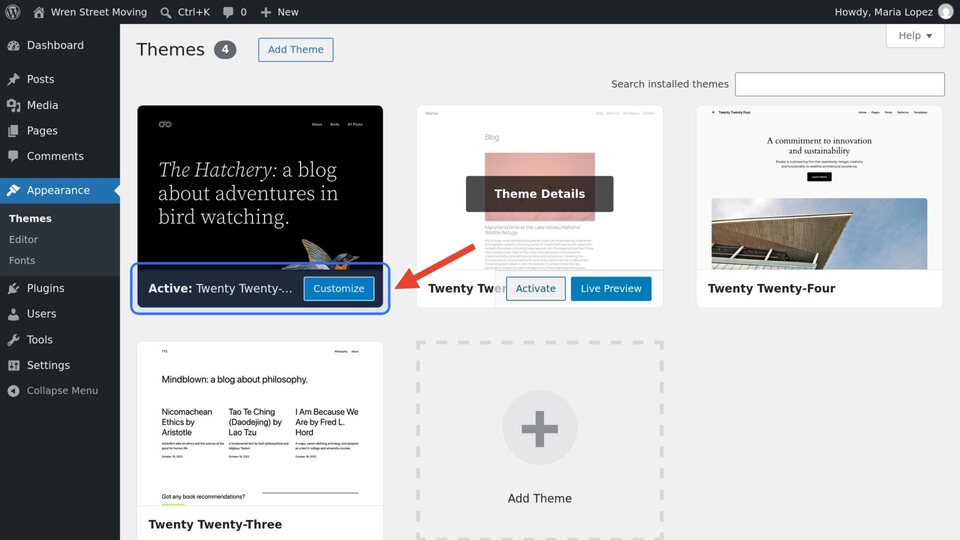
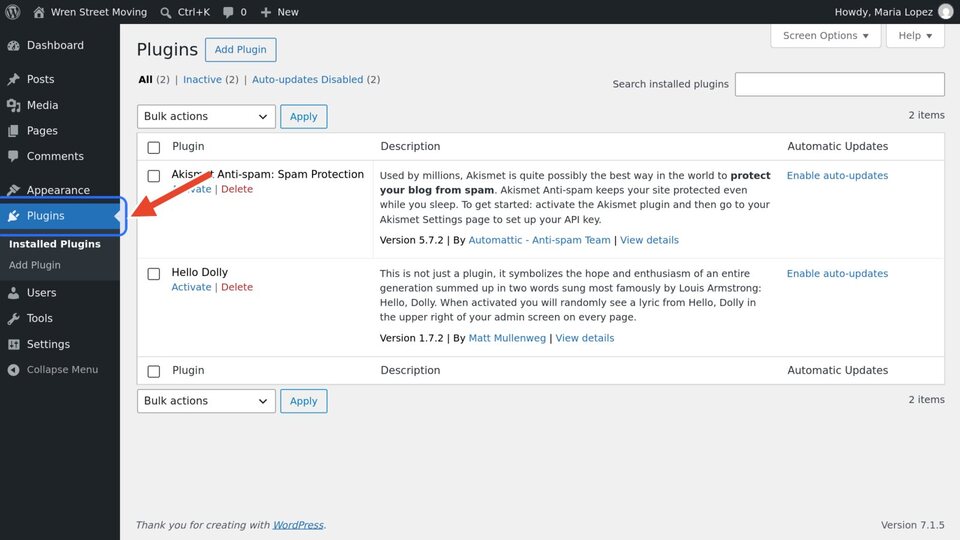
Change how the site looks and what it can do.
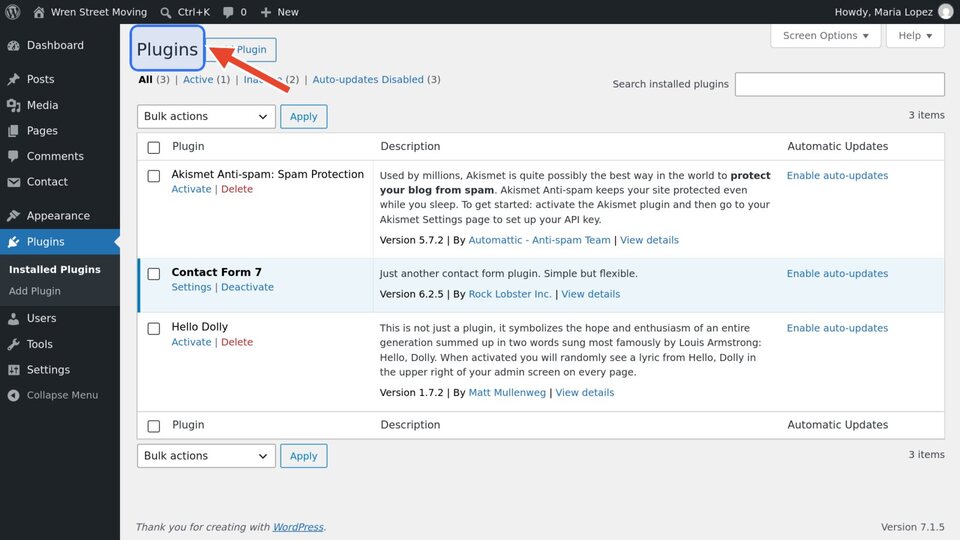
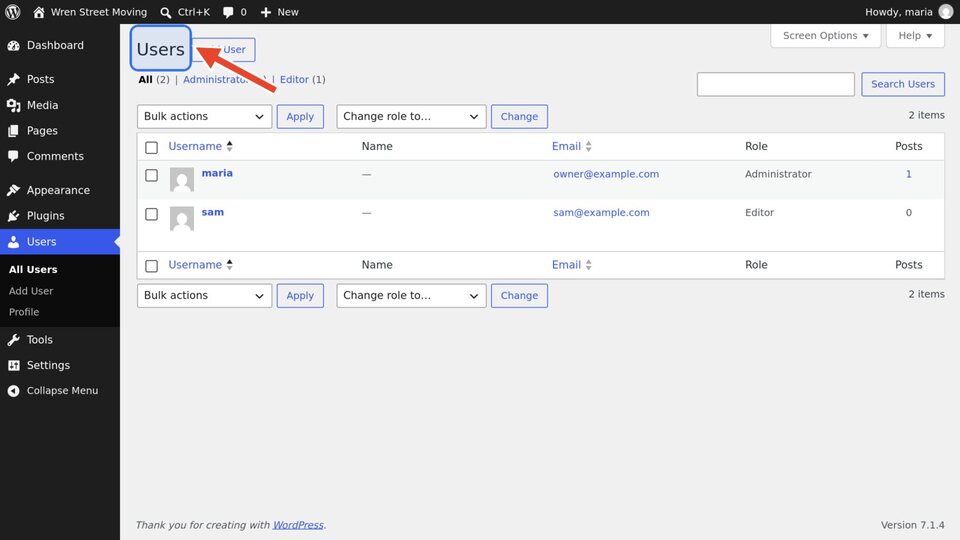
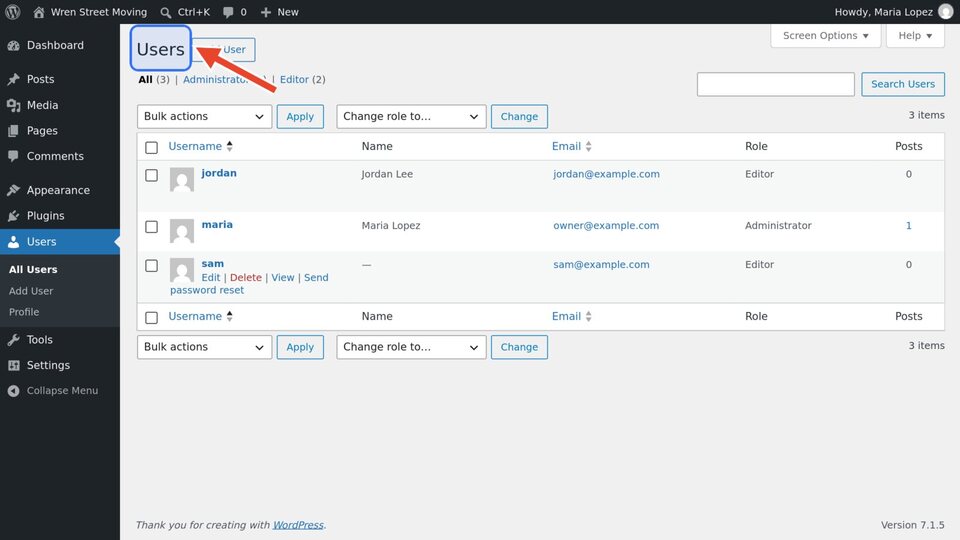
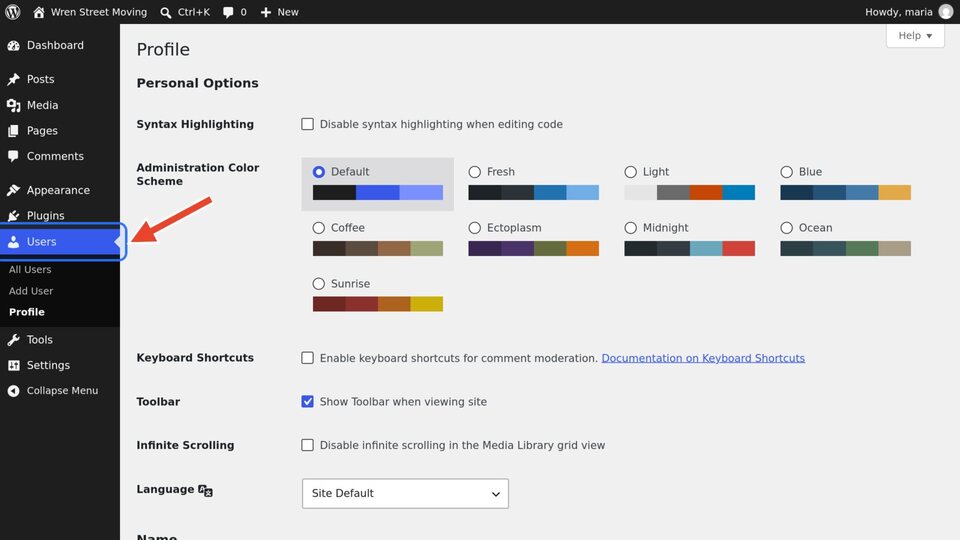
People
Who can sign in, and what each person can do.
Settings
The switches most sites set once.
 1 min
21
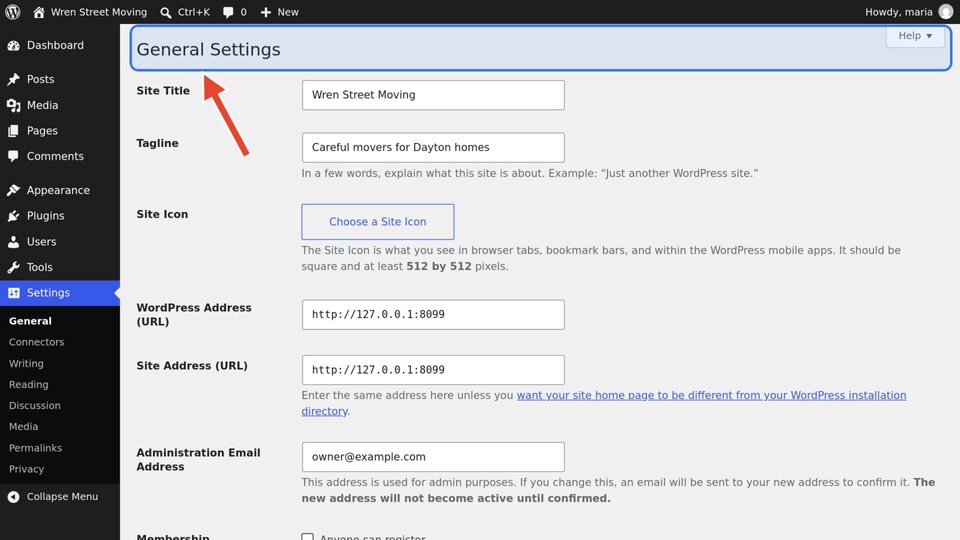
Site title, tagline and time zone
 1 min
22
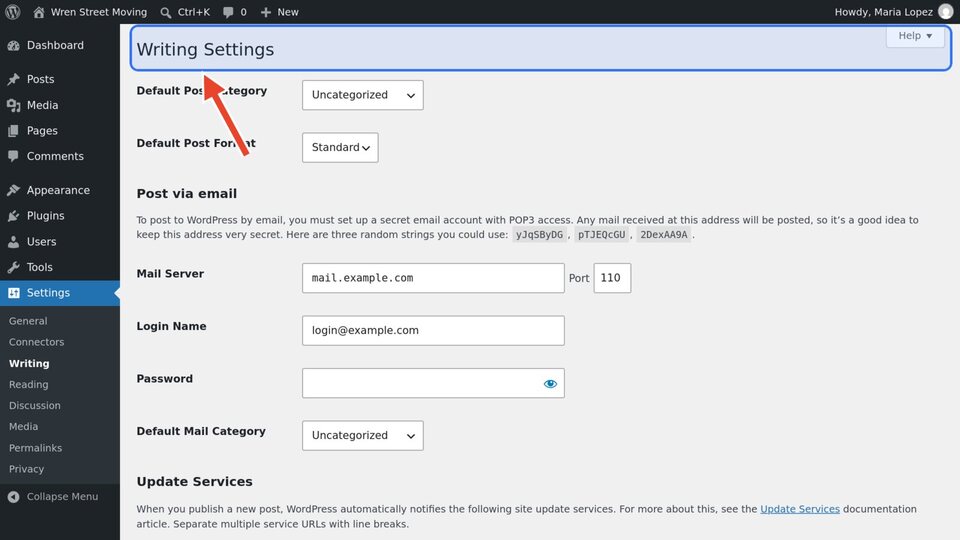
Set your default post category and format
 1 min
23
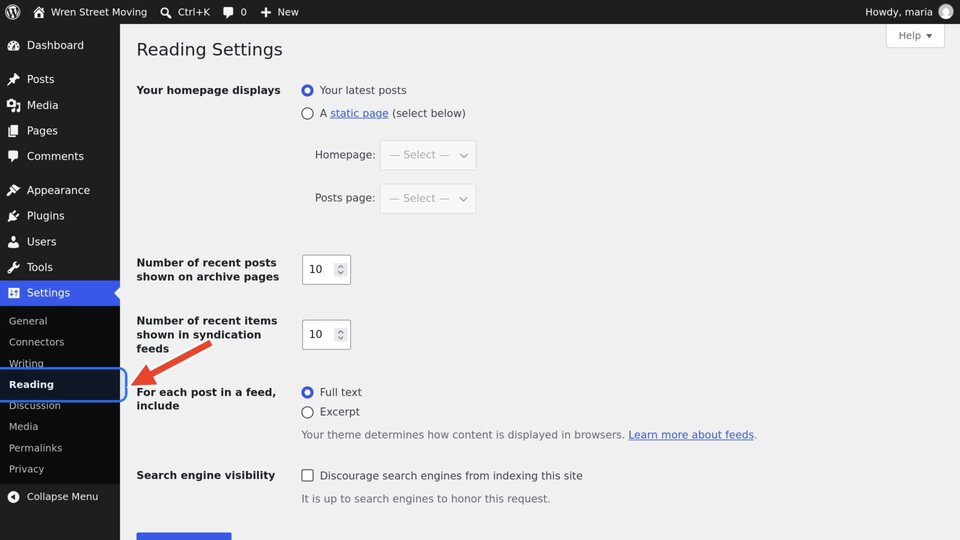
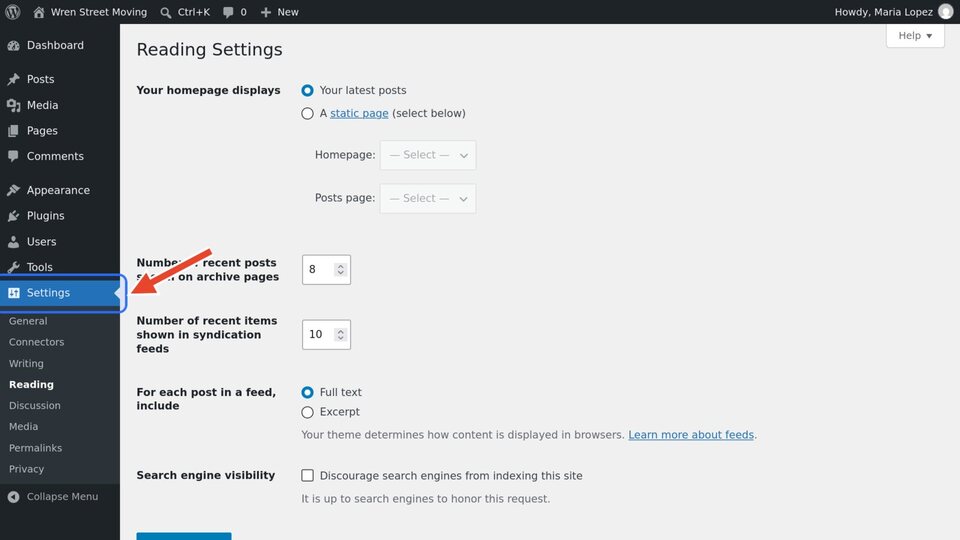
Choose your home page and post count
 1 min
24
Set a static home page in WordPress
 1 min
25
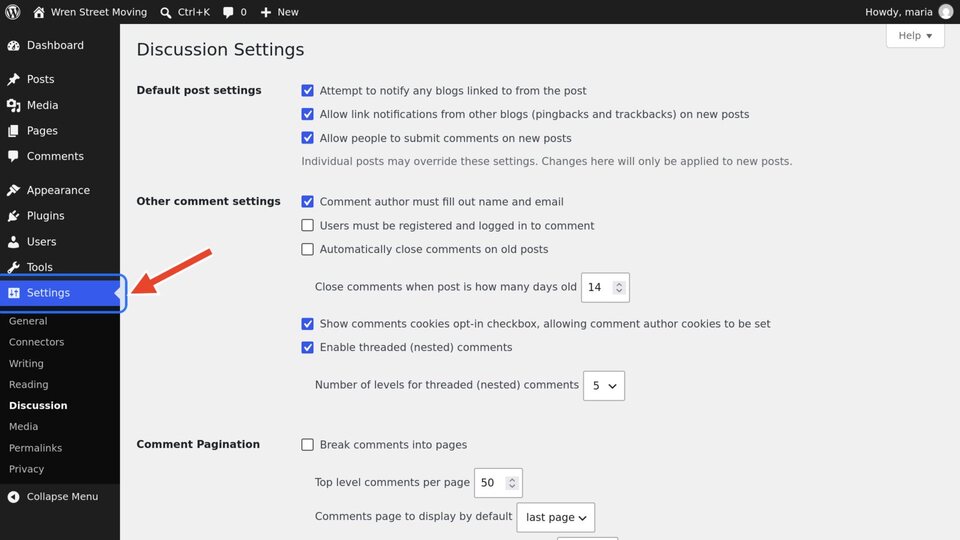
Control who can comment on your site
 1 min
26
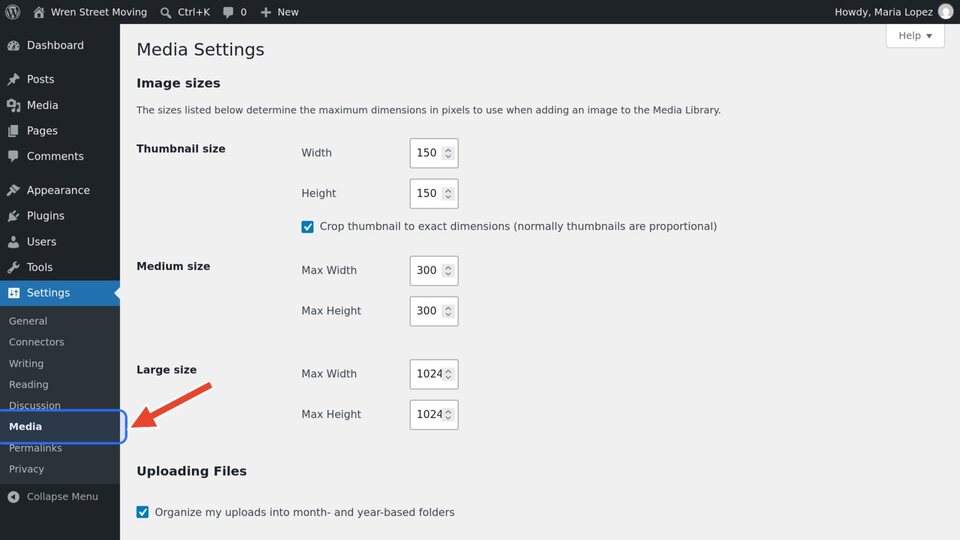
Understand image sizes in Media Settings
 1 min
27
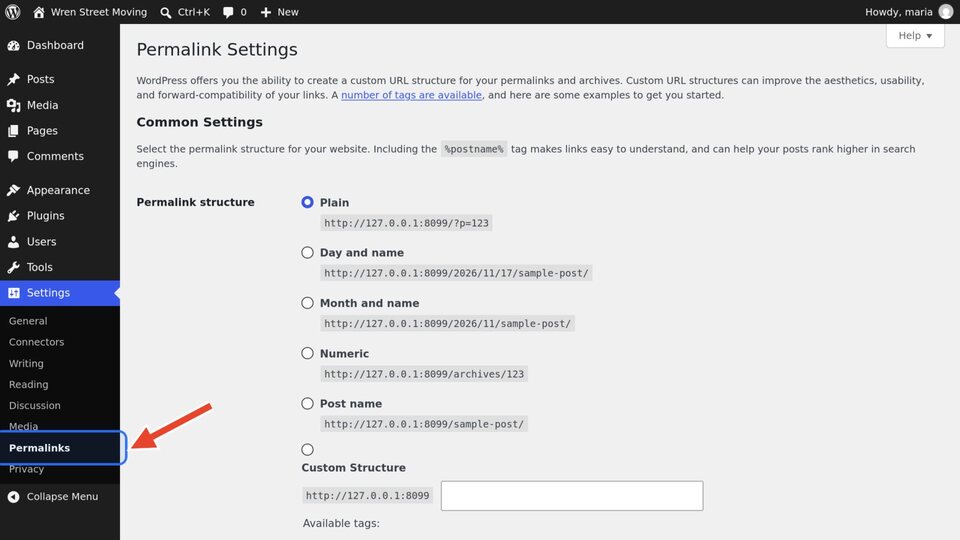
Choose how your page addresses look
 1 min
28
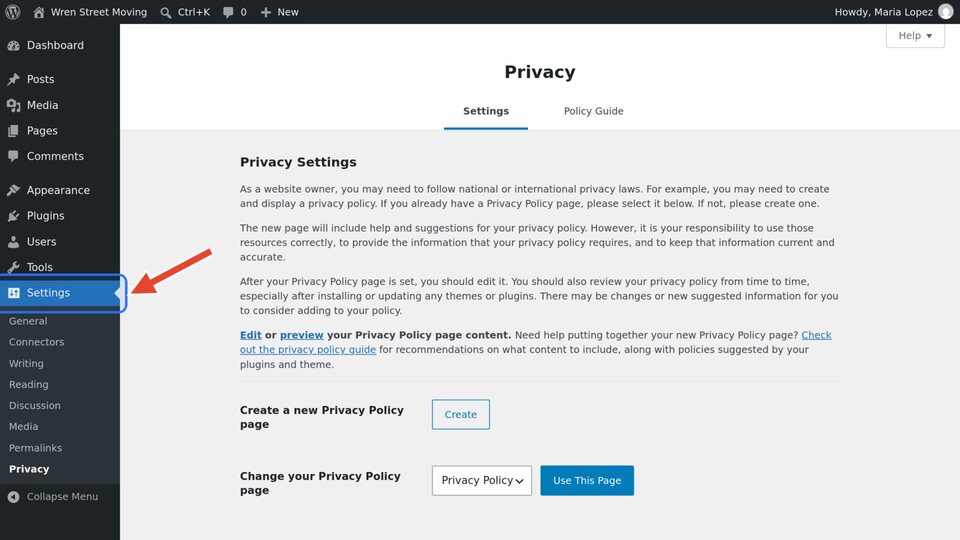
Choose your privacy policy page
Keep it healthy
Updates, checks and a copy of your content.
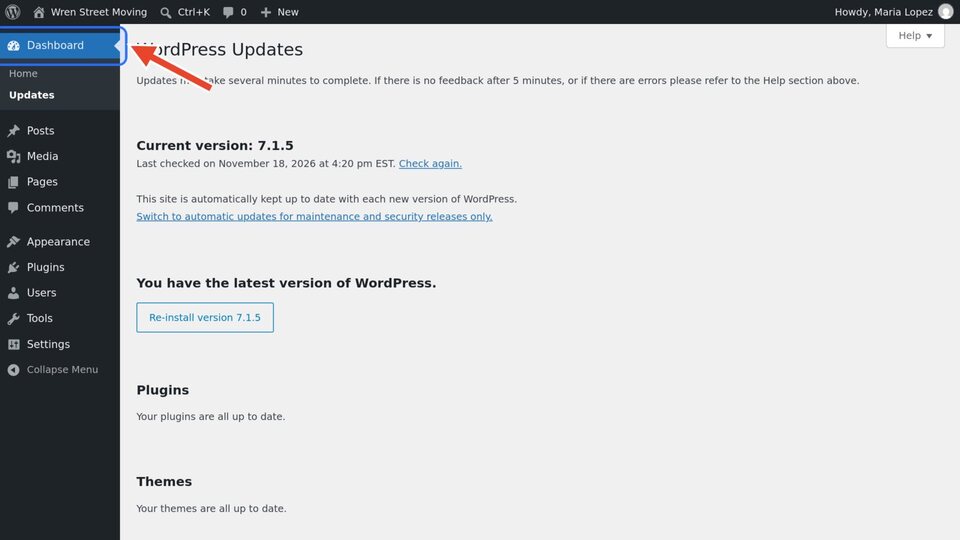
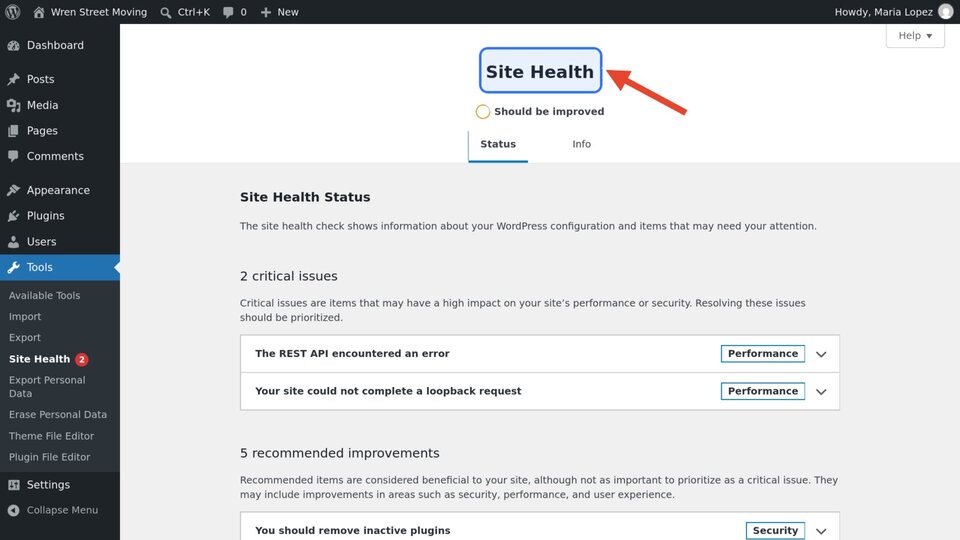
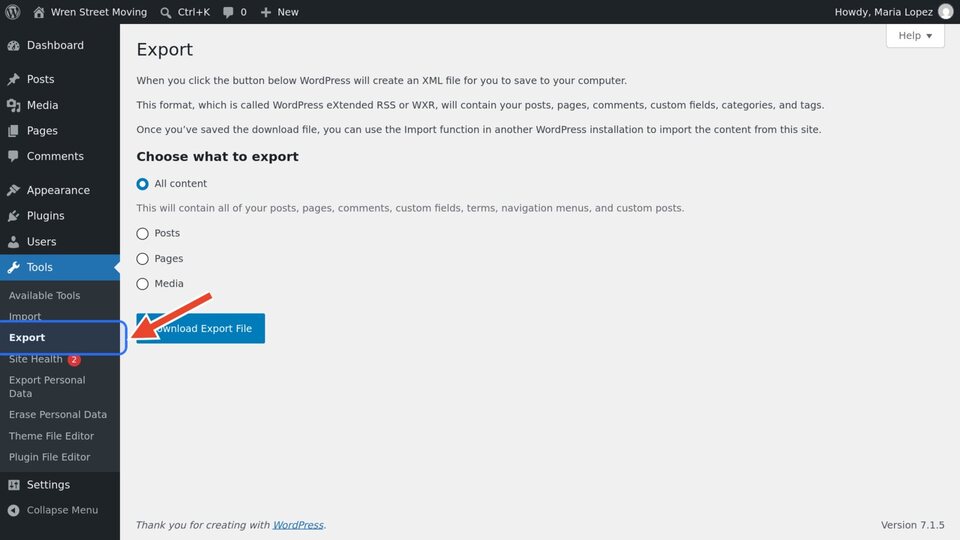
Filmed on a practice WordPress site for a made-up company, Wren Street Moving. Every lesson is checked against the official WordPress documentation, which is linked at the bottom of each page.
Start here
Tell me the job
Stuck on your own site?
Get walked through it one-on-one on video, or hand the job over. One price per job, set before work starts.