Add and use tags in WordPress
The steps
-
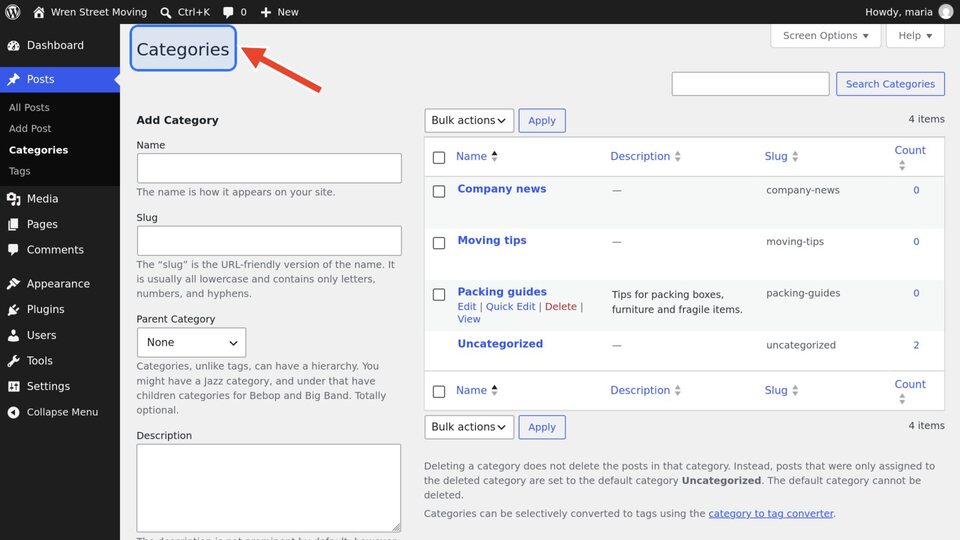
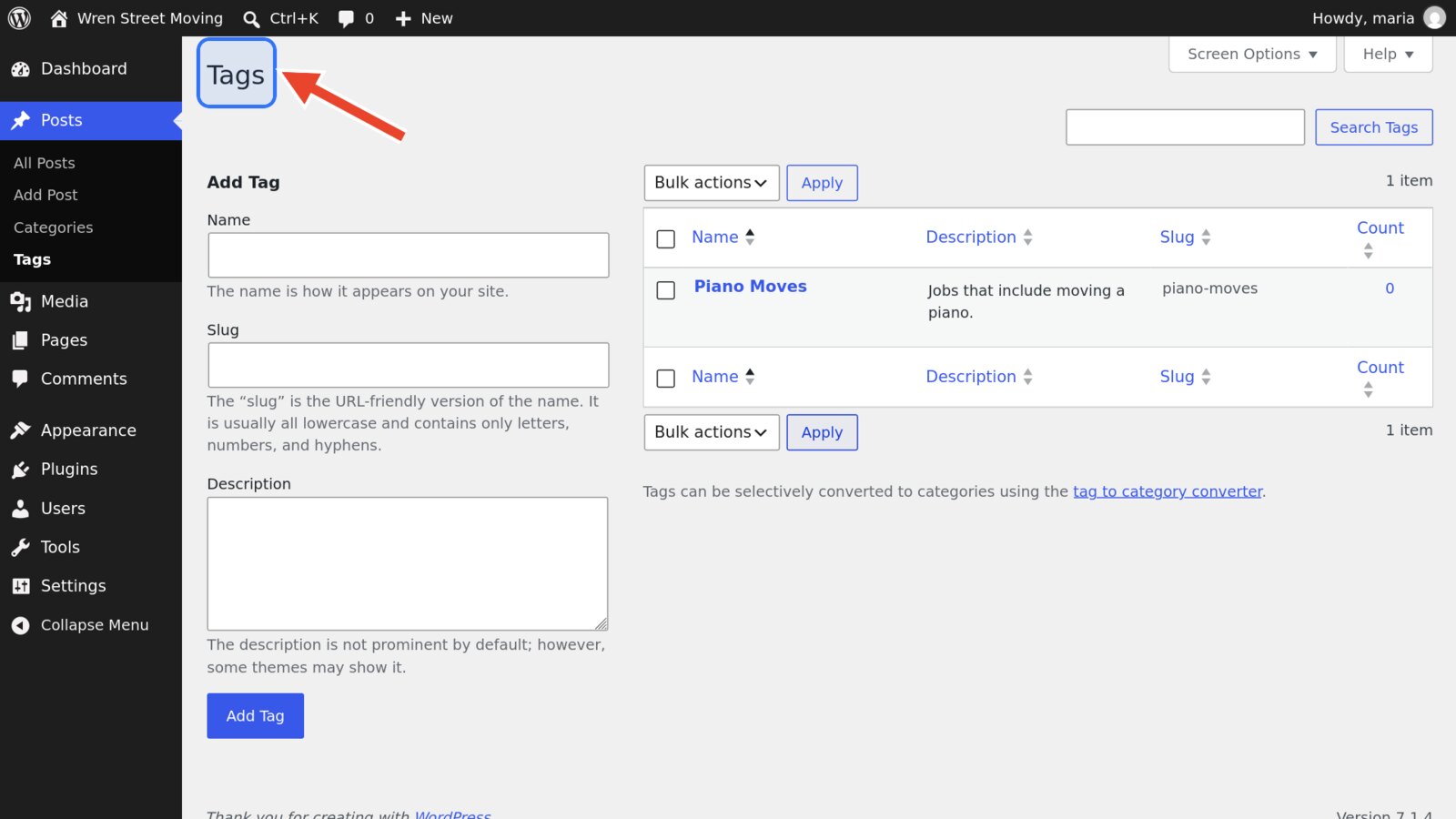
This is the Tags screen. Every tag you make is managed here.Esta es la pantalla Tags. Aquí se administran todas las etiquetas que creas.
-
Categories are different: they can have parents and children. Tags have no hierarchy.Las Categories son distintas: pueden tener padres e hijos. Los Tags no tienen jerarquía.
Tip: Use tags for small specific details and categories for the big groups.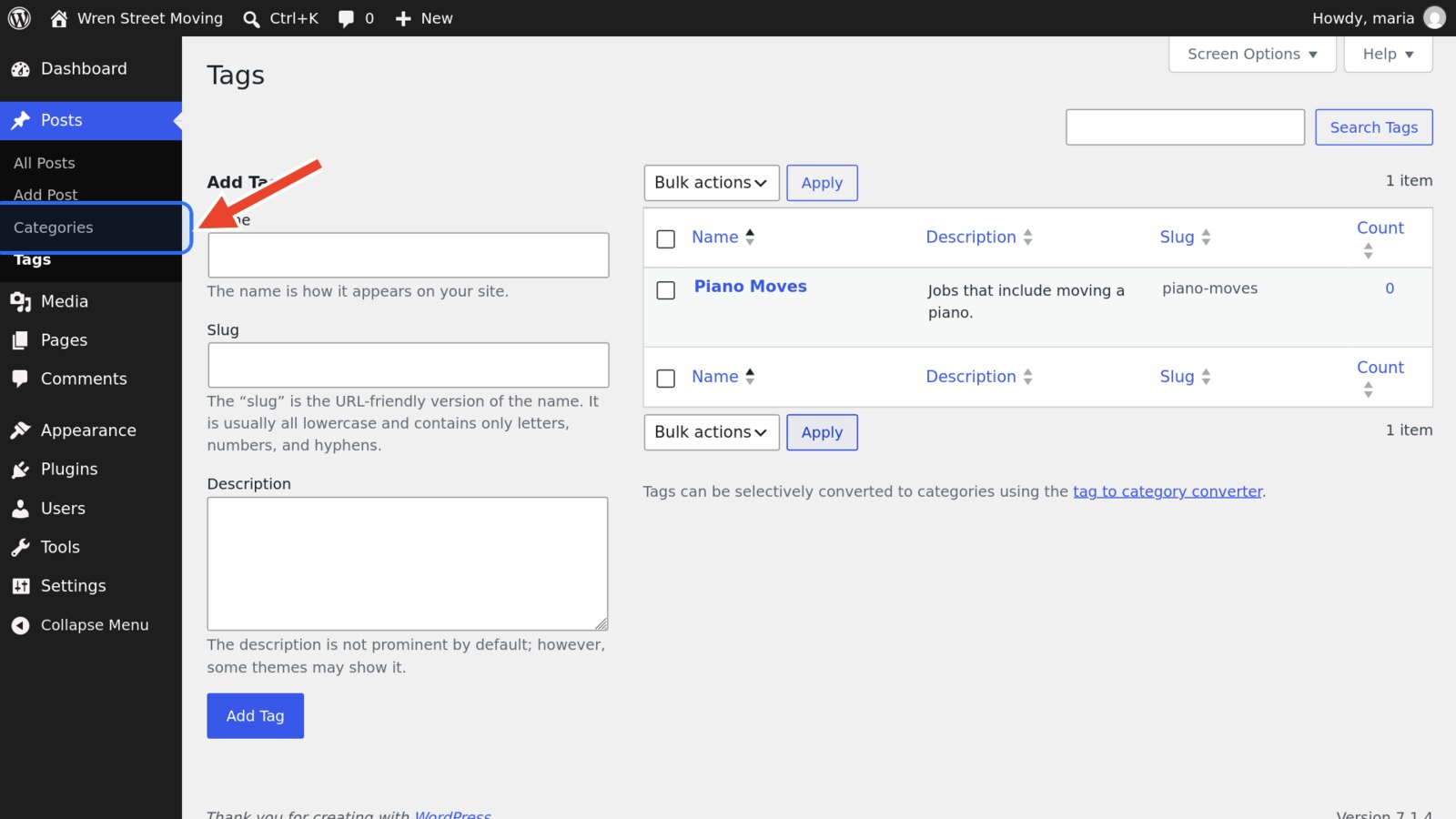
-
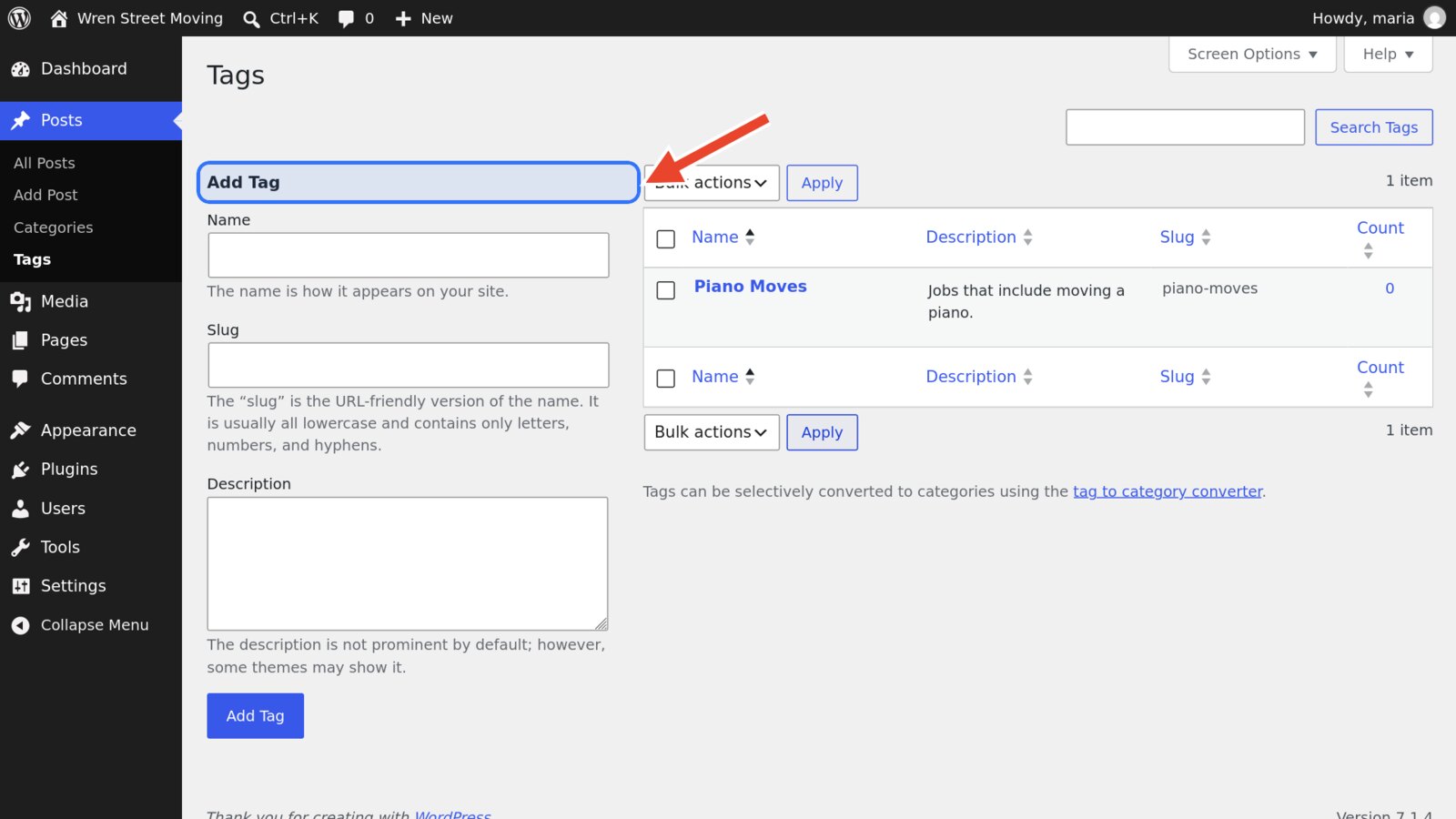
The Add Tag form is on the left side of the screen.El formulario Add Tag está en el lado izquierdo de la pantalla.
-
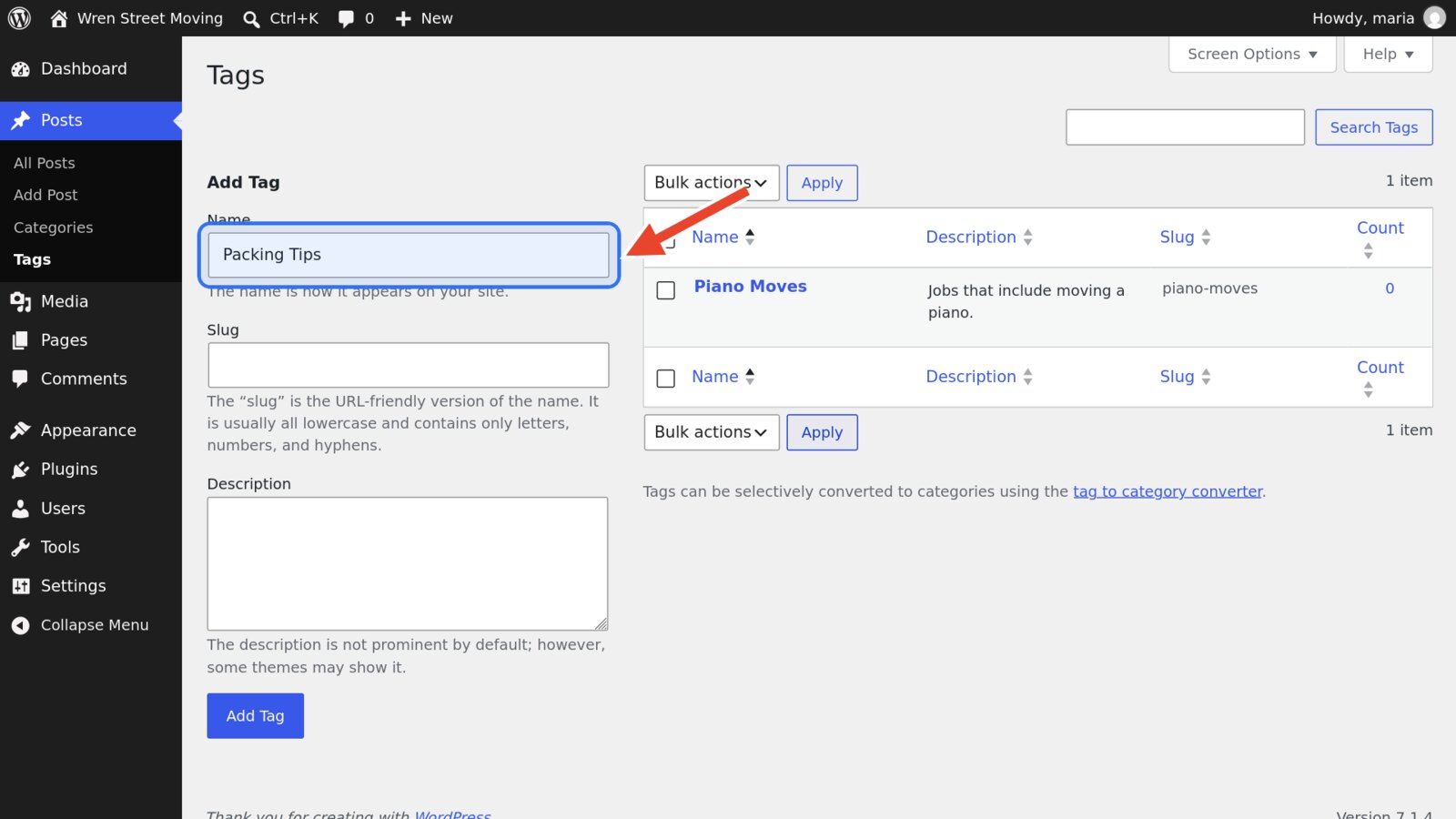
Type the tag name here. It must be different from every other tag.Escribe aquí el nombre del tag. Debe ser distinto a los demás tags.
-
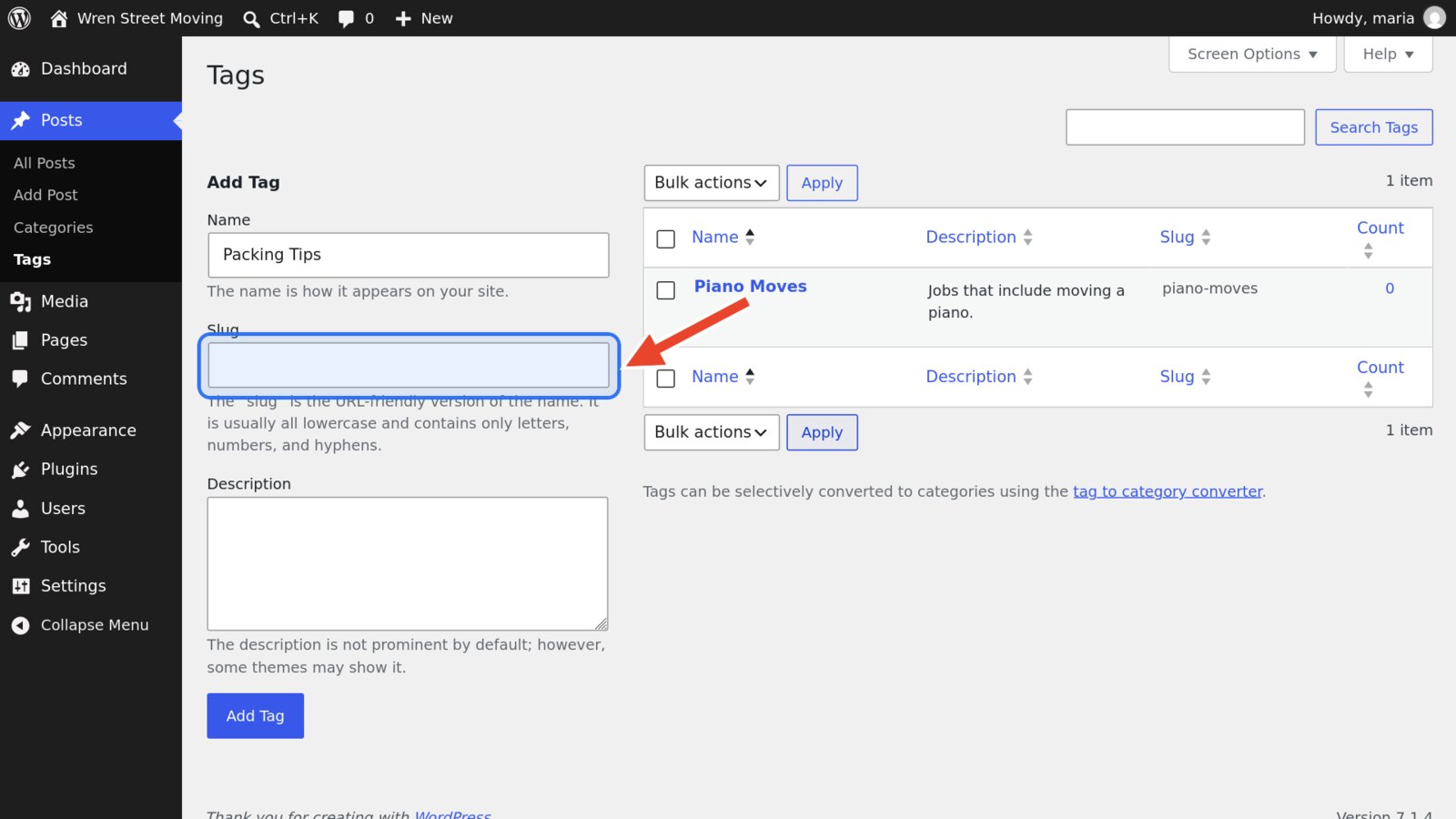
Leave Slug empty. It is the URL-friendly version of the name.Deja Slug vacío. Es la versión del nombre apta para direcciones web.
-
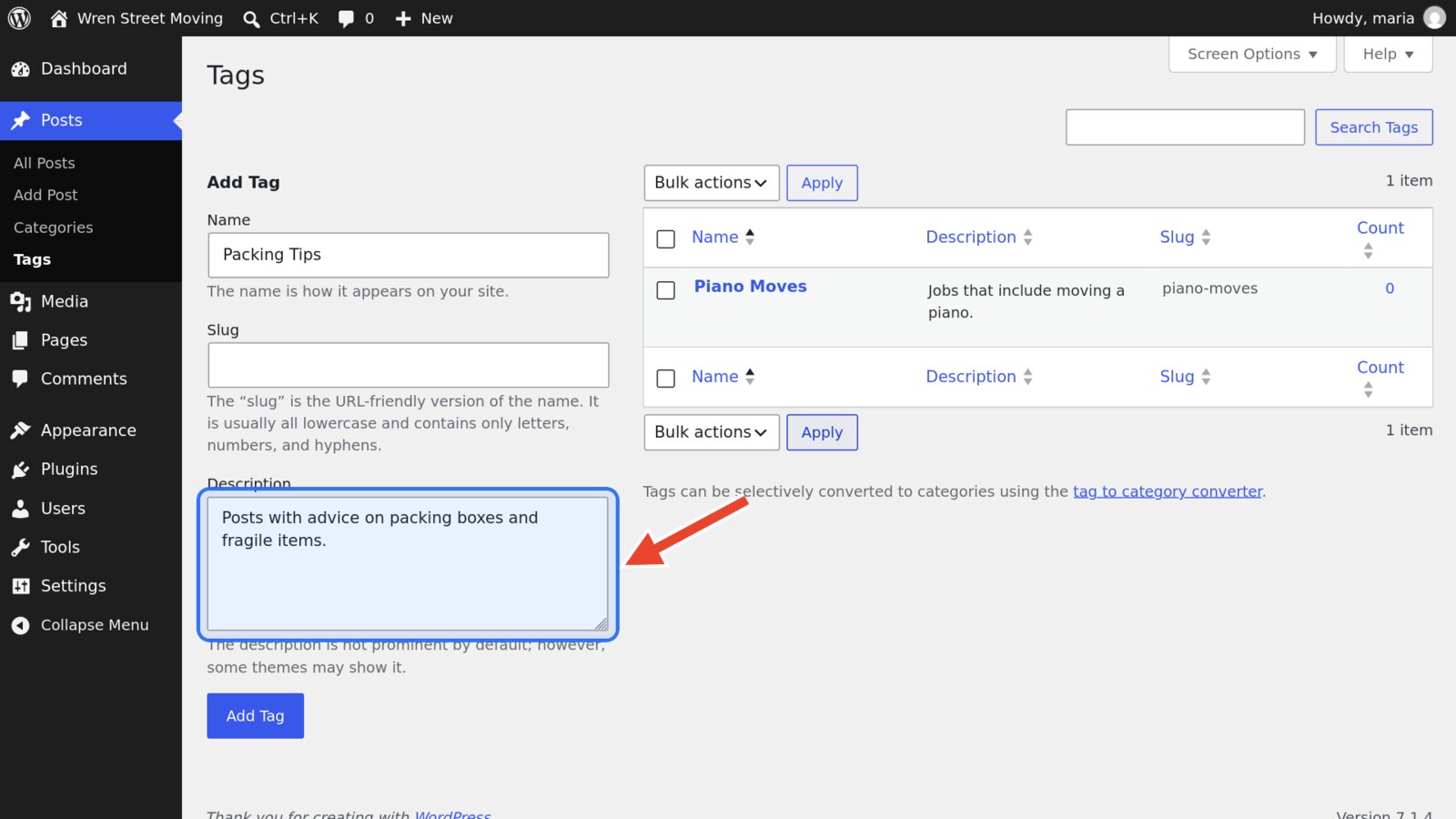
Write a short description of what this tag is for.Escribe una breve descripción de para qué sirve este tag.
-
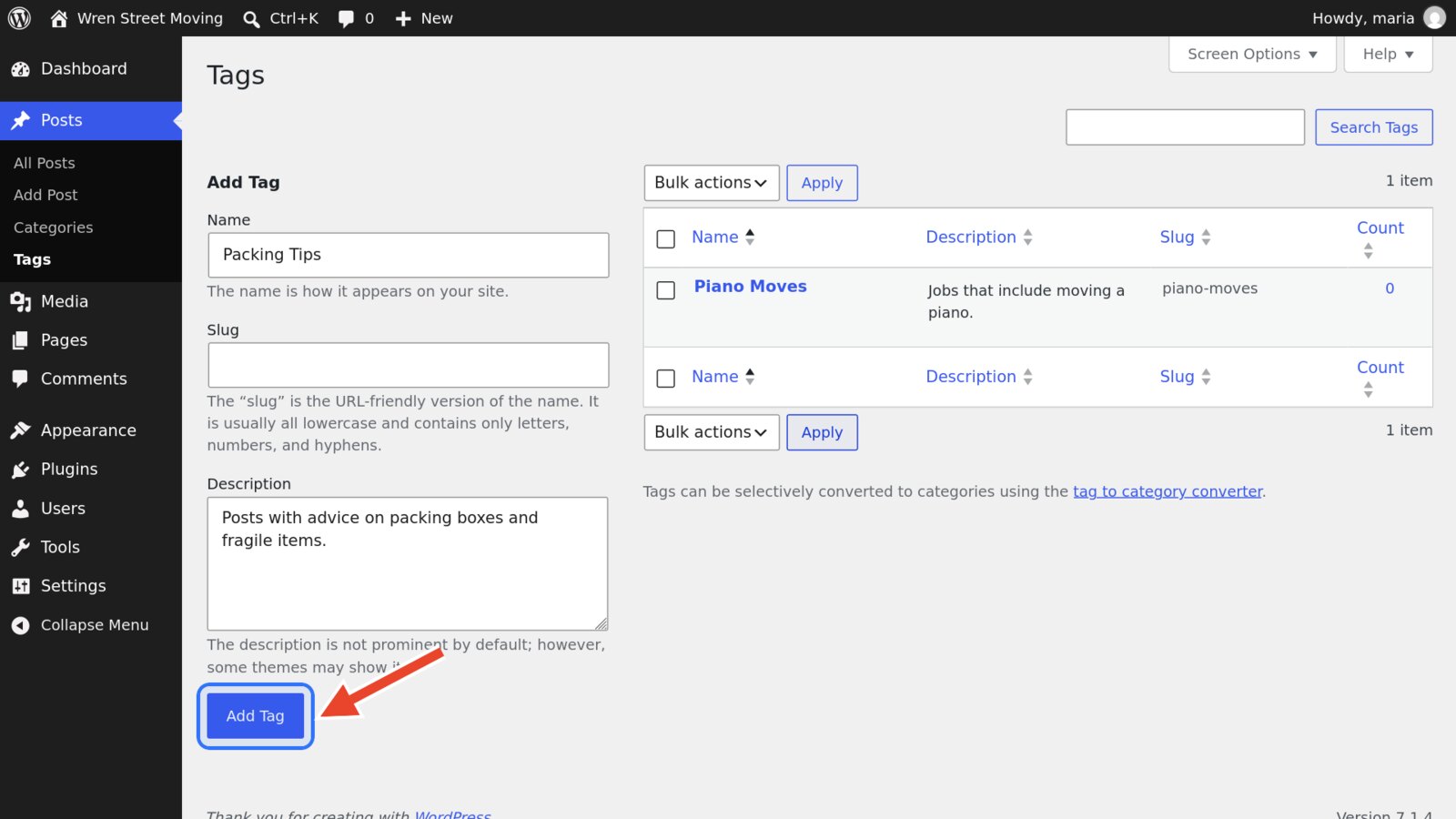
Press Add Tag to save it.Presiona Add Tag para guardarlo.
-
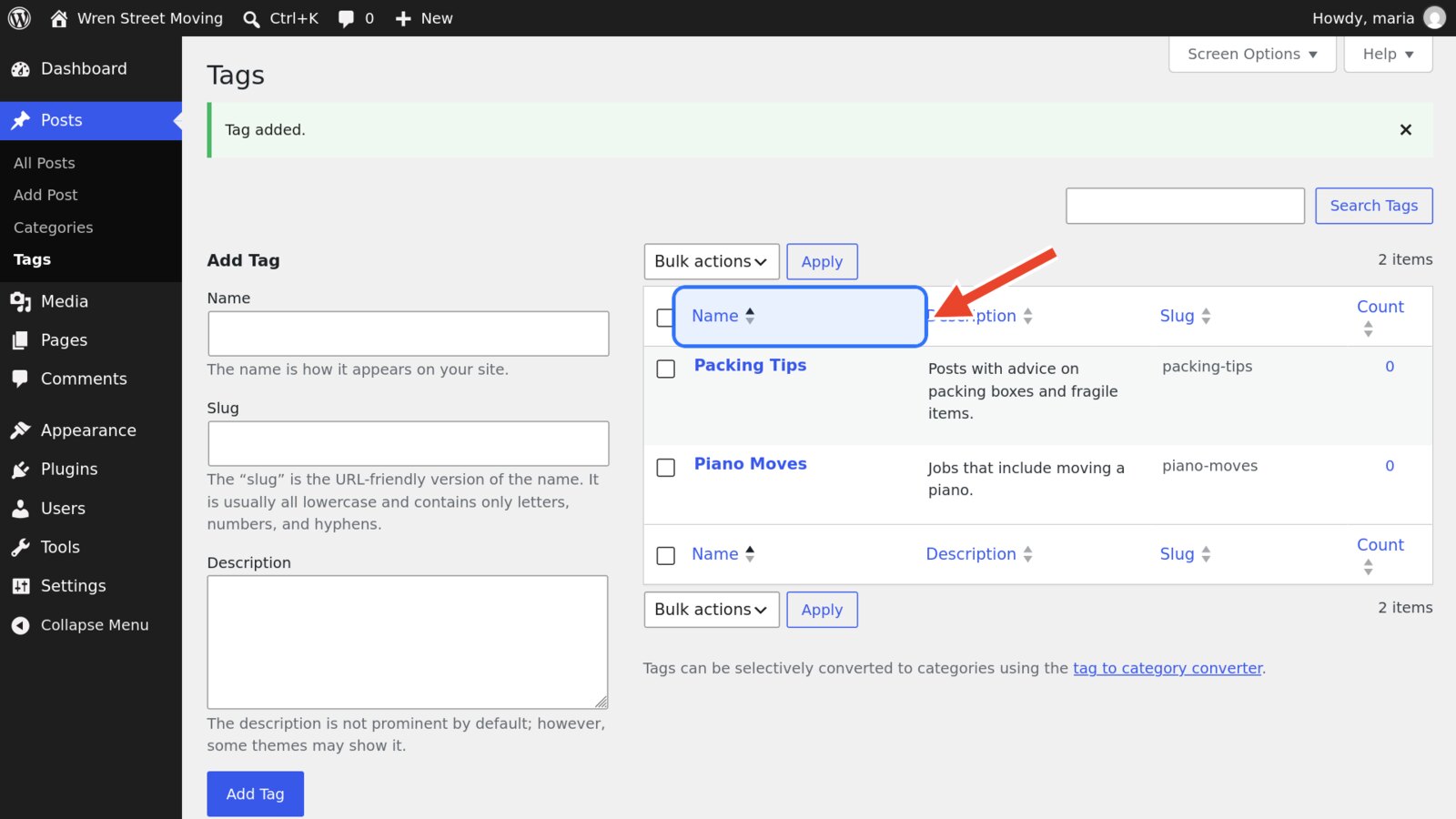
Your new tag now appears in the list, under the Name column.Tu nuevo tag ya aparece en la lista, bajo la columna Name.
-
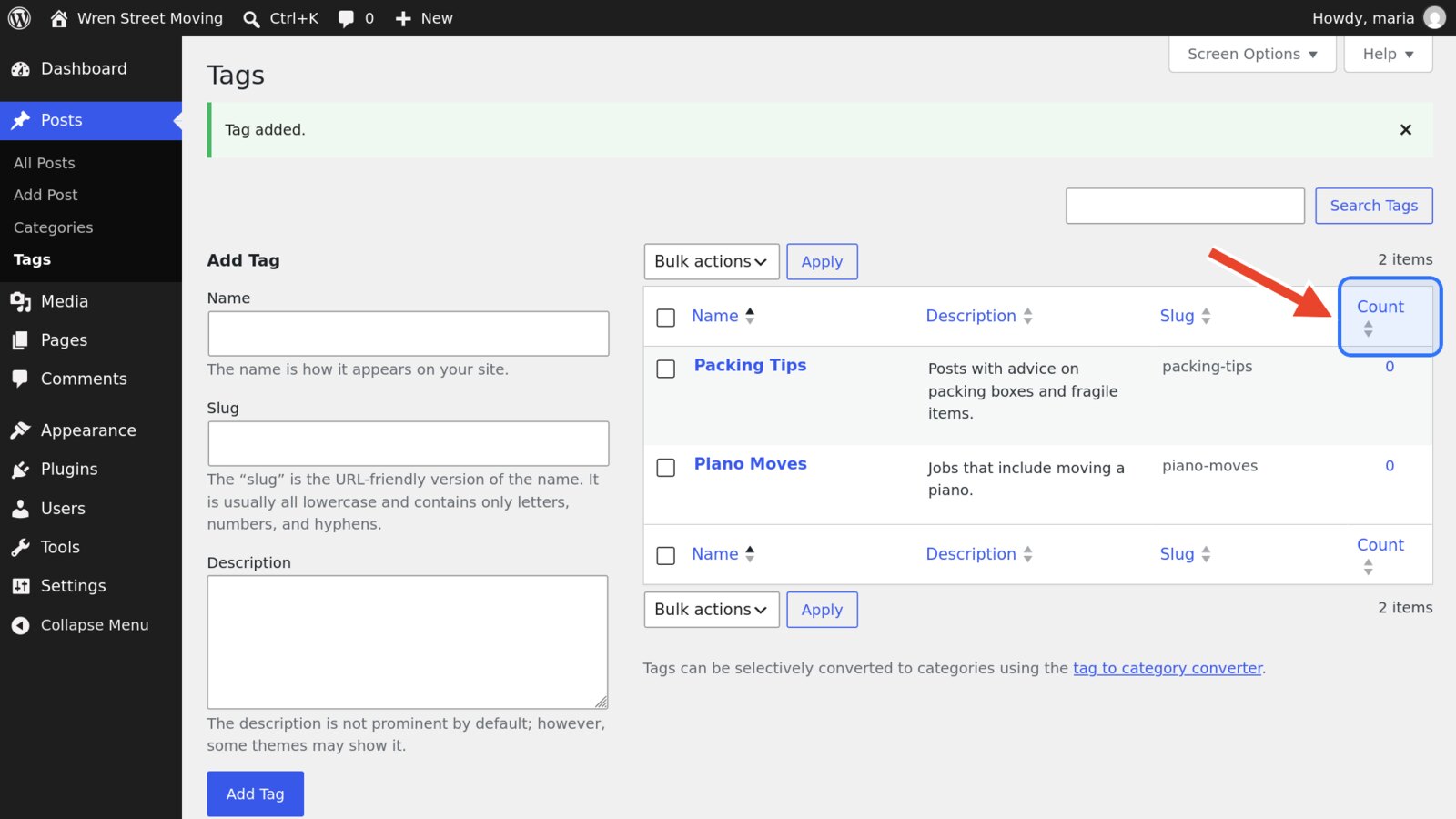
Count shows how many posts use each tag. A new tag starts at zero.Count muestra cuántos posts usan cada tag. Un tag nuevo empieza en cero.
Stuck on your own site?
Get walked through it one-on-one, on video, on your real site. Or hand the job over and have it done.
- You click, I guide
- One price per job, set before work starts
- English or Spanish
Where this comes from
Every step was run on a real WordPress site and checked against the official WordPress documentation: