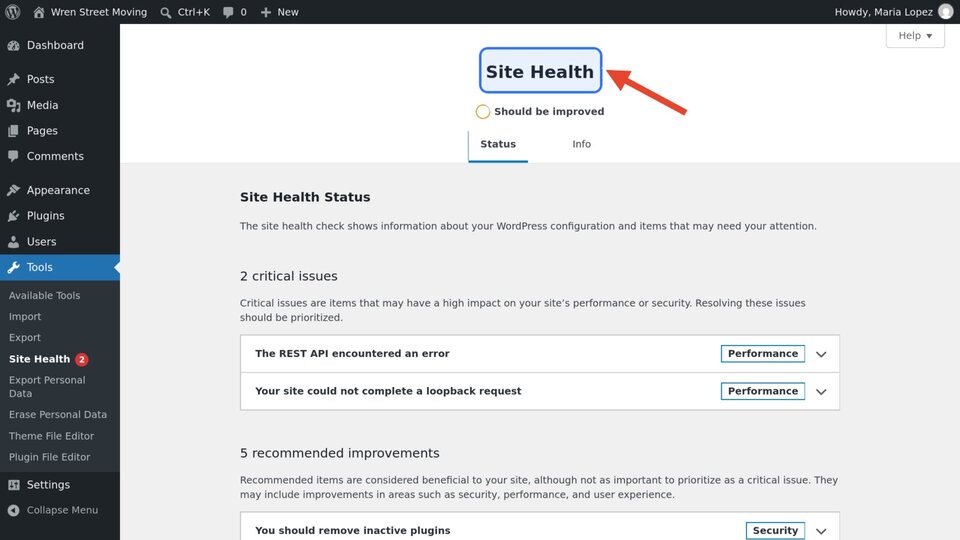
Export your content with Tools
The steps
-
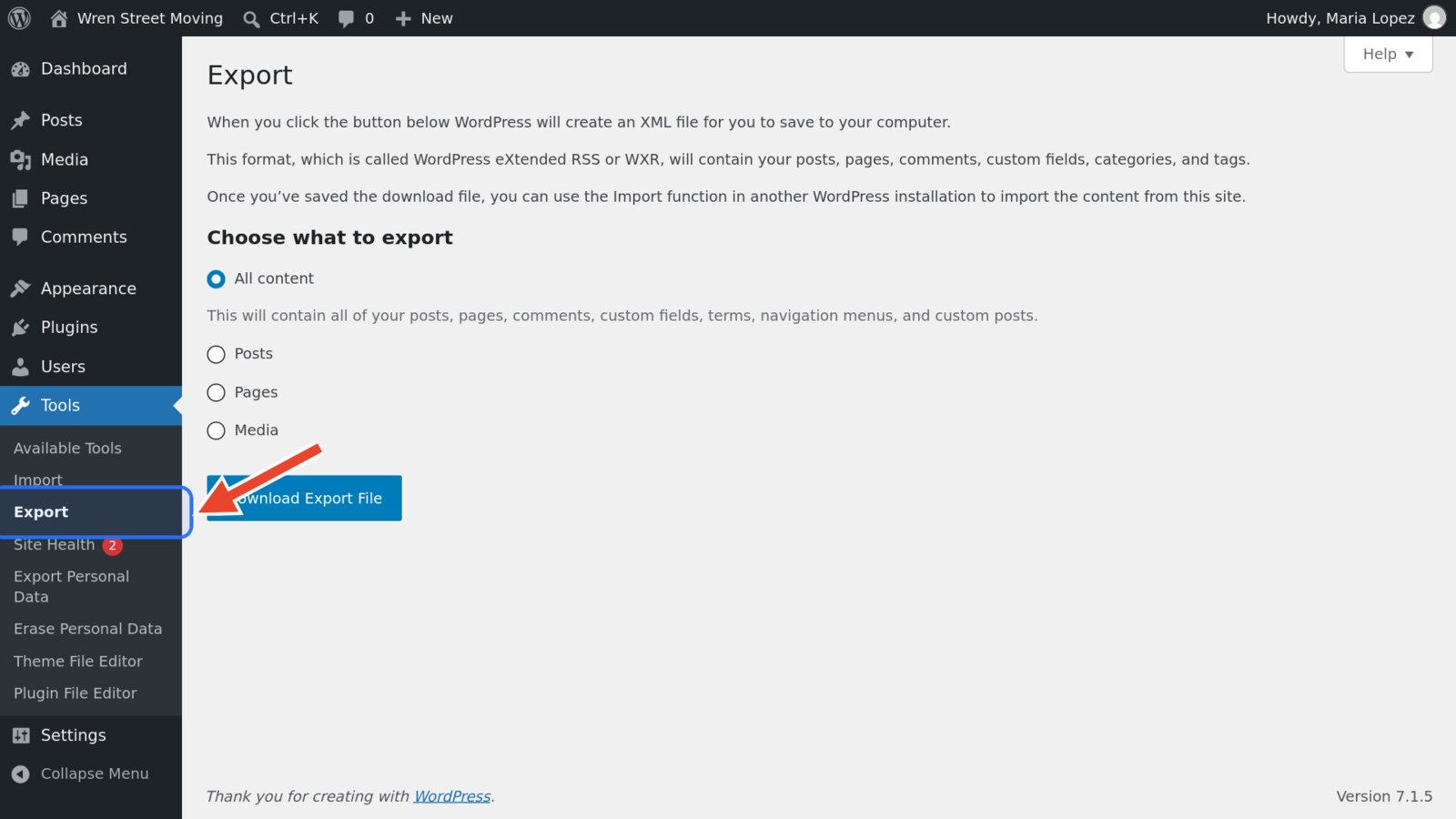
Export lives under Tools in the left menu.Export está dentro de Tools, en el menú de la izquierda.
-
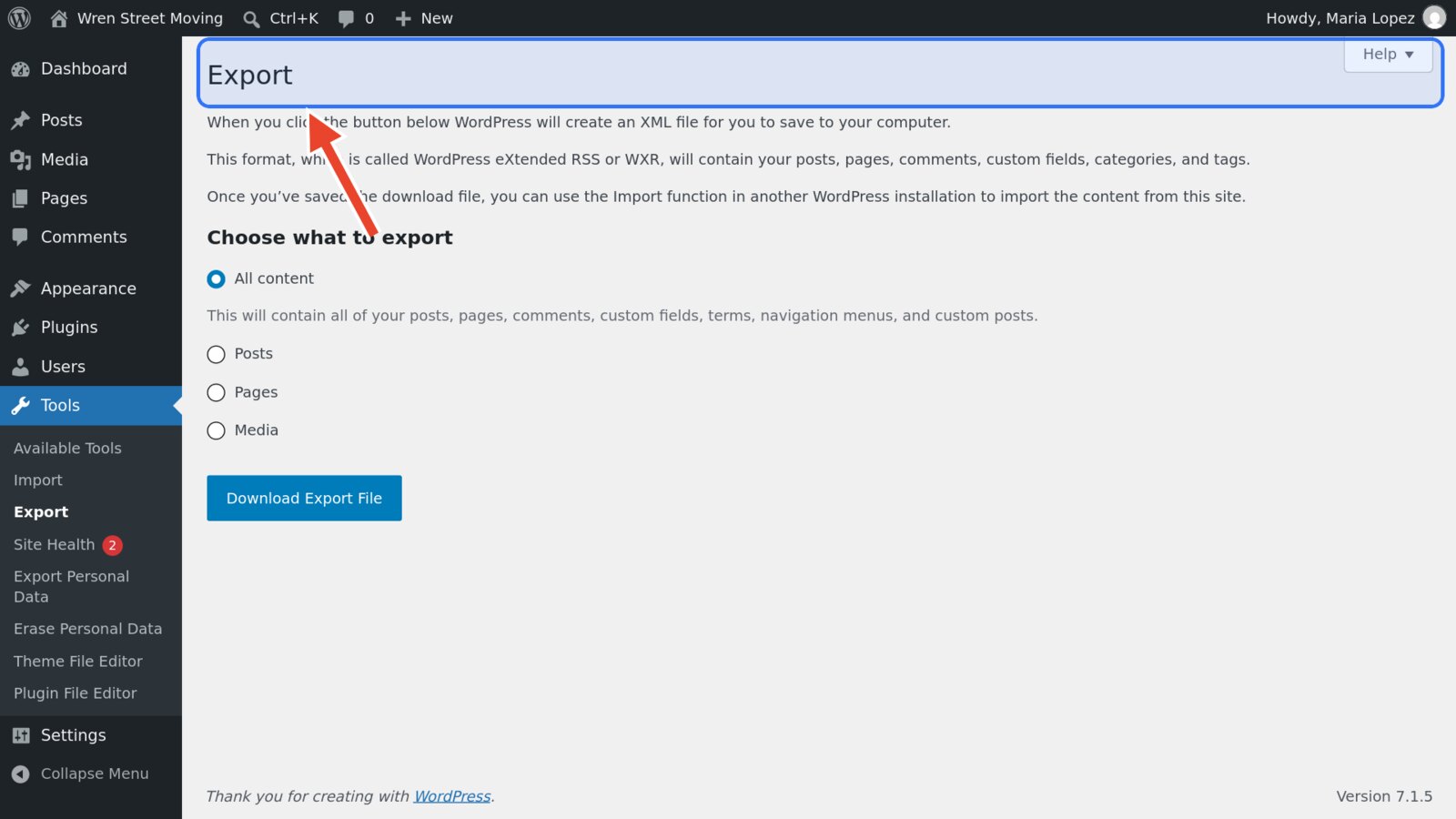
This is the Export screen.Esta es la pantalla Export.
-
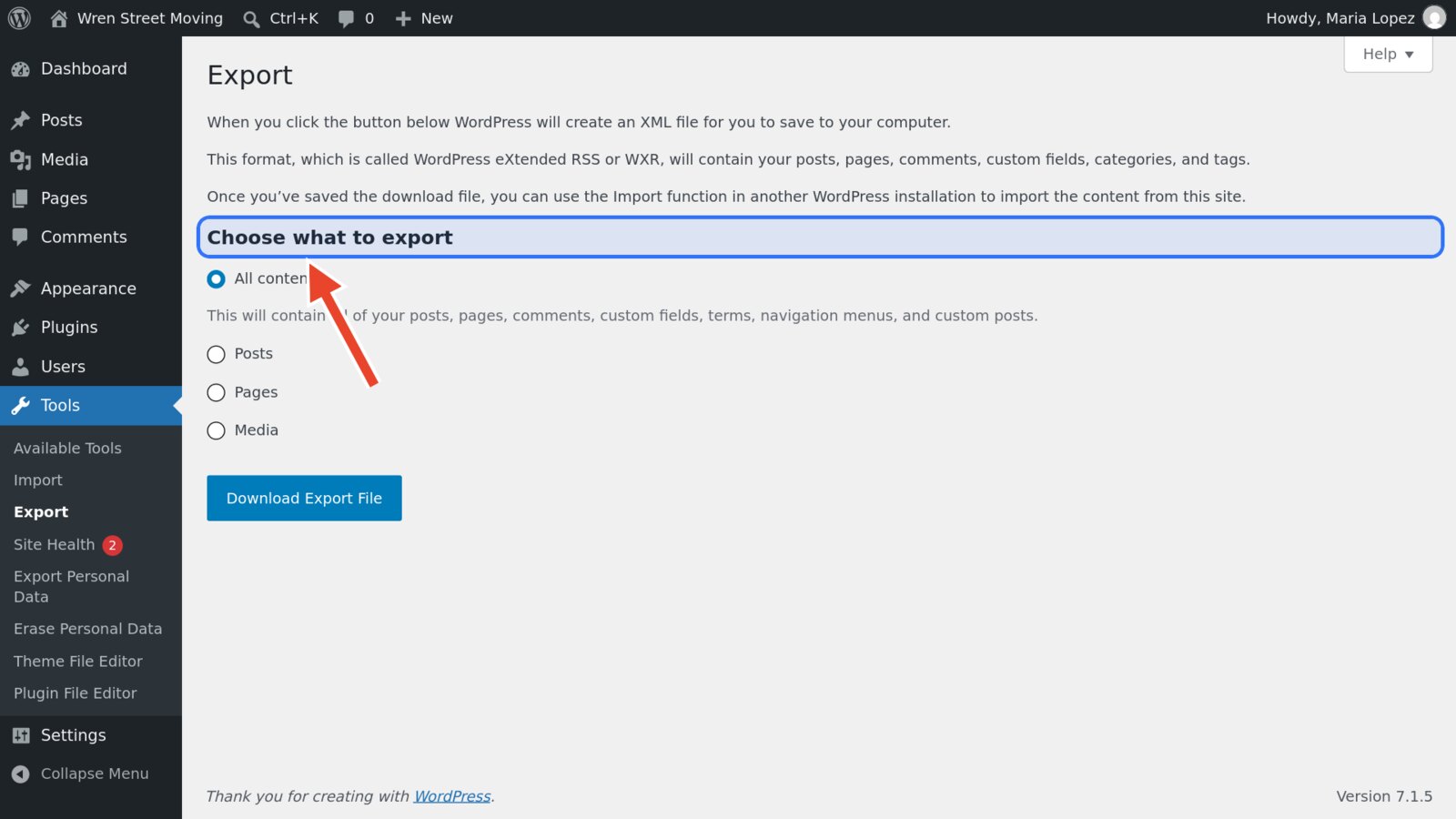
Here you choose what to export: all content, or only posts or pages.Aquí eliges qué exportar: todo el contenido, o solo entradas o páginas.
-
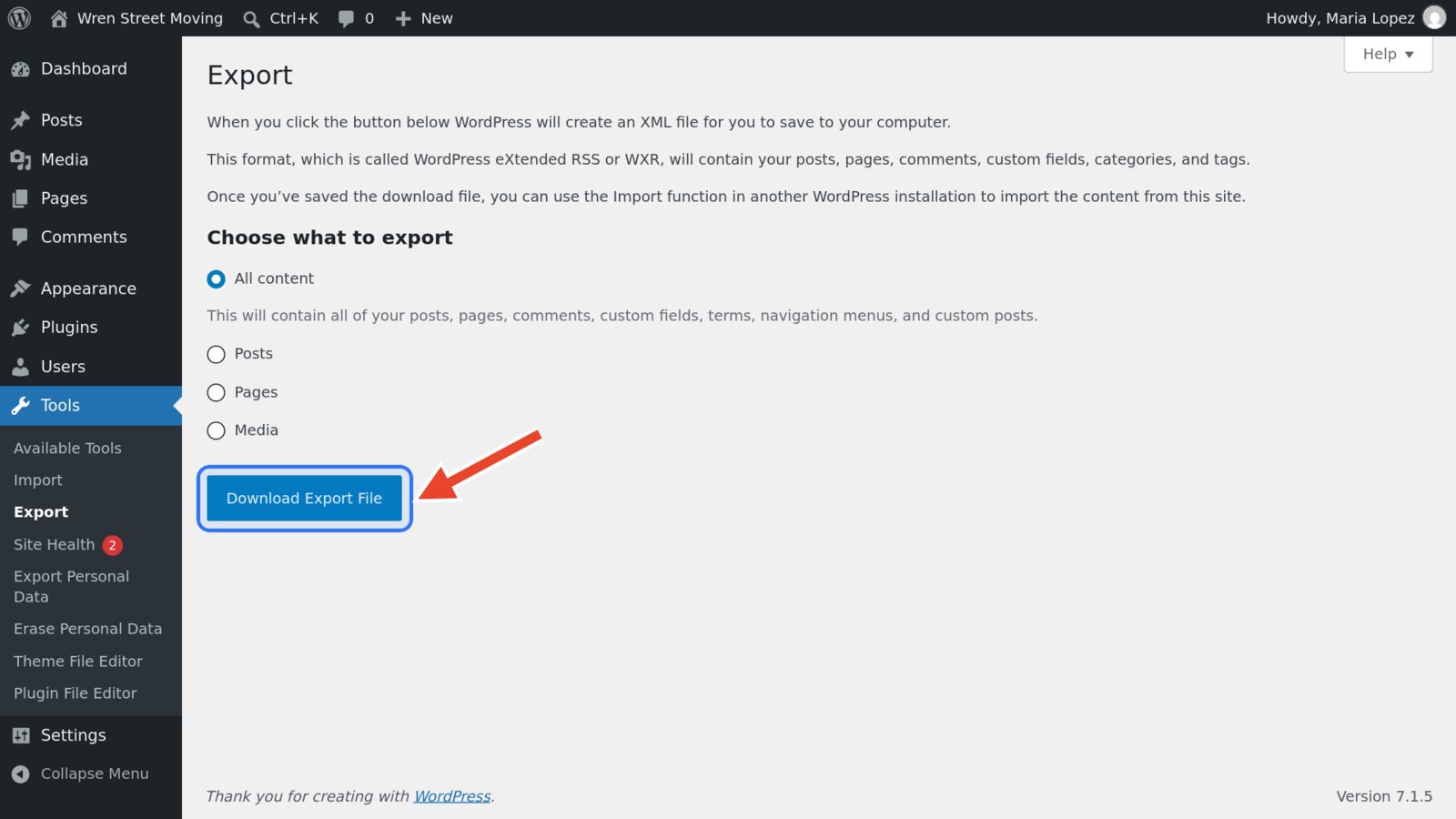
Download Export File saves your content as one file on your computer.Download Export File guarda tu contenido en un archivo en tu computadora.
Tip: Make an export before any big change to your site.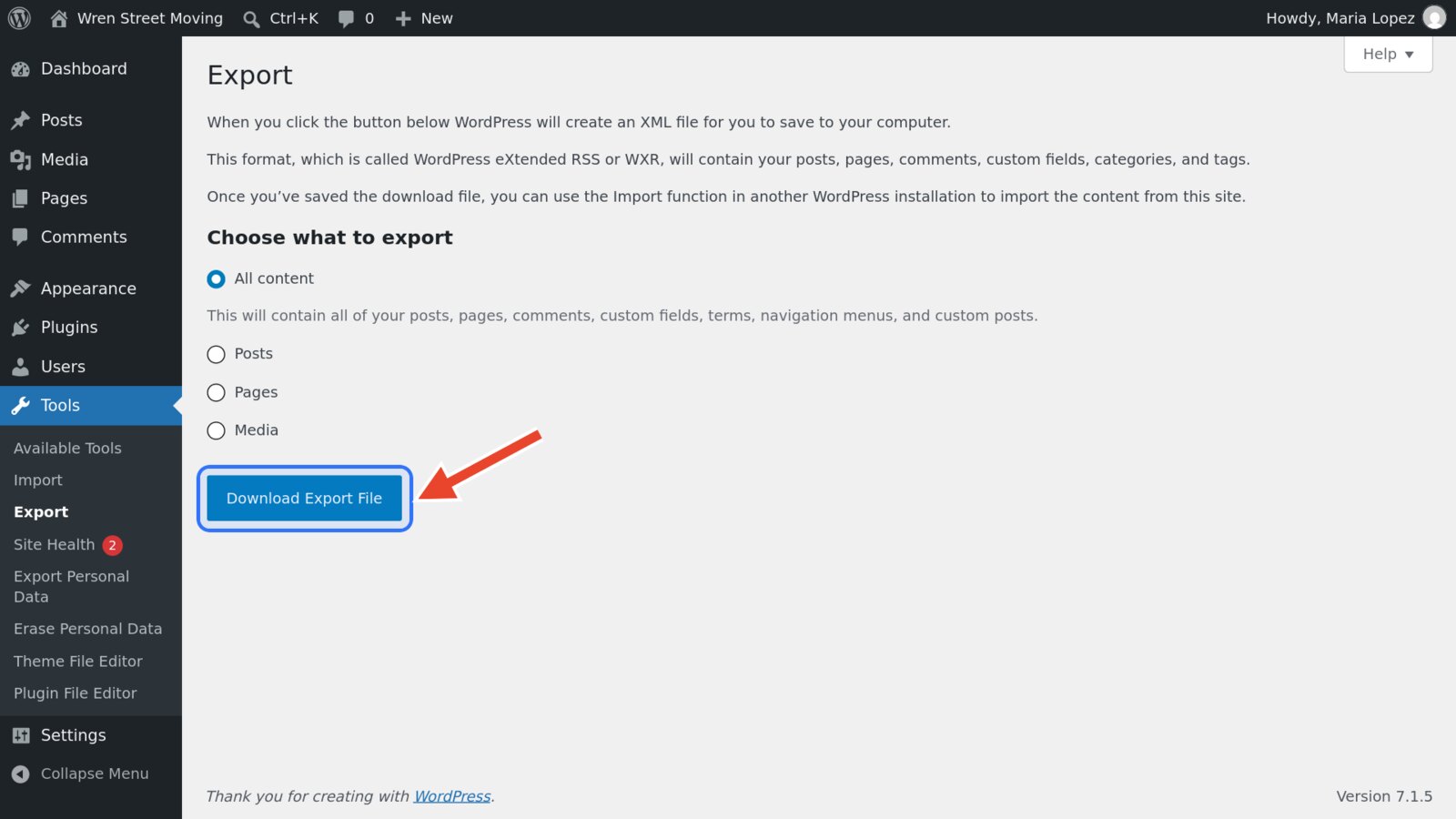
-
The file is only made when you press it.El archivo se crea solo cuando lo presionas.
-
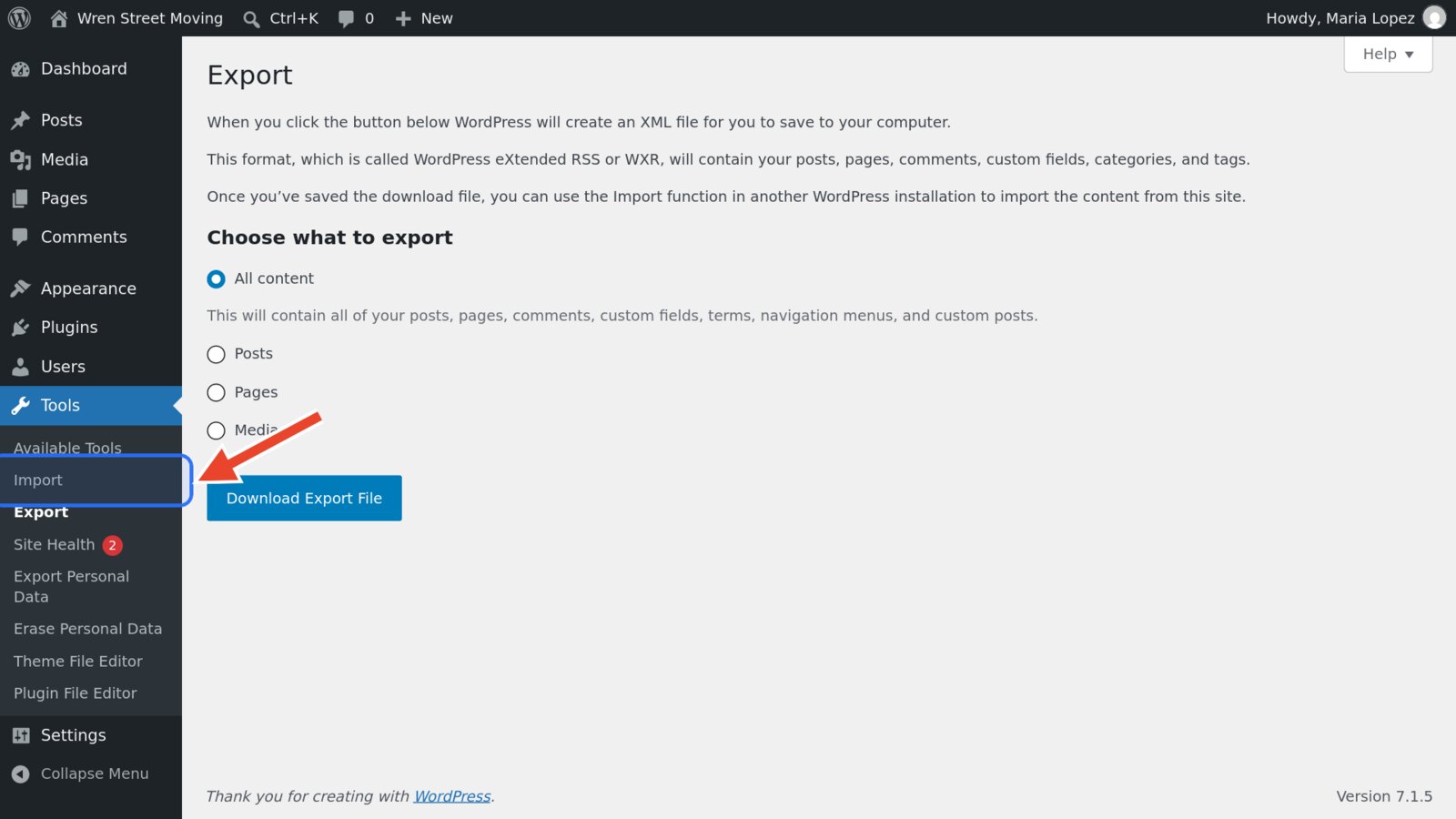
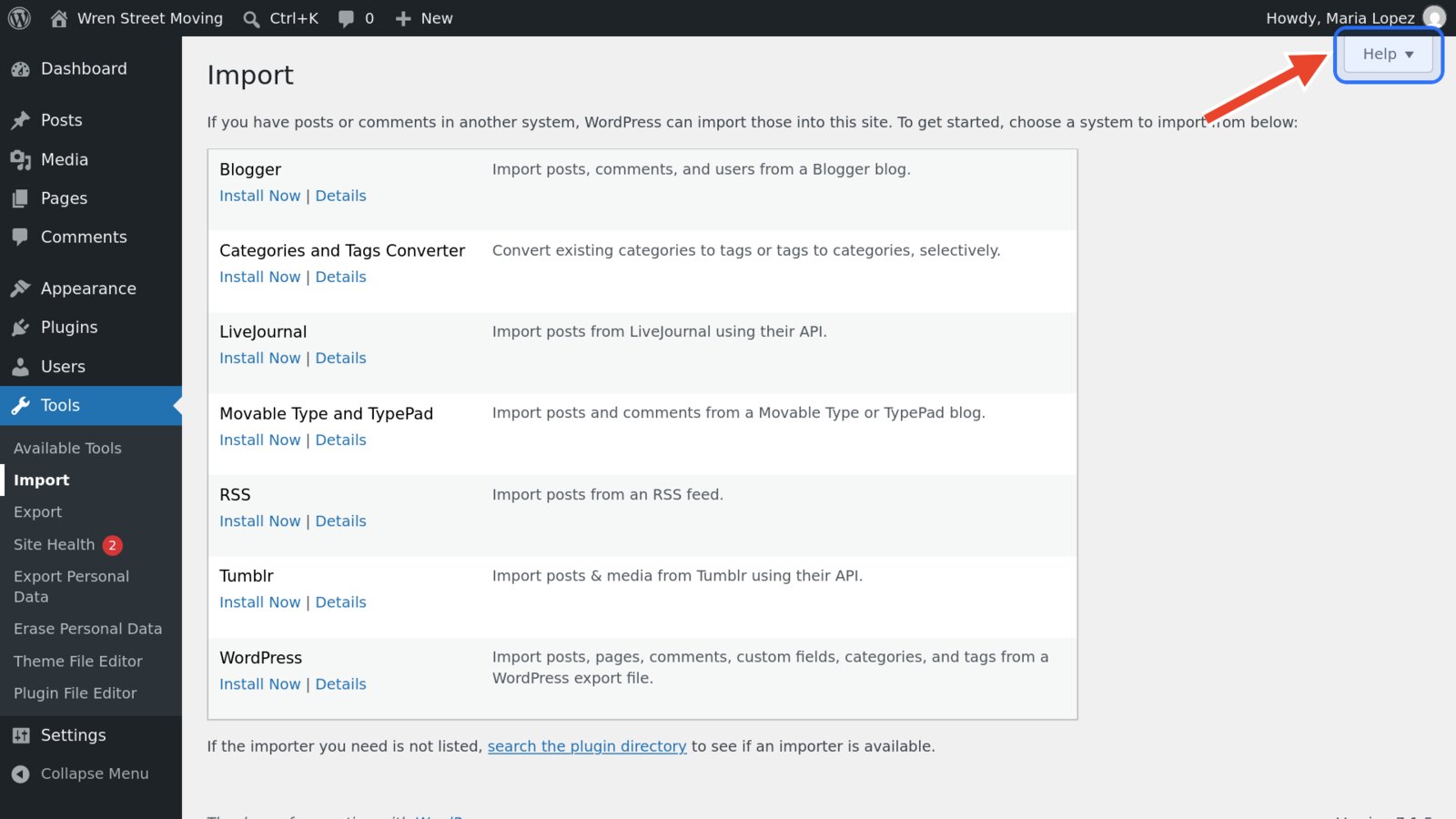
Now press Import, just above Export in the Tools menu.Ahora presiona Import, justo encima de Export en el menú Tools.
-
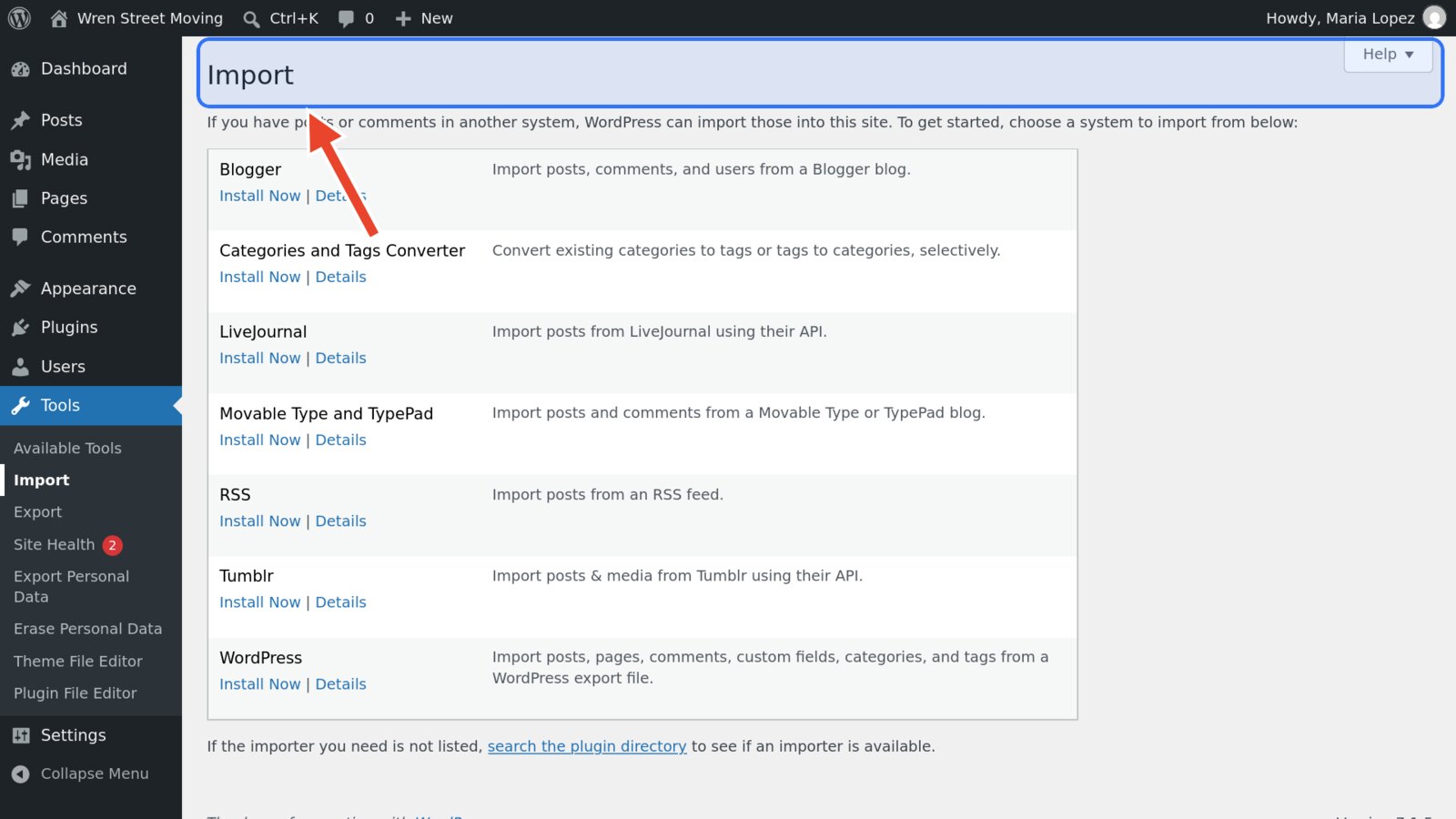
This is the Import screen.Esta es la pantalla Import.
-
Import brings content into a site, such as a file exported from another WordPress site.Import trae contenido a un sitio, como un archivo exportado de otro sitio WordPress.
Stuck on your own site?
Get walked through it one-on-one, on video, on your real site. Or hand the job over and have it done.
- You click, I guide
- One price per job, set before work starts
- English or Spanish
Where this comes from
Every step was run on a real WordPress site and checked against the official WordPress documentation: