Desactiva y elimina un plugin de WordPress
Los pasos
-
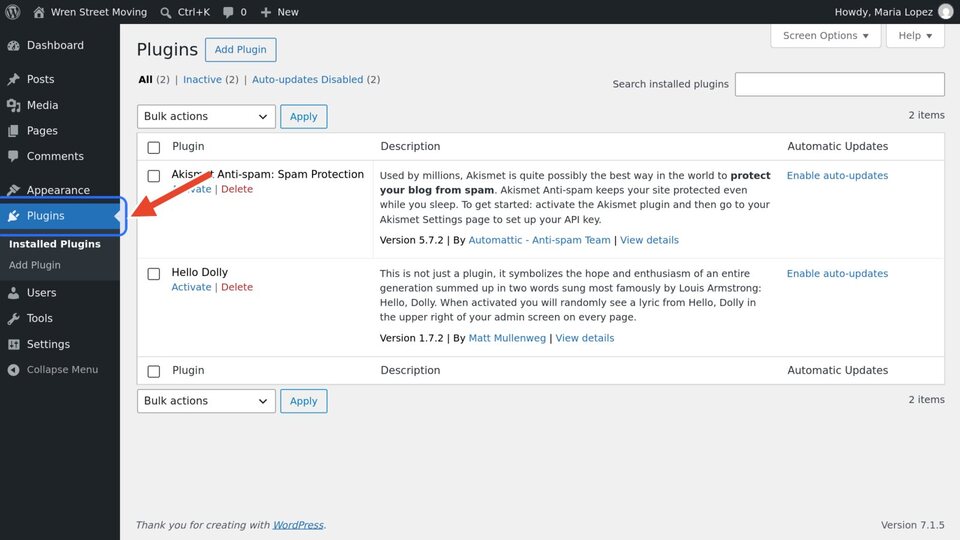
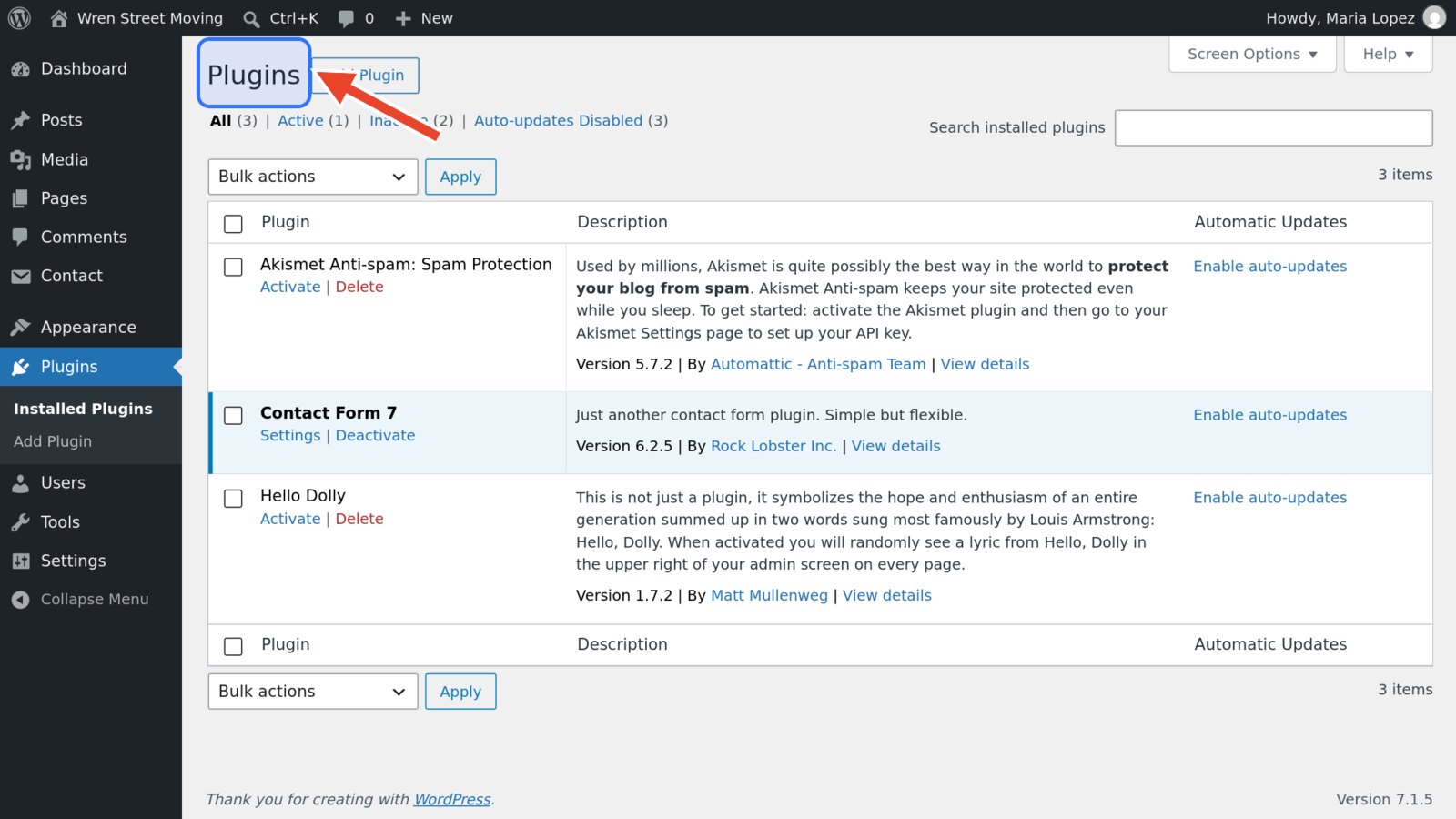
This is the Plugins screen. It lists every plugin installed on your site.Esta es la pantalla Plugins. Muestra todos los plugins instalados en tu sitio.
-
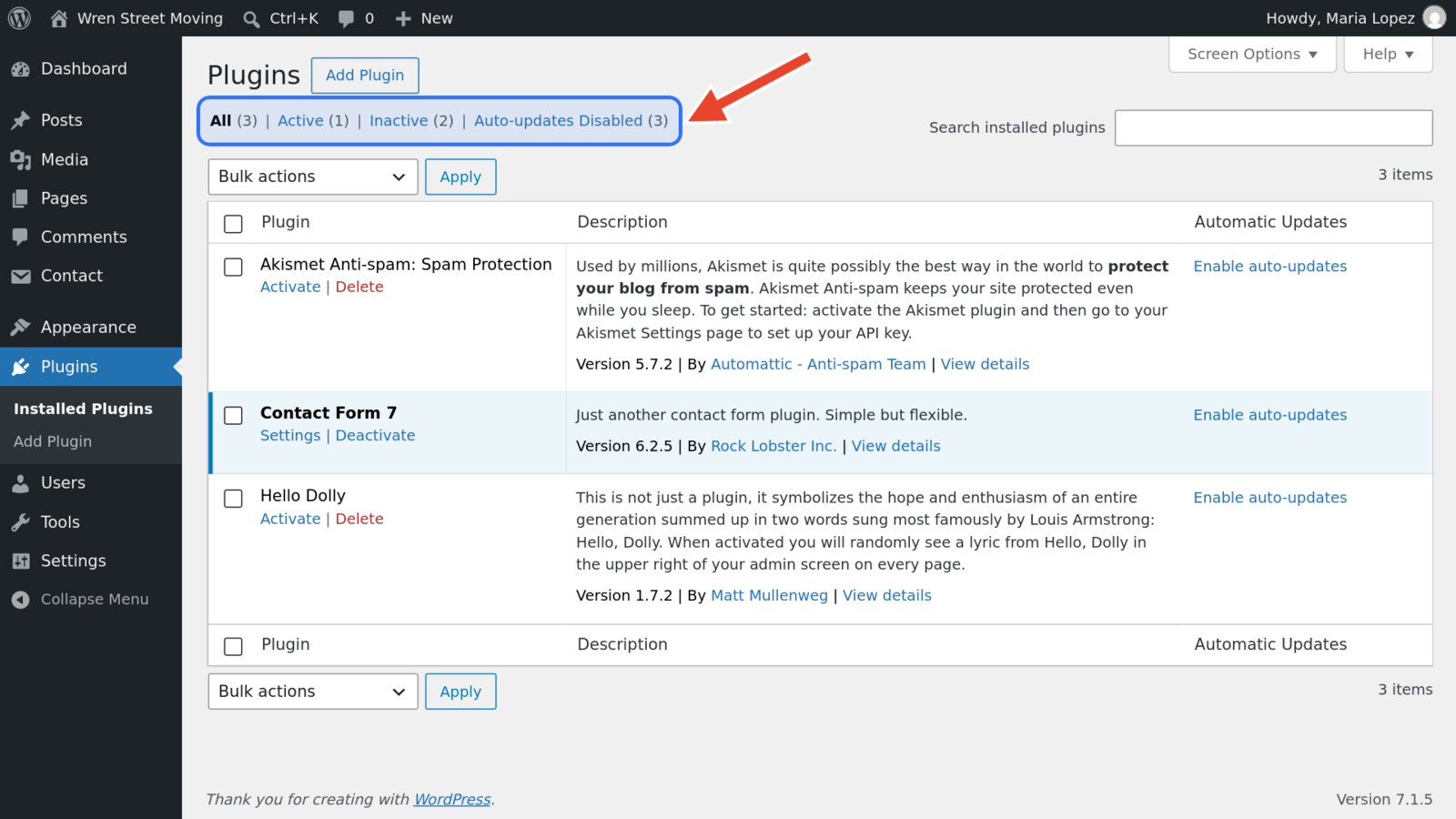
These links filter the list, for example to show only active or inactive plugins.Estos enlaces filtran la lista, por ejemplo para ver solo los plugins activos o inactivos.
-
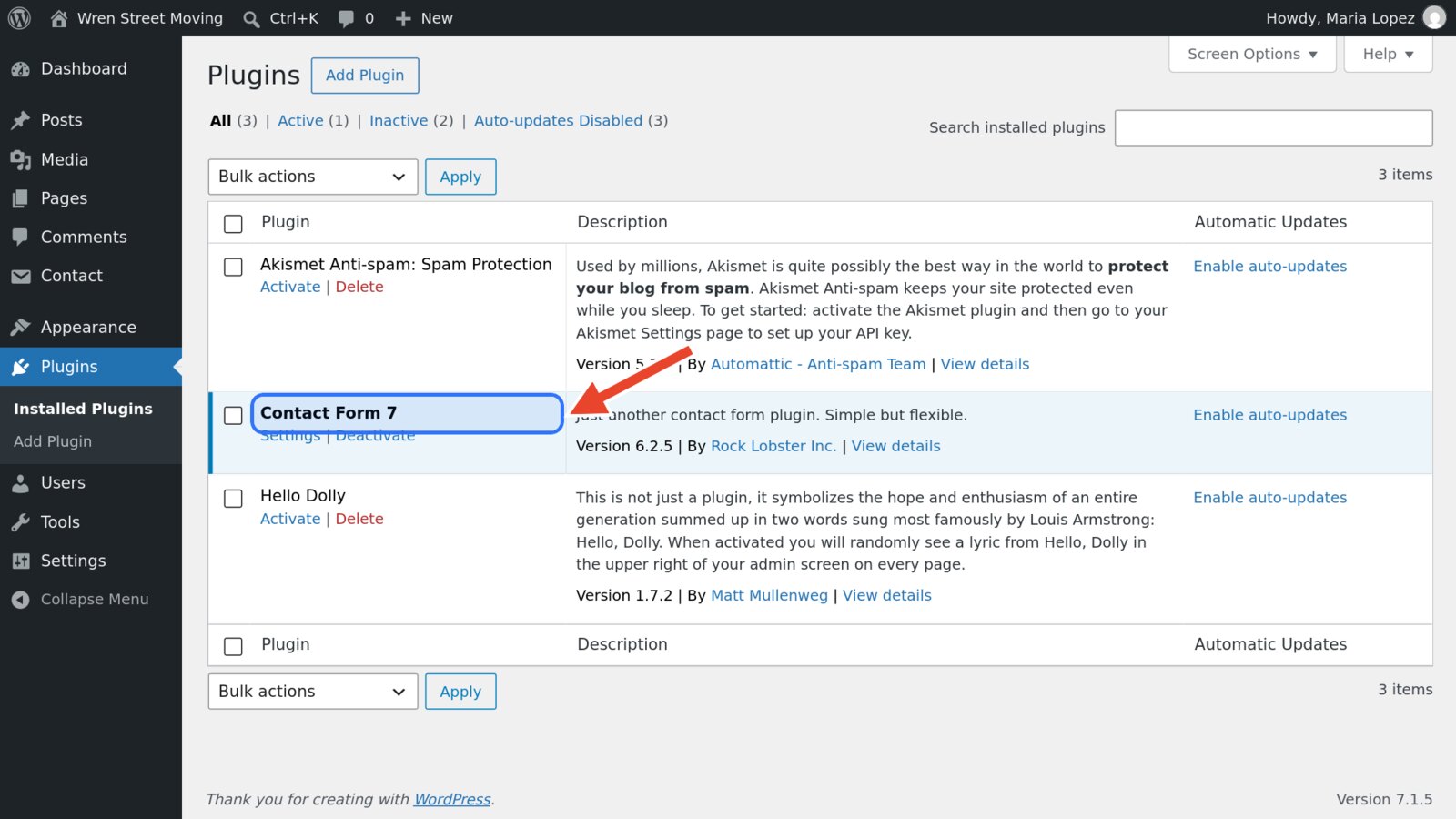
Contact Form 7 is active. Active plugins are highlighted in the list.Contact Form 7 está activo. Los plugins activos aparecen resaltados en la lista.
-
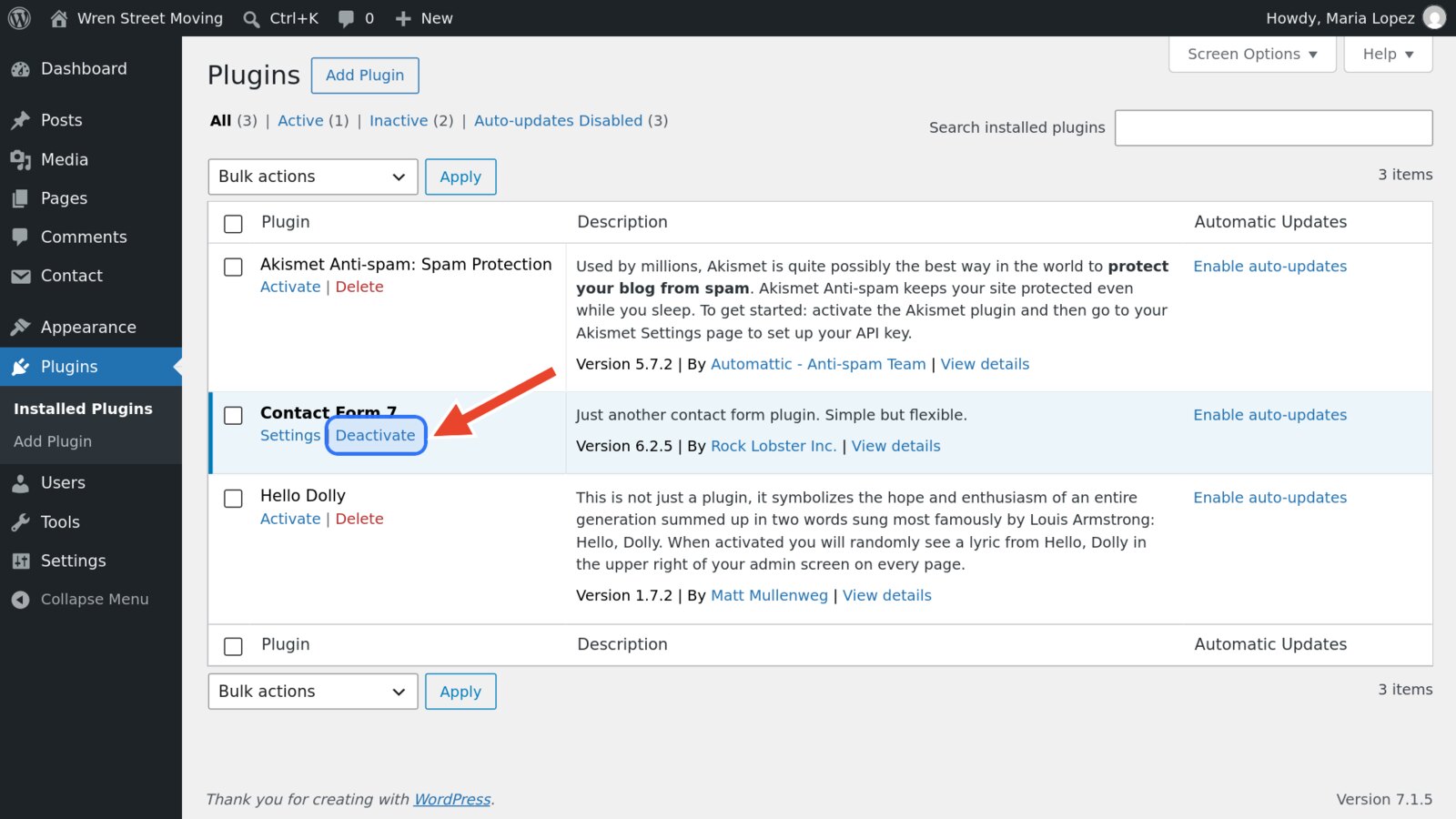
To turn a plugin off, press Deactivate under its name.Para apagar un plugin, presiona Deactivate debajo de su nombre.
-
The message at the top confirms the plugin is deactivated.El mensaje de arriba confirma que el plugin está desactivado.
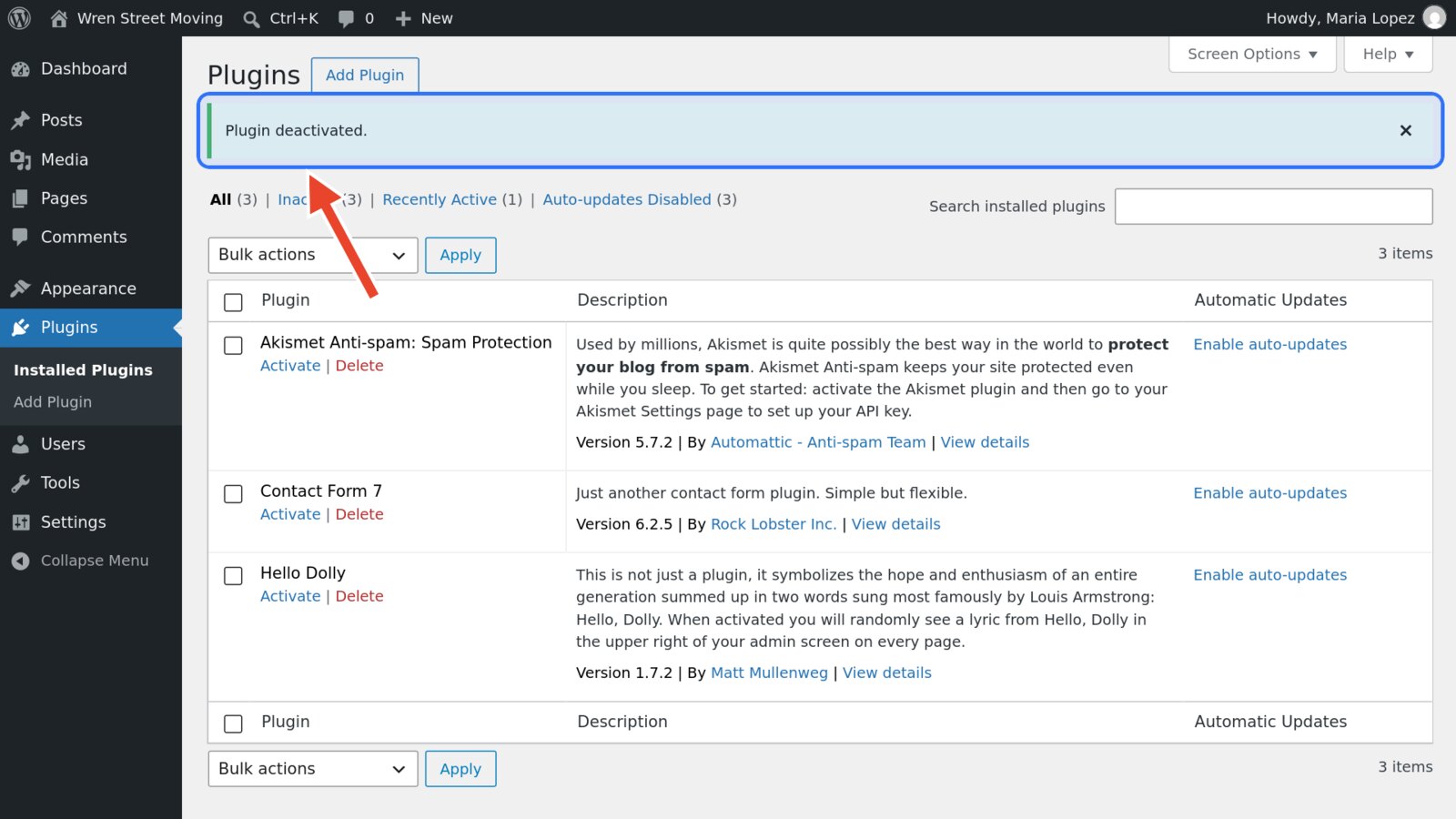
-
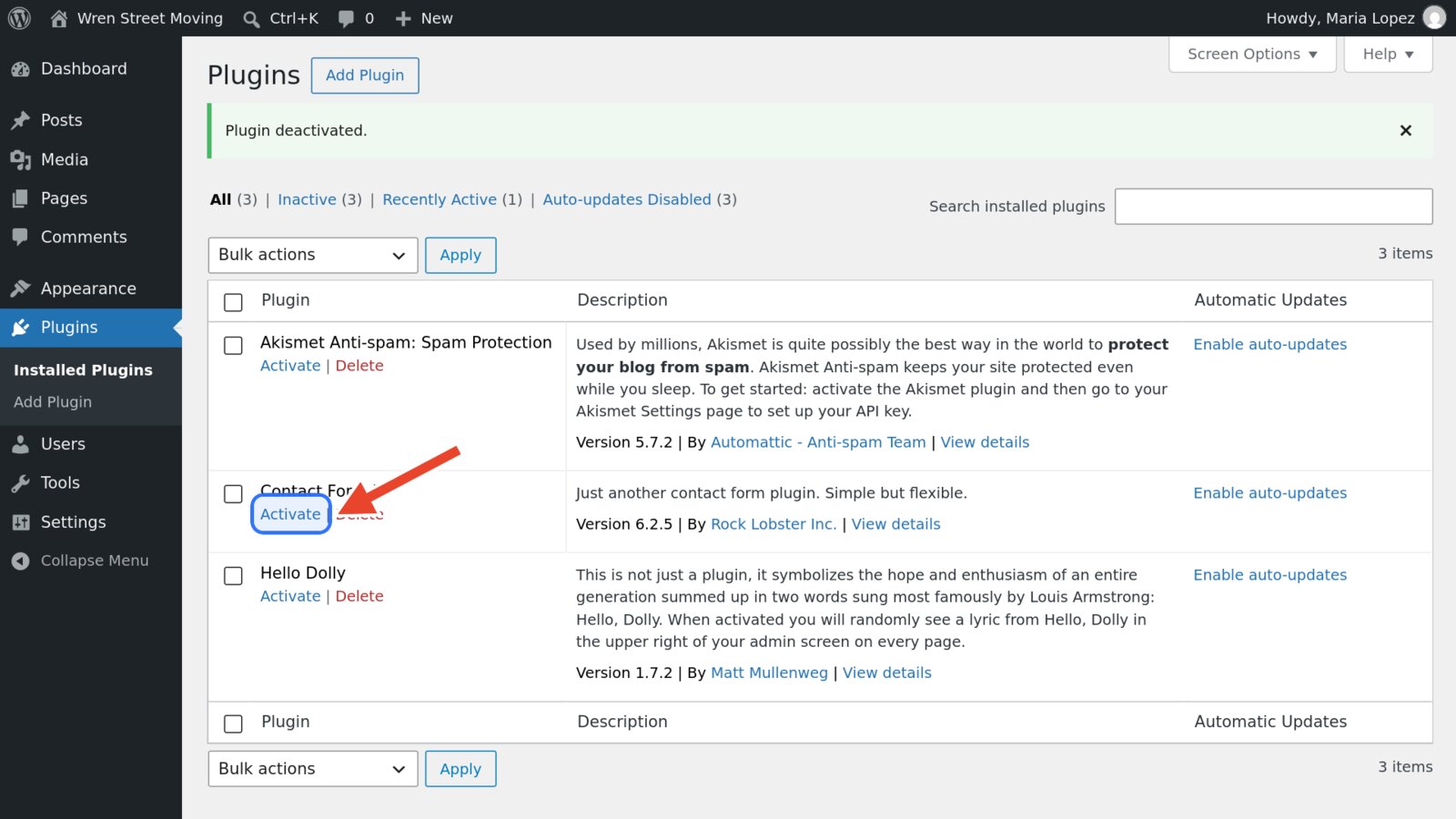
The plugin is off but still installed. Activate turns it back on.El plugin está apagado pero sigue instalado. Activate lo vuelve a encender.
-
Before deleting, open your site from the top bar and check nothing broke.Antes de borrar, abre tu sitio desde la barra superior y revisa que nada se rompió.
Consejo: Turn a plugin off first and check the site before you delete it.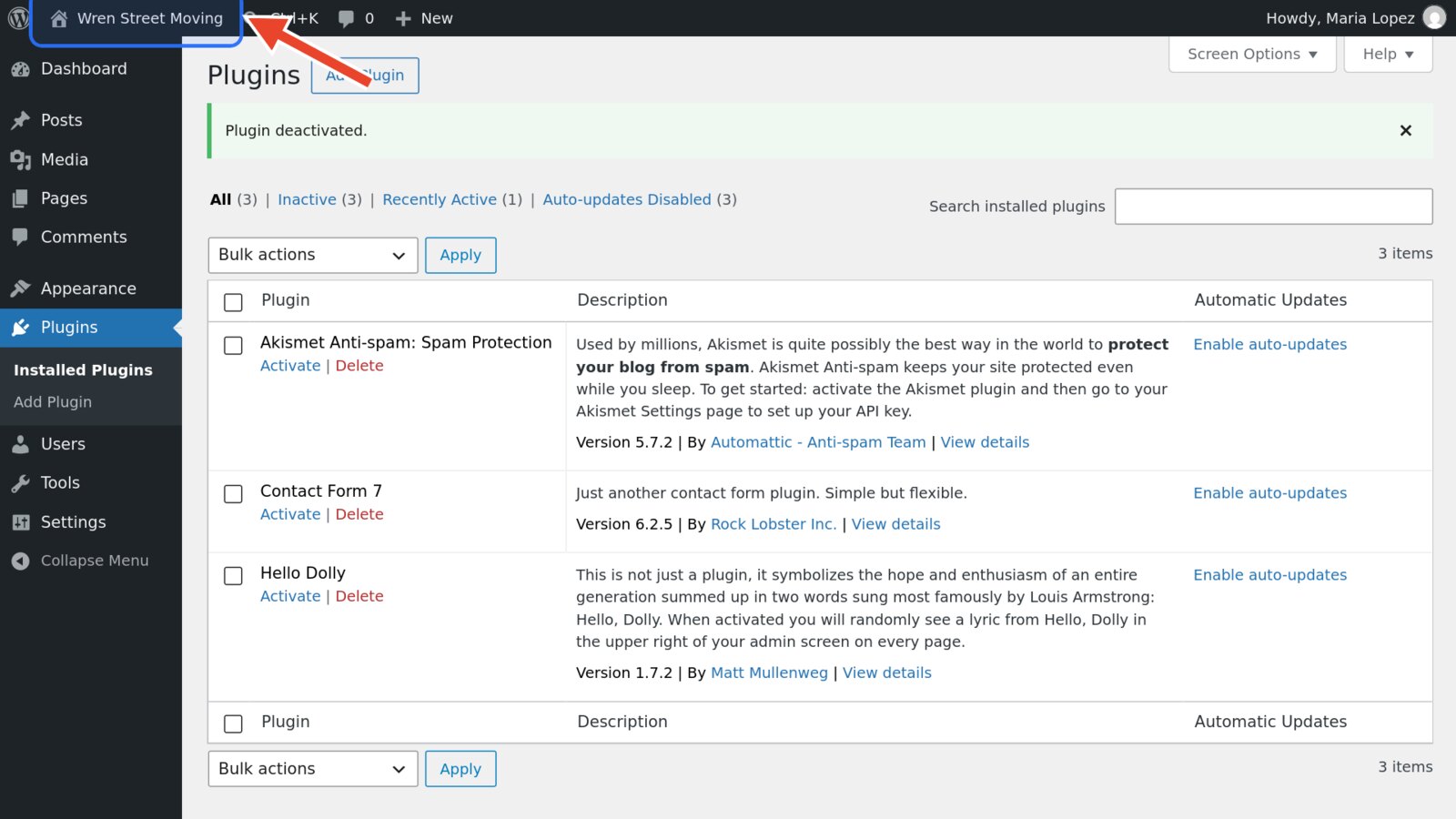
-
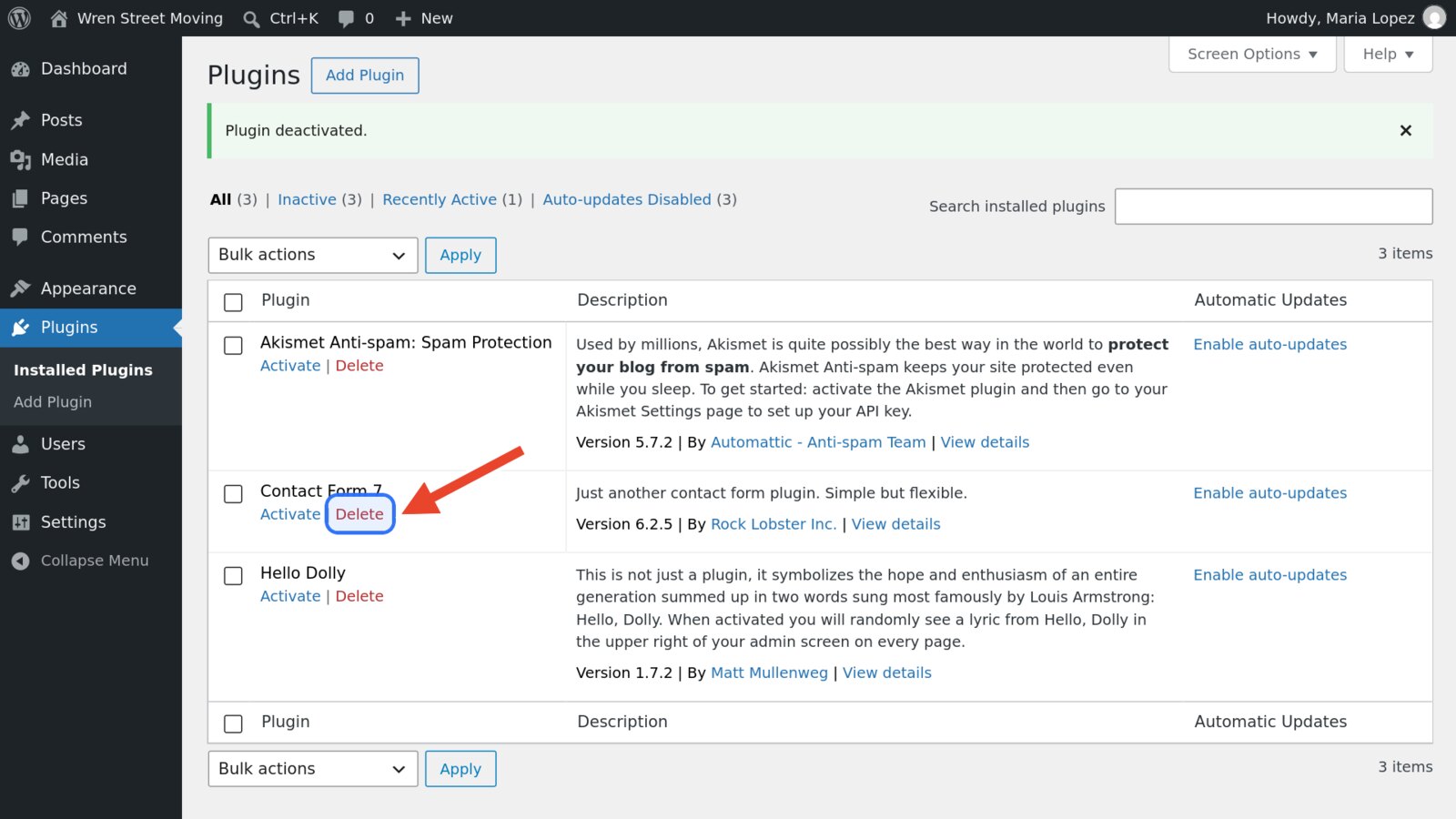
Delete only shows when a plugin is off. Press it to remove the plugin.Delete solo aparece cuando el plugin está apagado. Presiónalo para quitar el plugin.
-
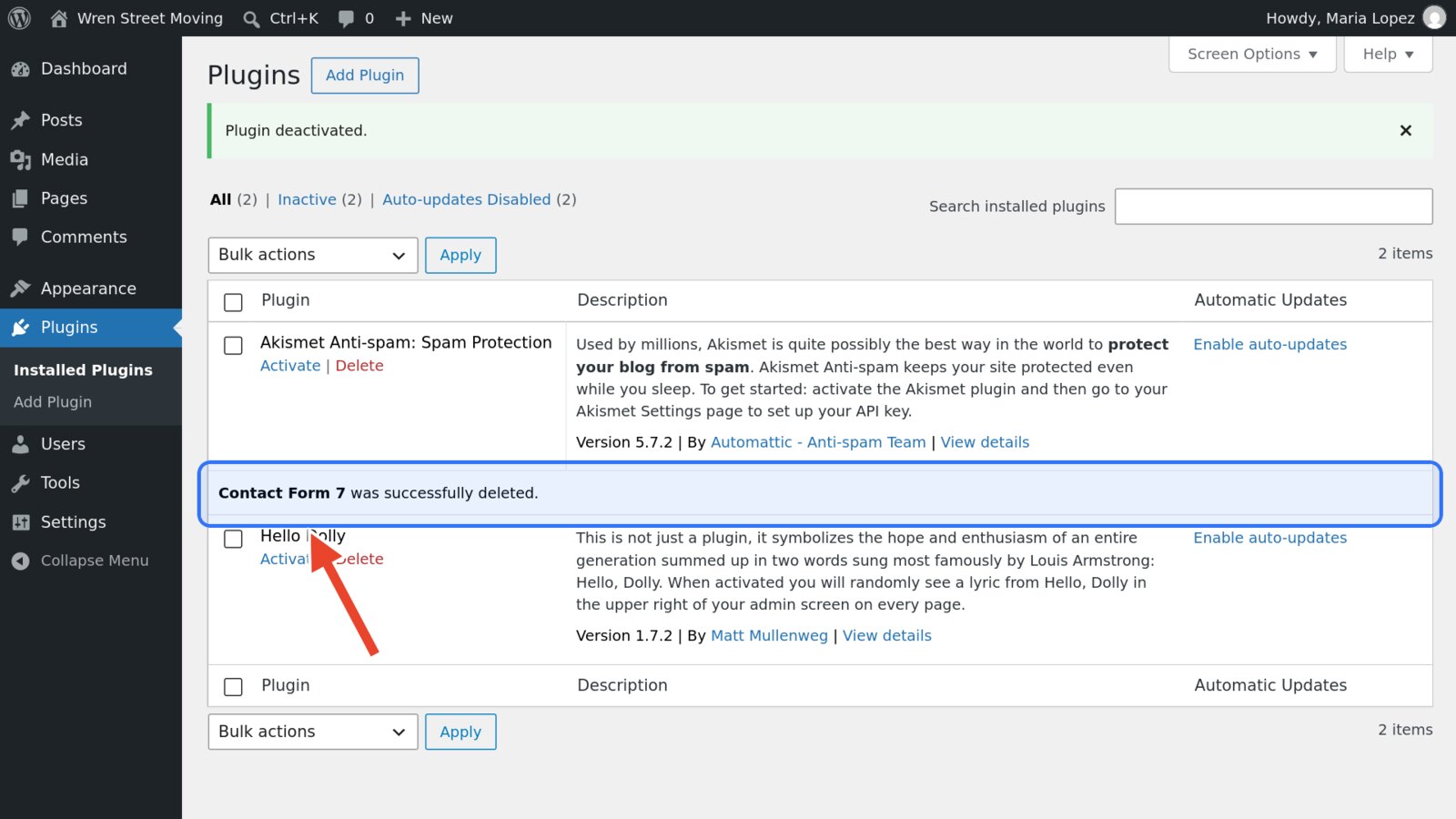
WordPress asks you to confirm. Press OK, and this line says it was deleted.WordPress te pide confirmar. Presiona OK, y esta línea dice que fue borrado.
-
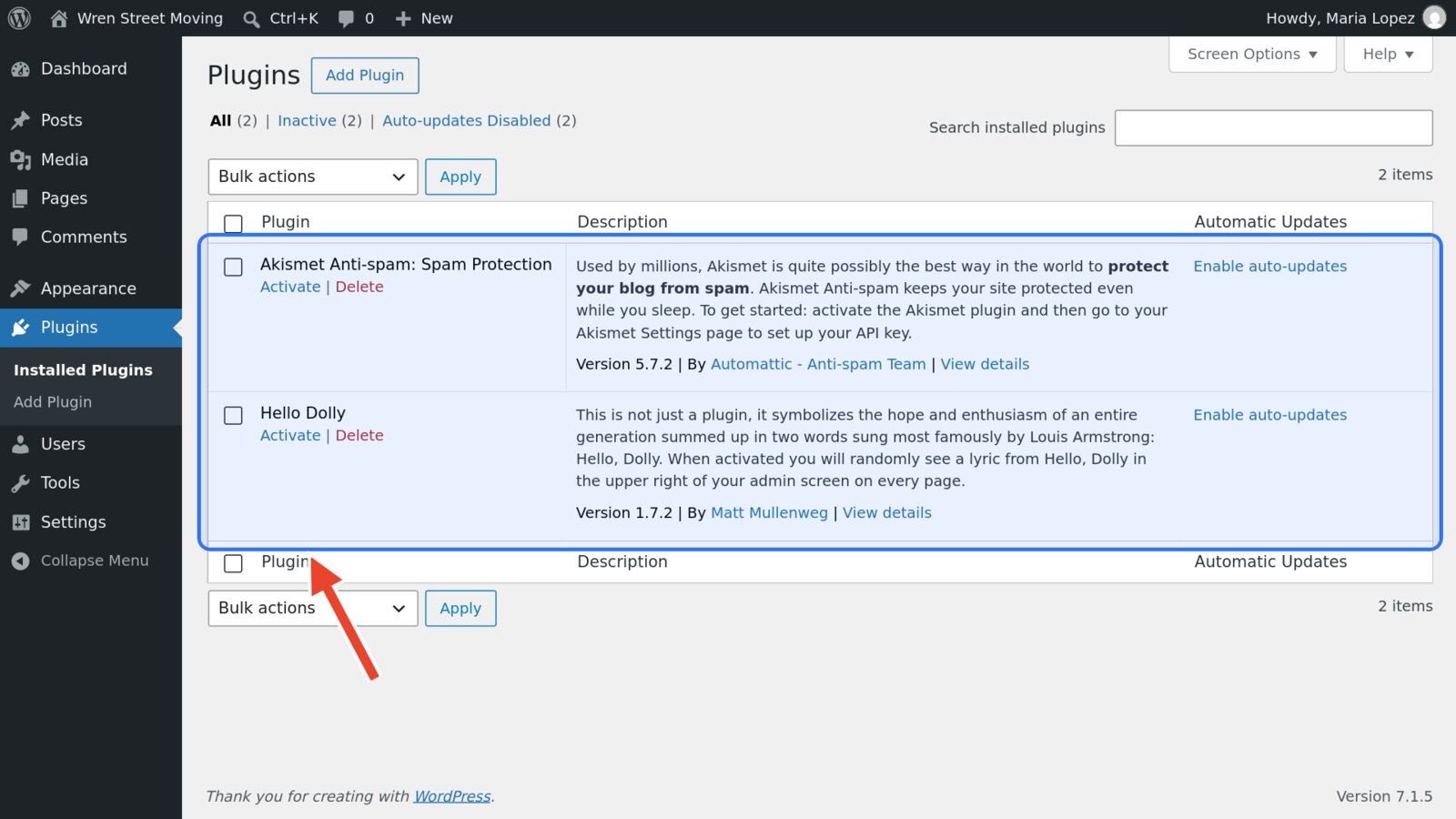
Open the Plugins screen again, and Contact Form 7 is gone from the list.Abre la pantalla Plugins otra vez, y Contact Form 7 ya no está en la lista.
¿Atascado en tu propia página web?
Te guío paso a paso, en video, en tu sitio real. O déjame el trabajo y lo dejo hecho.
- Tú haces clic, yo guío
- Un solo precio por trabajo, fijado antes de empezar
- Inglés o español
De dónde viene esto
Cada paso se realizó en un sitio de WordPress real y se verificó con la documentación oficial de WordPress: