Choose your home page and post count
The steps
-
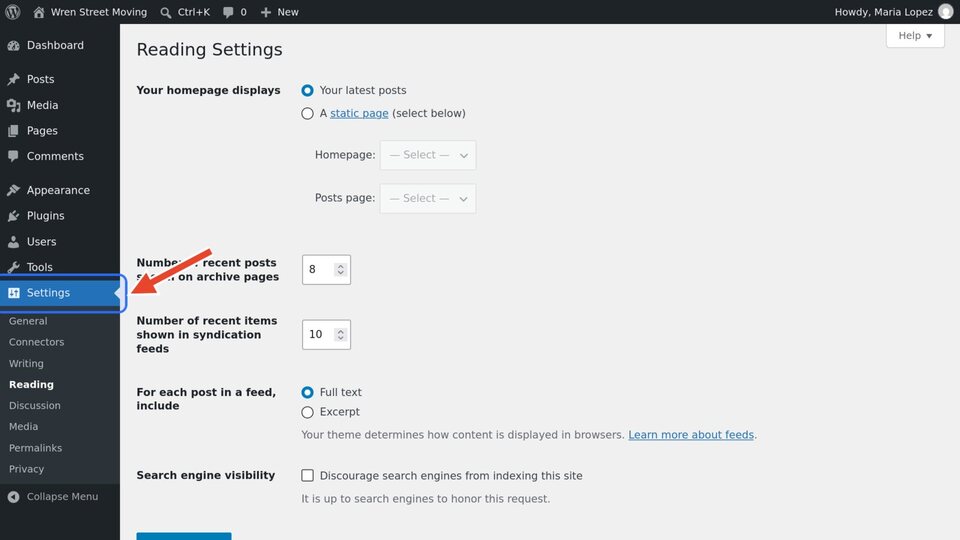
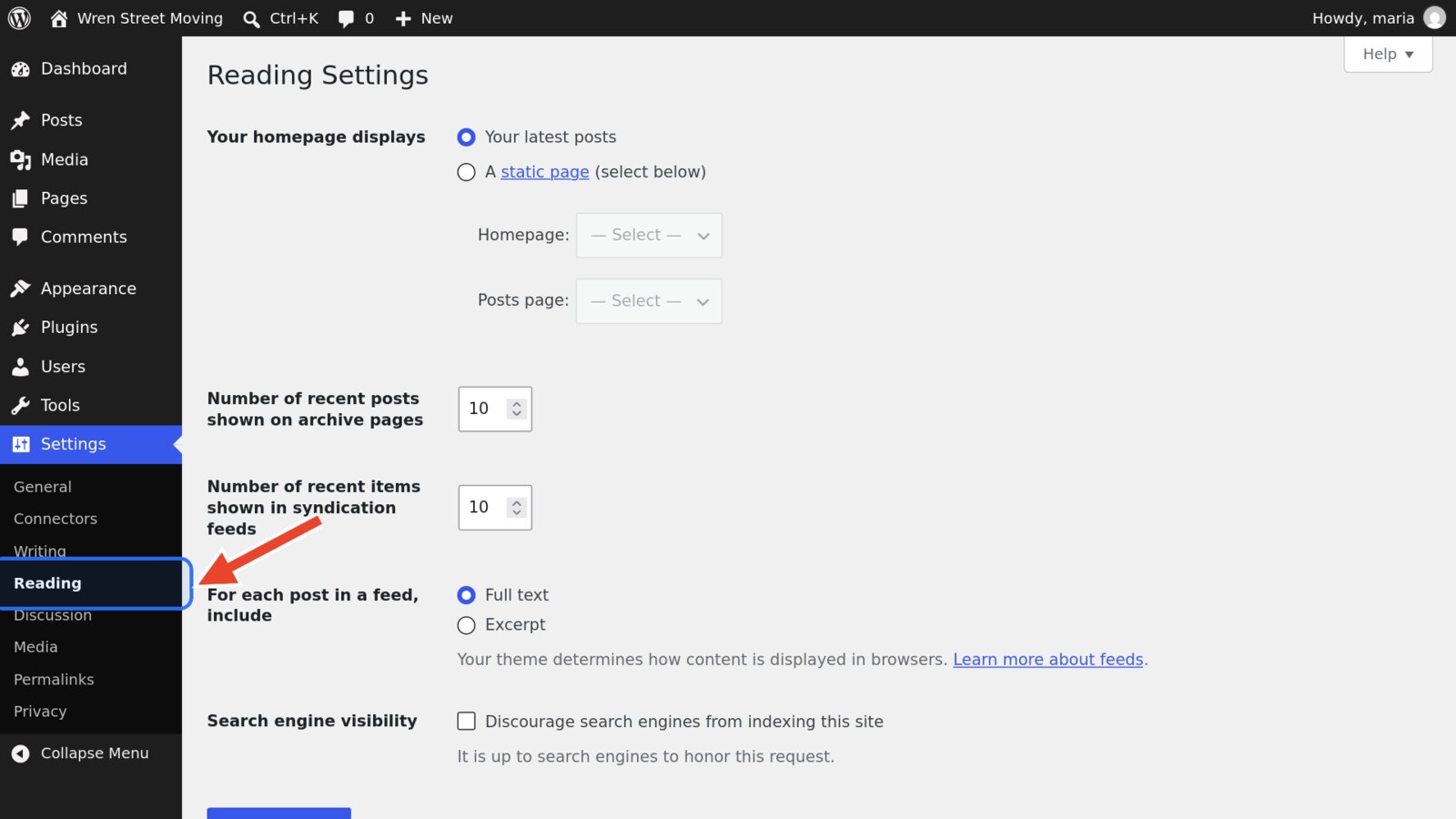
Reading is under Settings in the left menu.Reading está en Settings, en el menú de la izquierda.
-
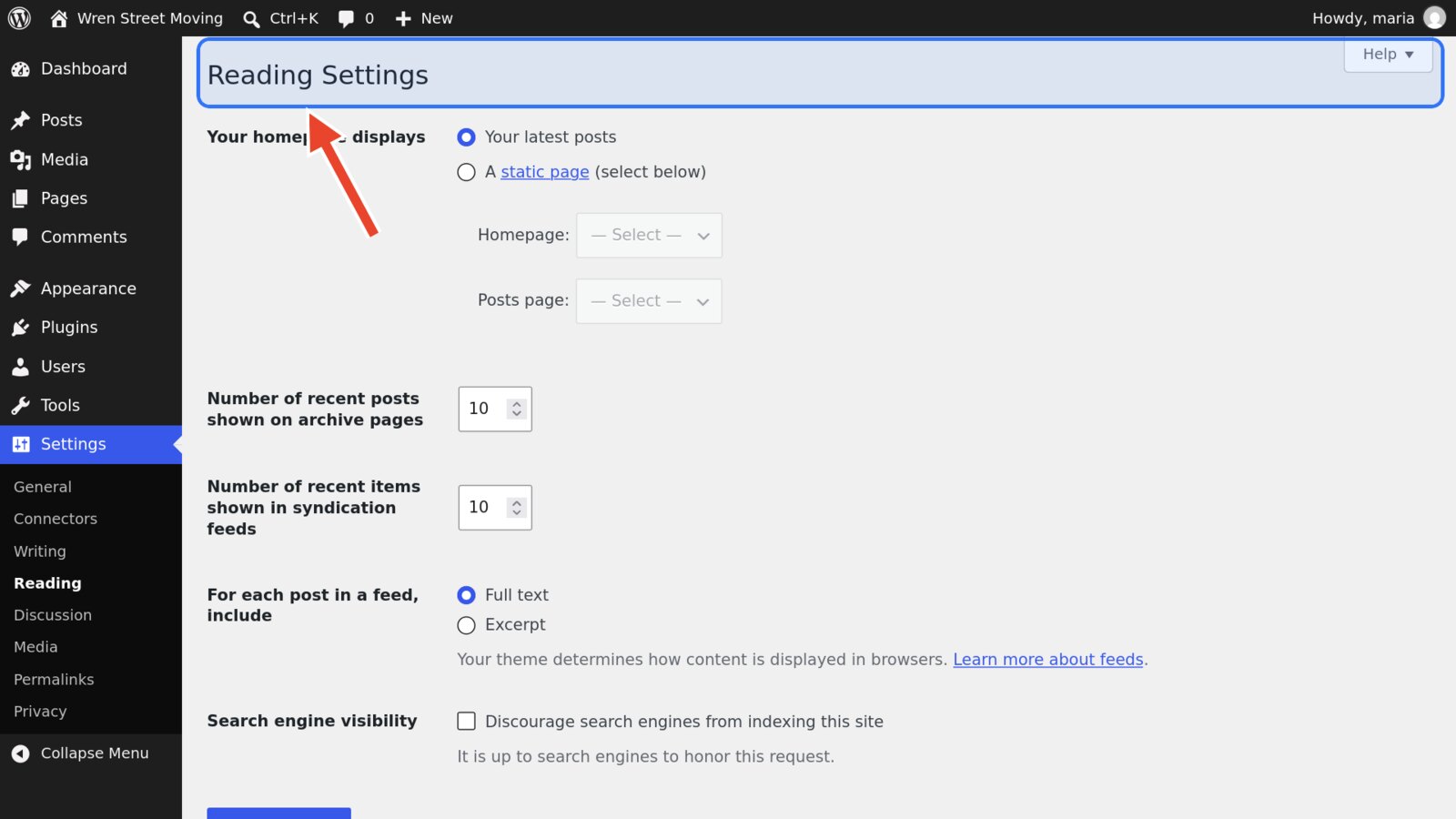
This is the Reading Settings screen.Esta es la pantalla Reading Settings.
-
Home page: this list picks which page visitors see first.Home page: esta lista elige qué página ven primero los visitantes.
Tip: Pick a static page as the home page once you have written one.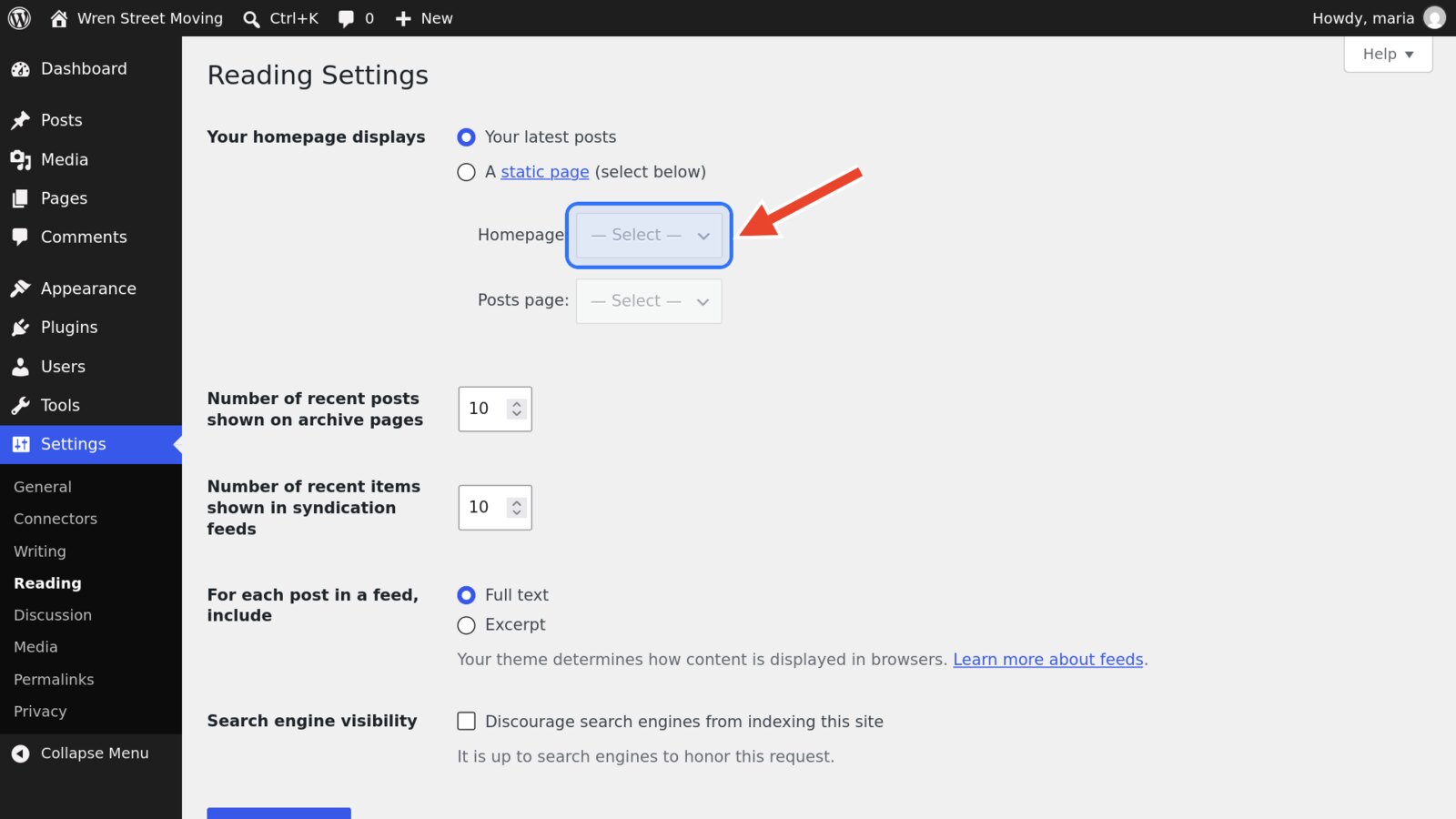
-
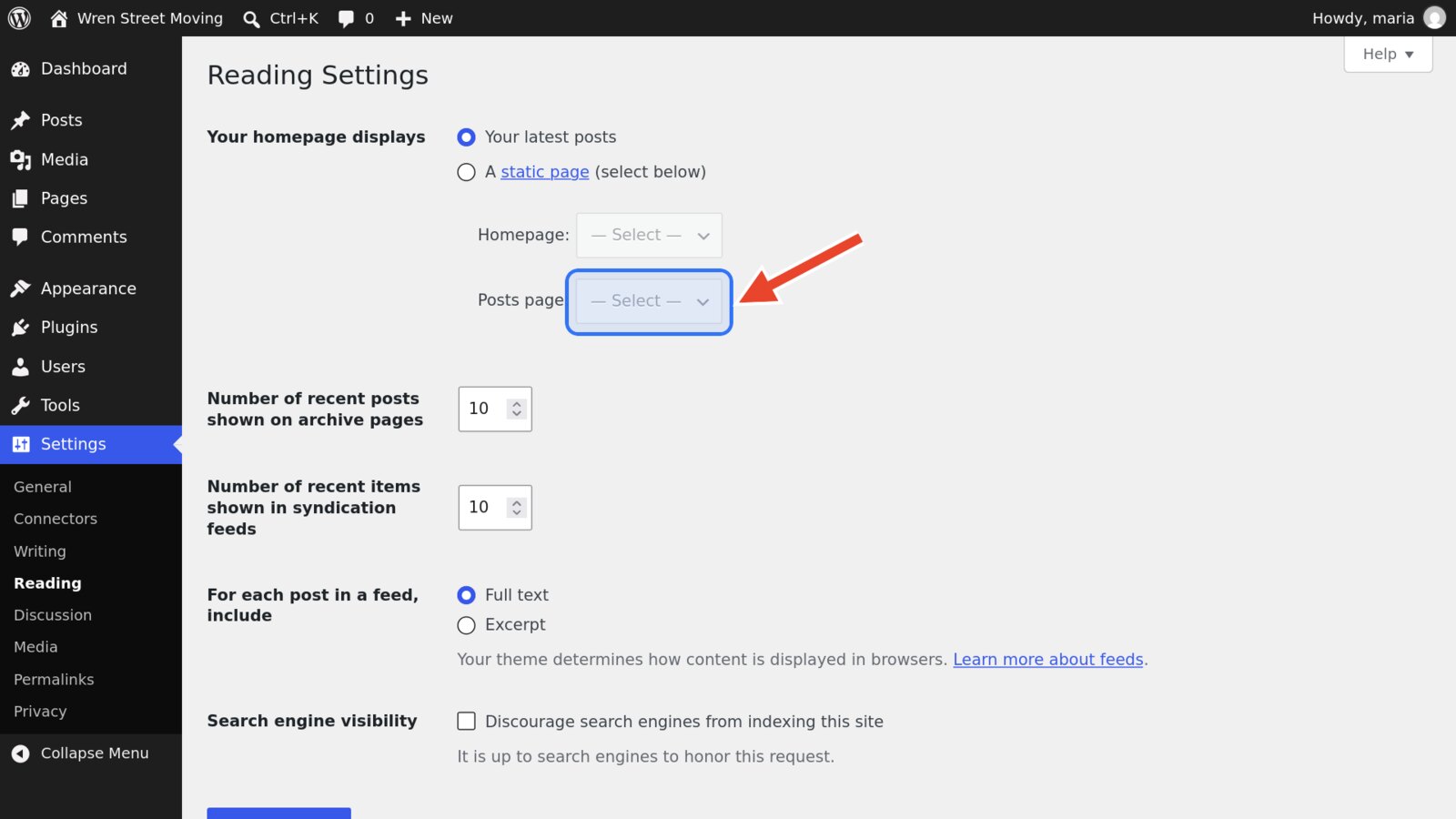
Posts page: this list picks the page that shows your blog posts.Posts page: esta lista elige la página que muestra tus entradas.
-
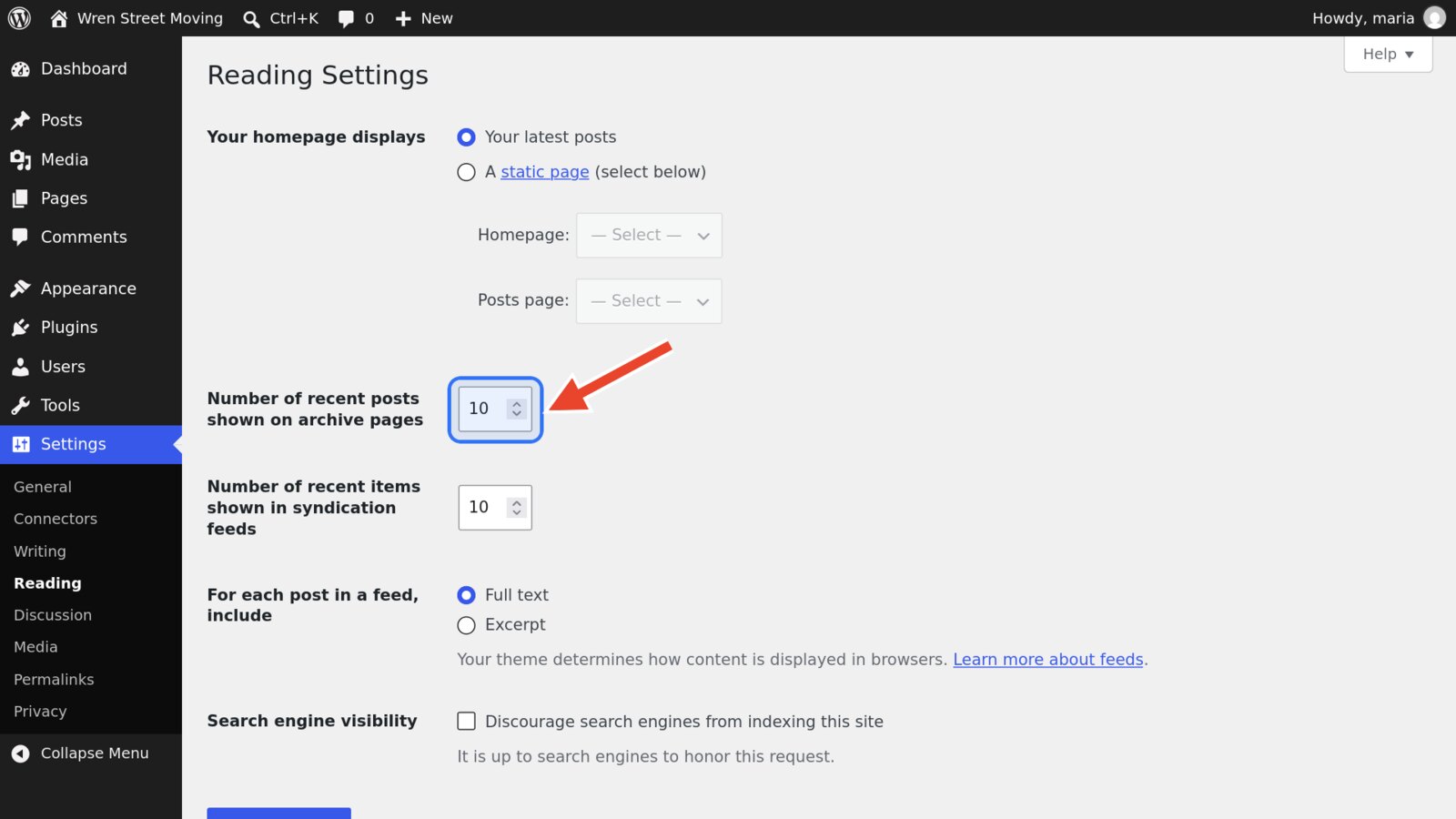
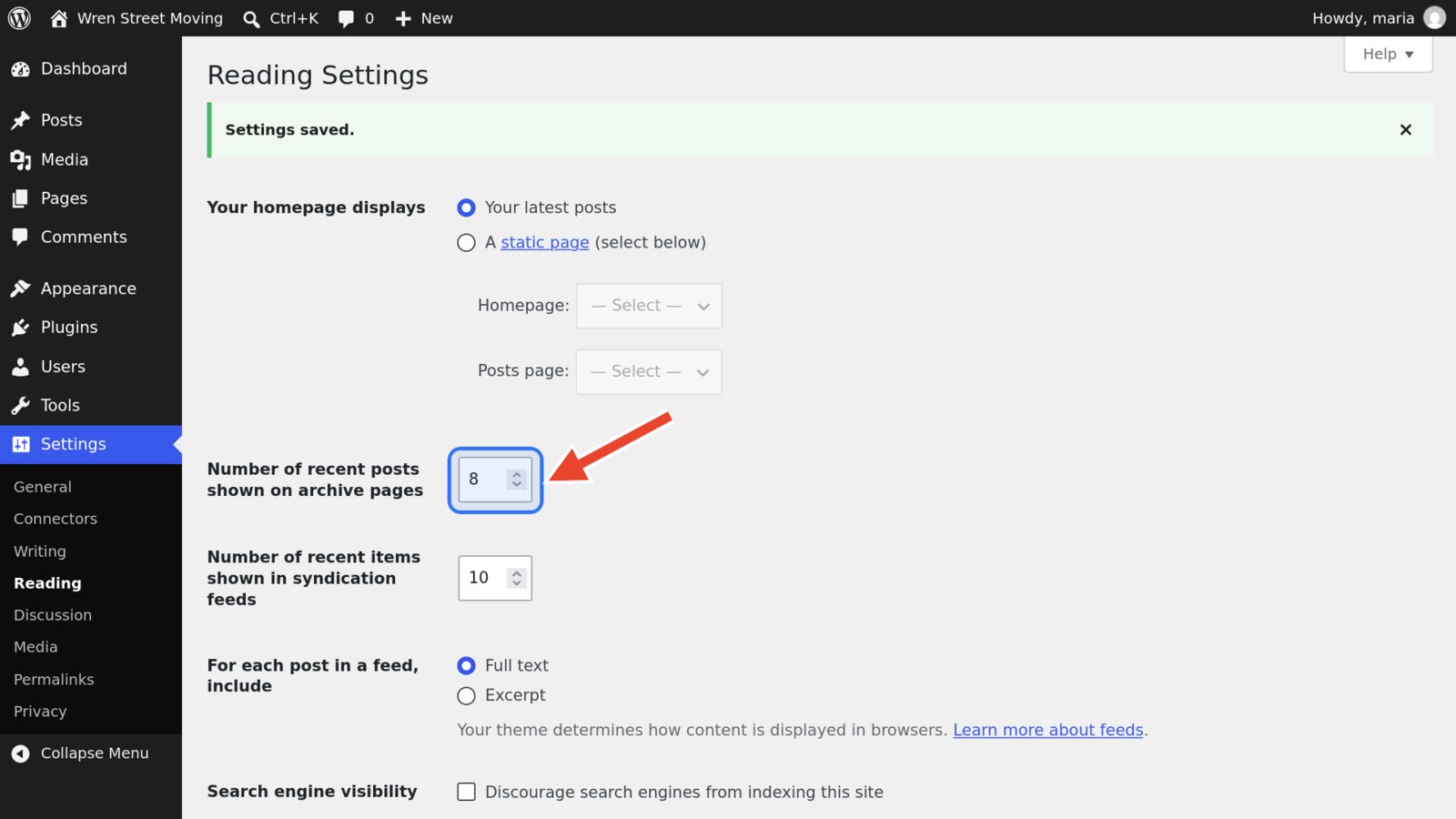
This box sets how many posts show at most on each page.Este cuadro define cuántas entradas se muestran como máximo en cada página.
-
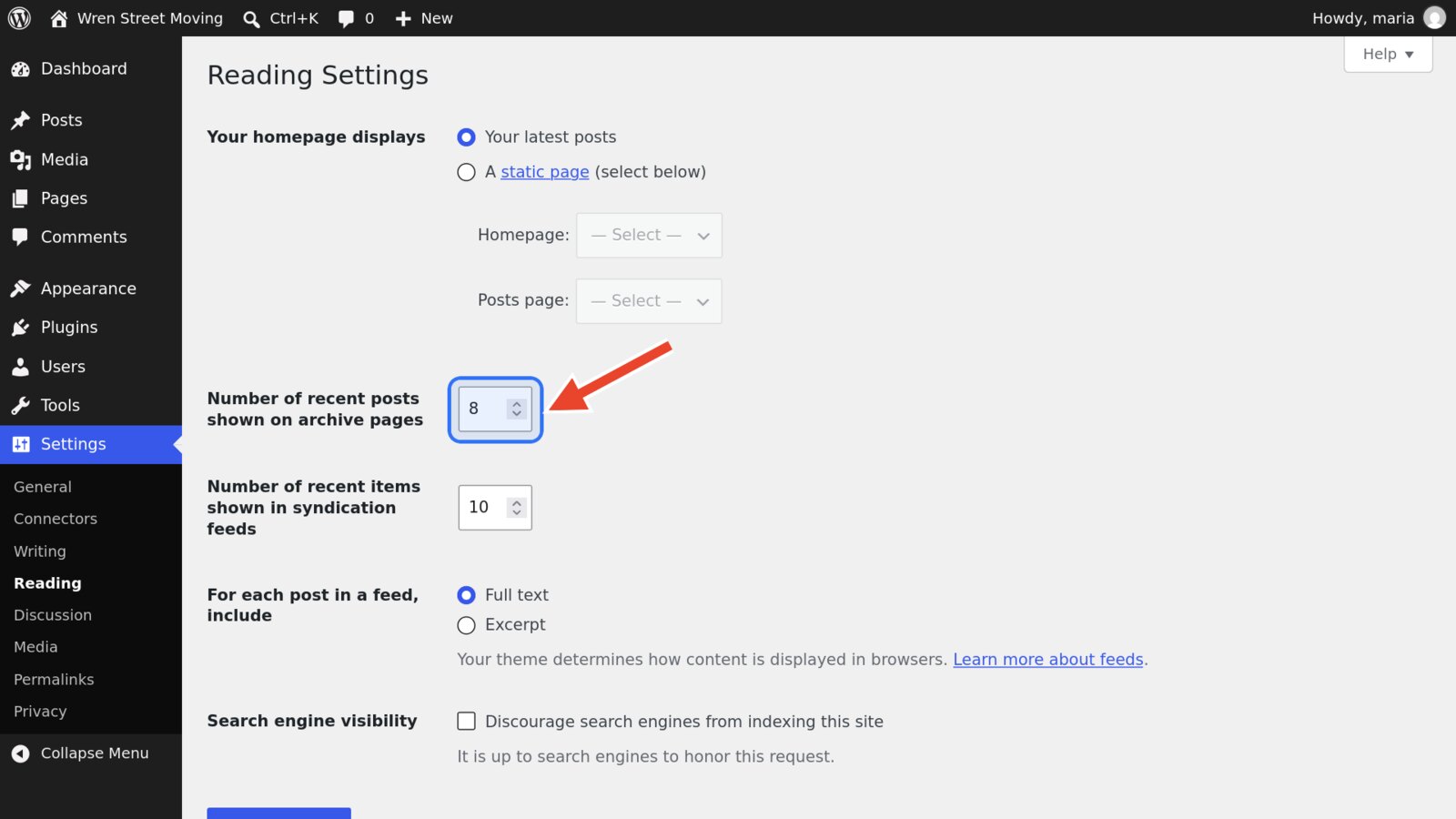
Type 8 to show eight posts at most.Escribe 8 para mostrar ocho entradas como máximo.
-
This is the search engine visibility box. Check its state before saving.Este es el cuadro de visibilidad para motores de búsqueda. Revisa su estado antes de guardar.
Tip: Leave it unticked on a site you want people to find.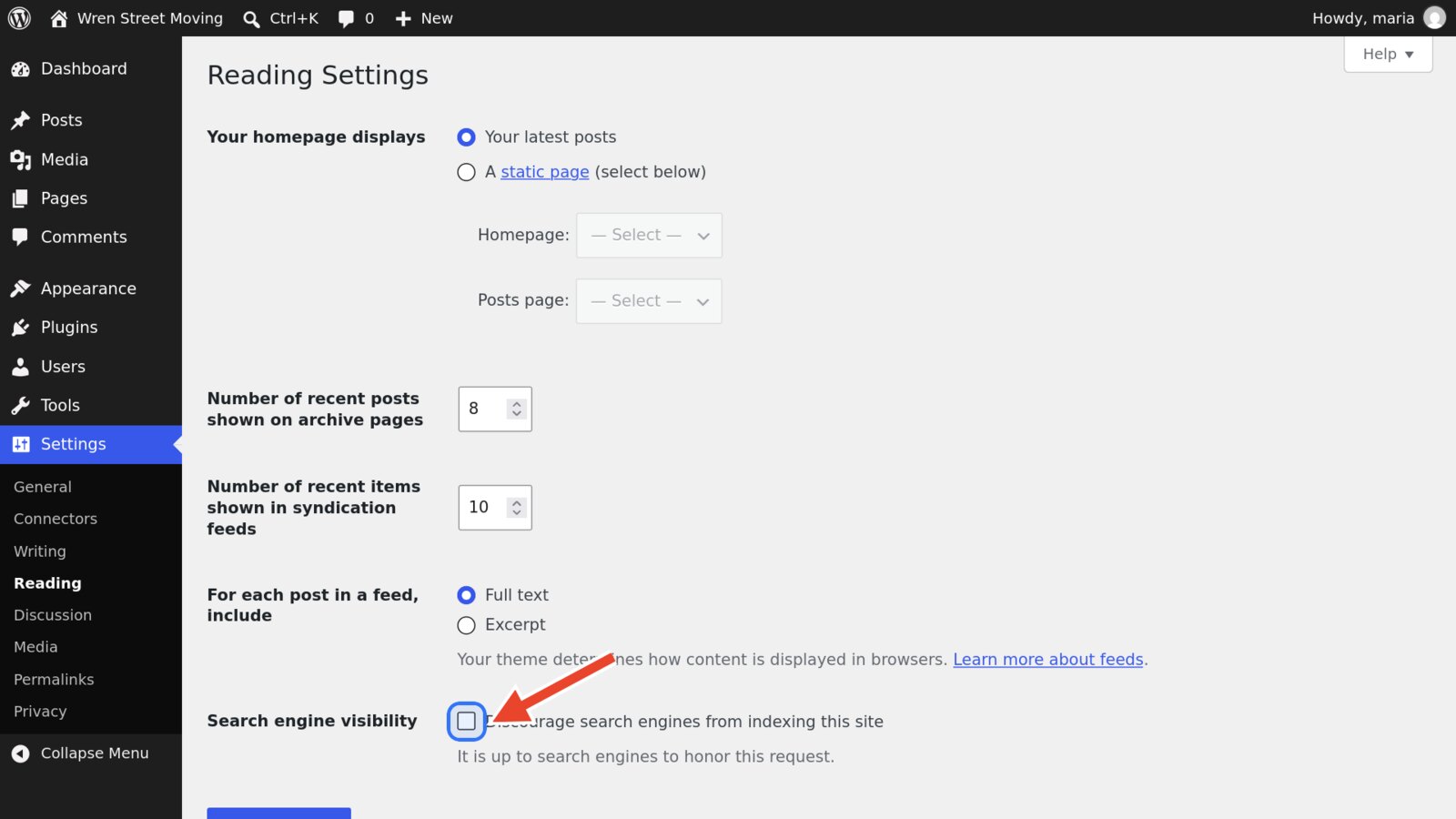
-
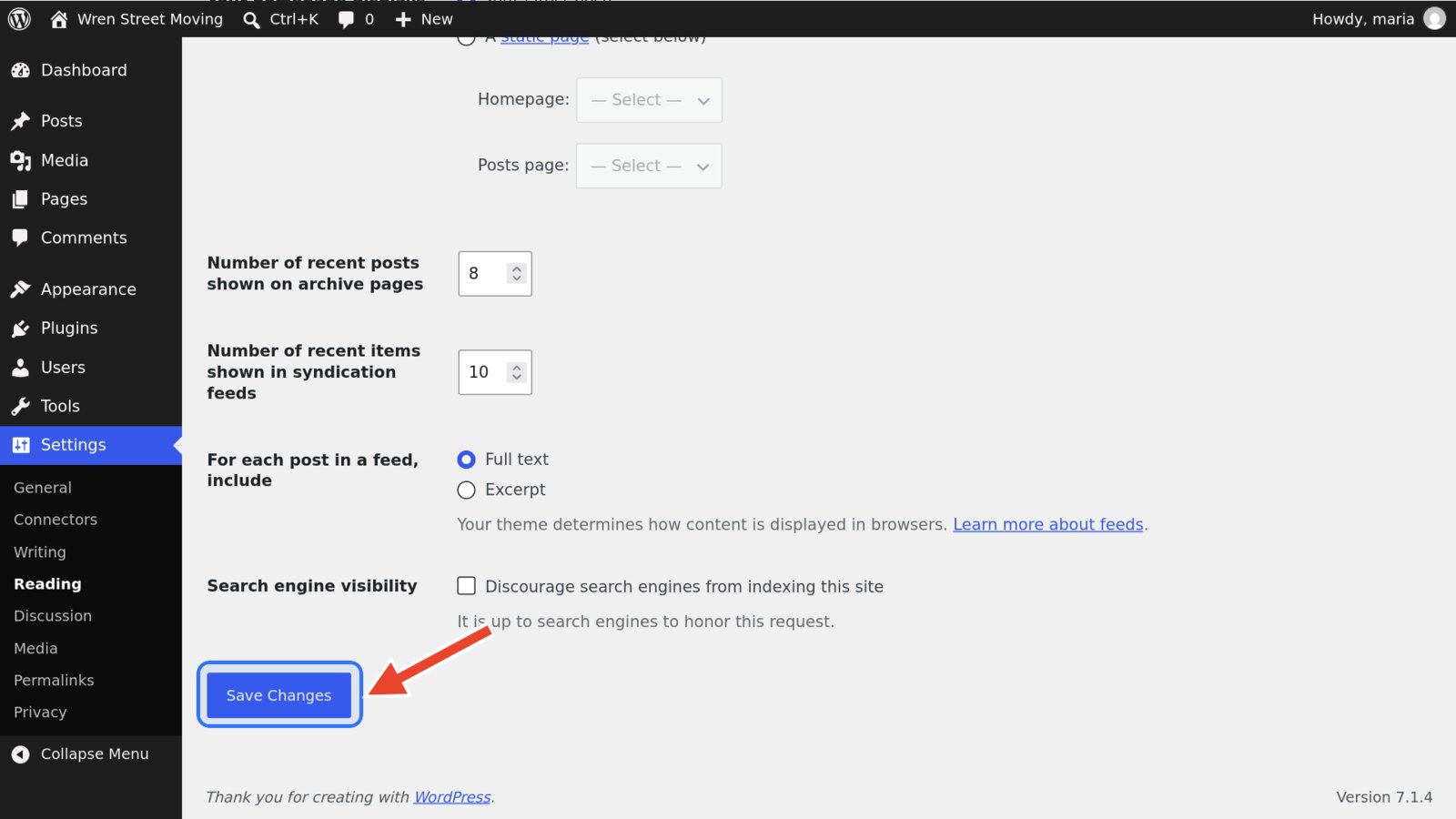
Press Save Changes at the bottom.Presiona Save Changes, abajo.
-
After saving, the box shows 8. Your change is saved.Después de guardar, el cuadro muestra 8. Tu cambio quedó guardado.
Stuck on your own site?
Get walked through it one-on-one, on video, on your real site. Or hand the job over and have it done.
- You click, I guide
- One price per job, set before work starts
- English or Spanish
Where this comes from
Every step was run on a real WordPress site and checked against the official WordPress documentation: