Set your default post category and format
The steps
-
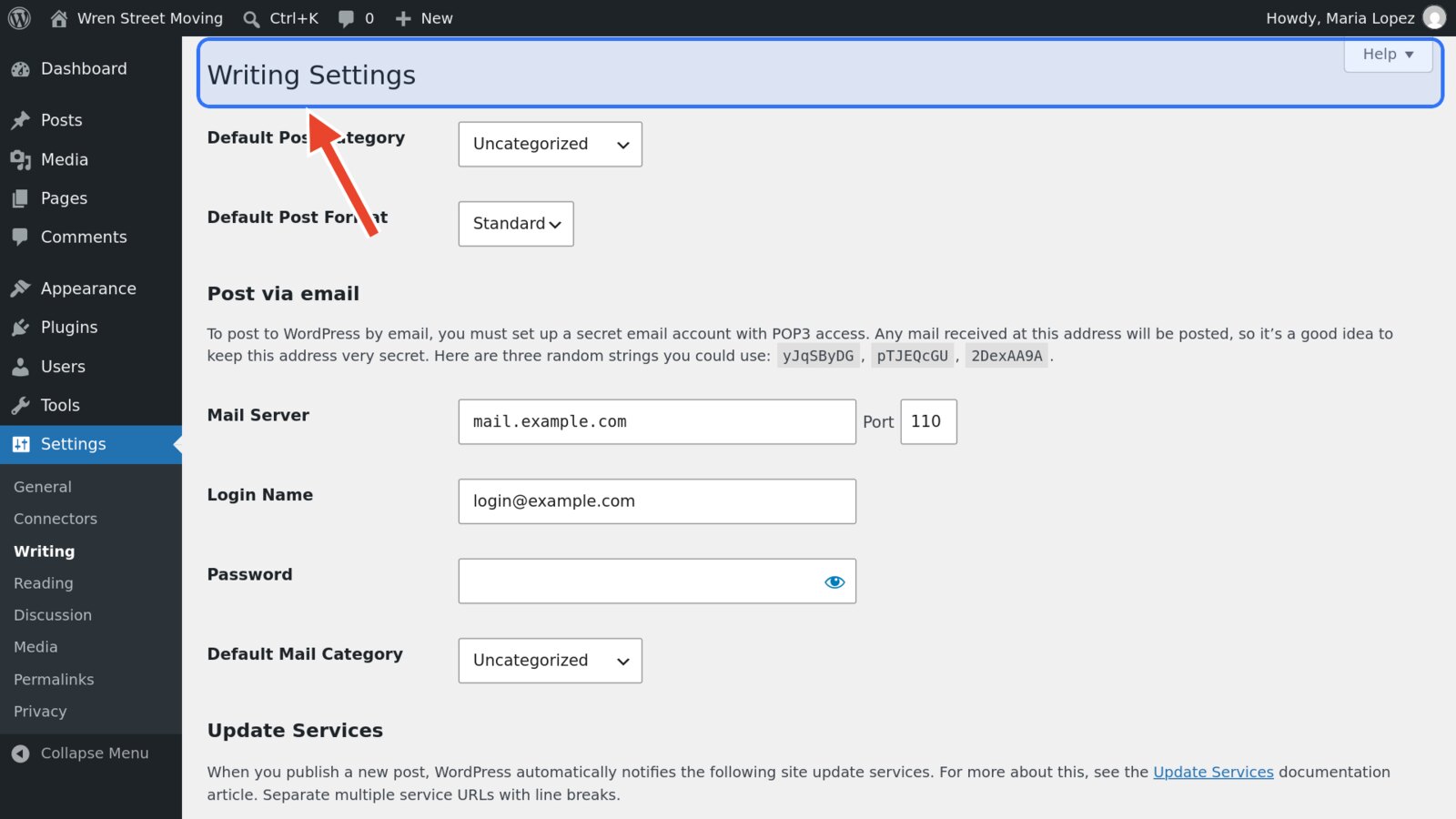
This is the Writing Settings screen. It controls how new posts start out.Esta es la pantalla Writing Settings. Controla cómo empiezan las entradas nuevas.
-
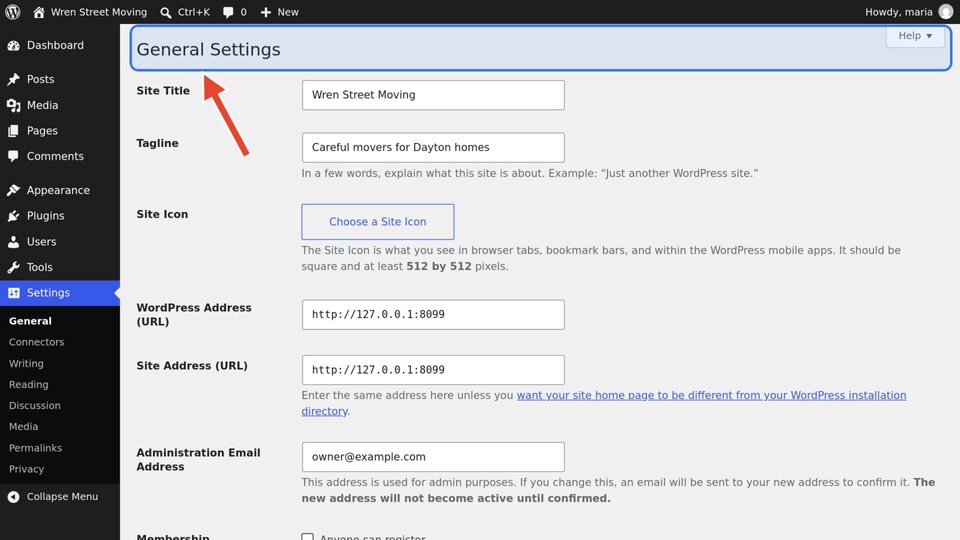
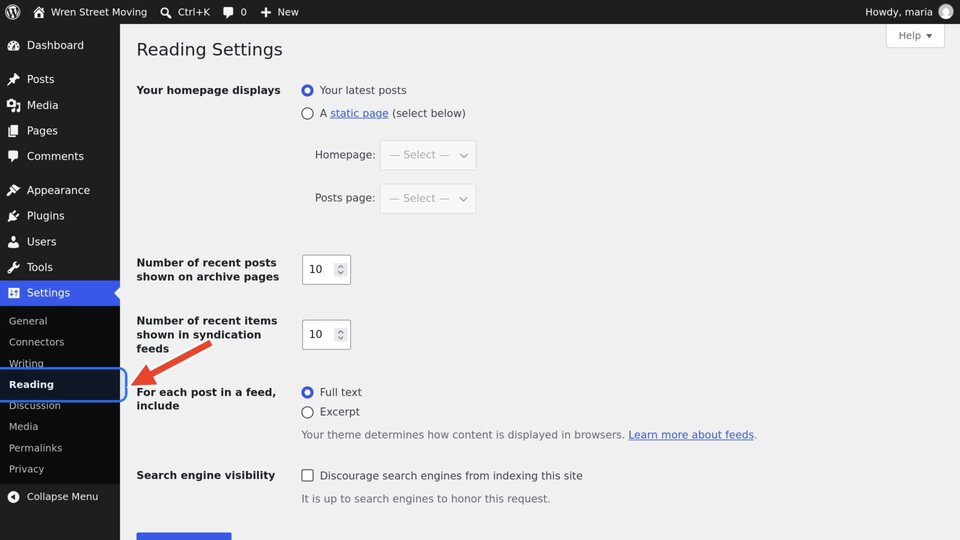
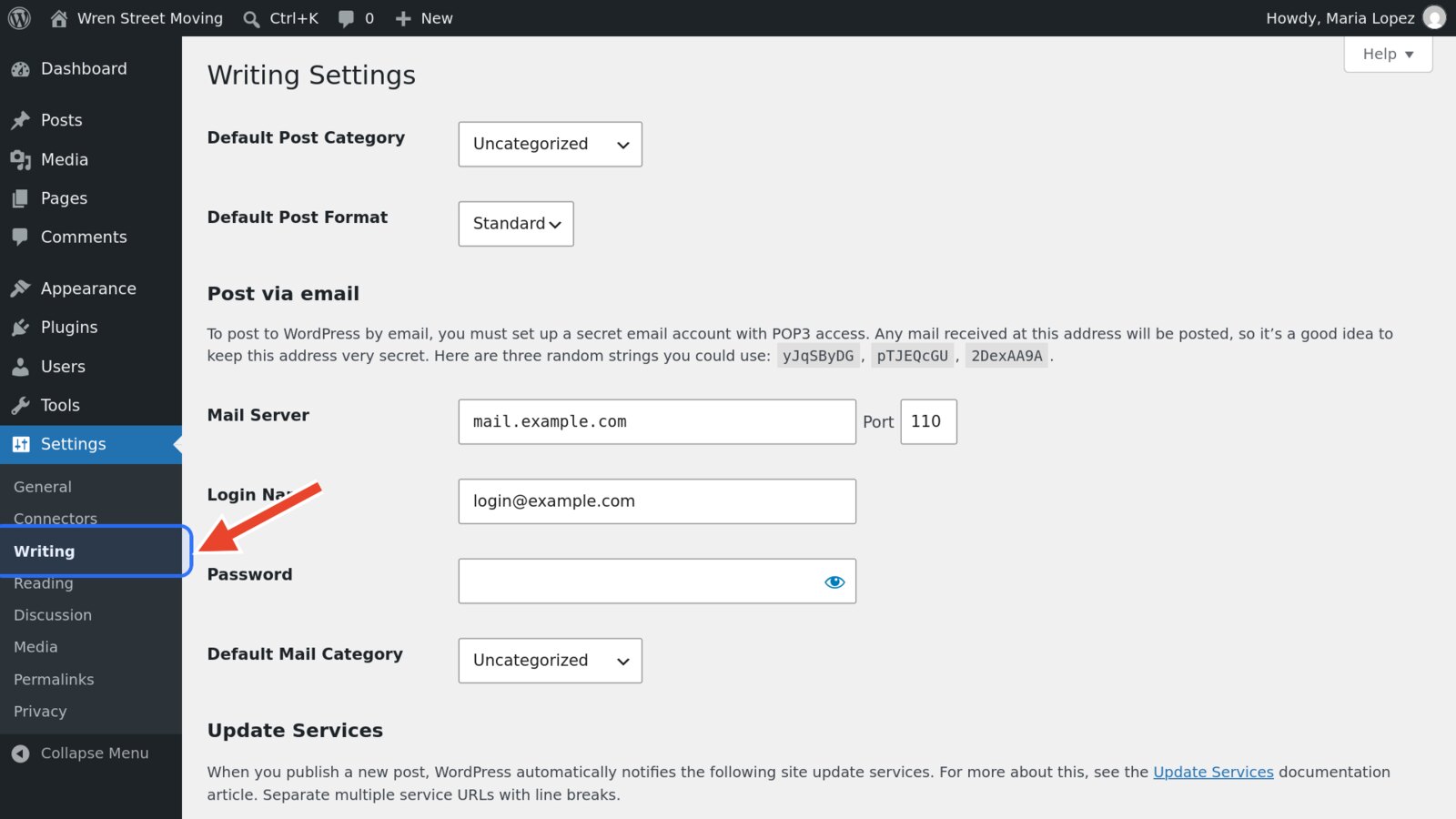
You reach it from Settings, then Writing, in the left menu.Llegas desde Settings, luego Writing, en el menú de la izquierda.
-
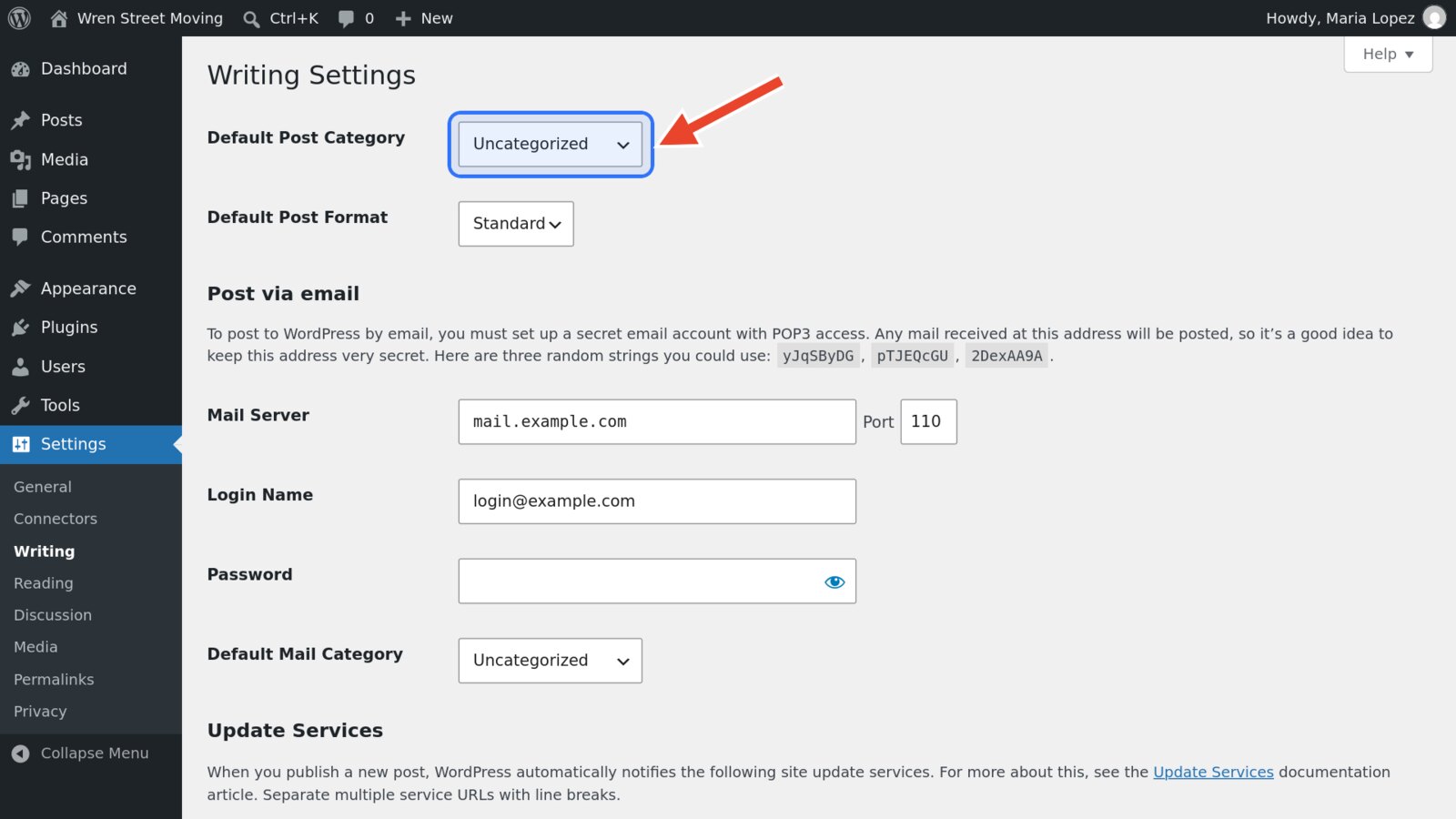
Default Post Category is now Uncategorized. Posts with no category land here.Default Post Category ahora es Uncategorized. Las entradas sin categoría quedan aquí.
-
We chose Moving tips, the category this company uses most.Elegimos Moving tips, la categoría que más usa esta empresa.
Tip: Set the default category once so new posts are never left uncategorized.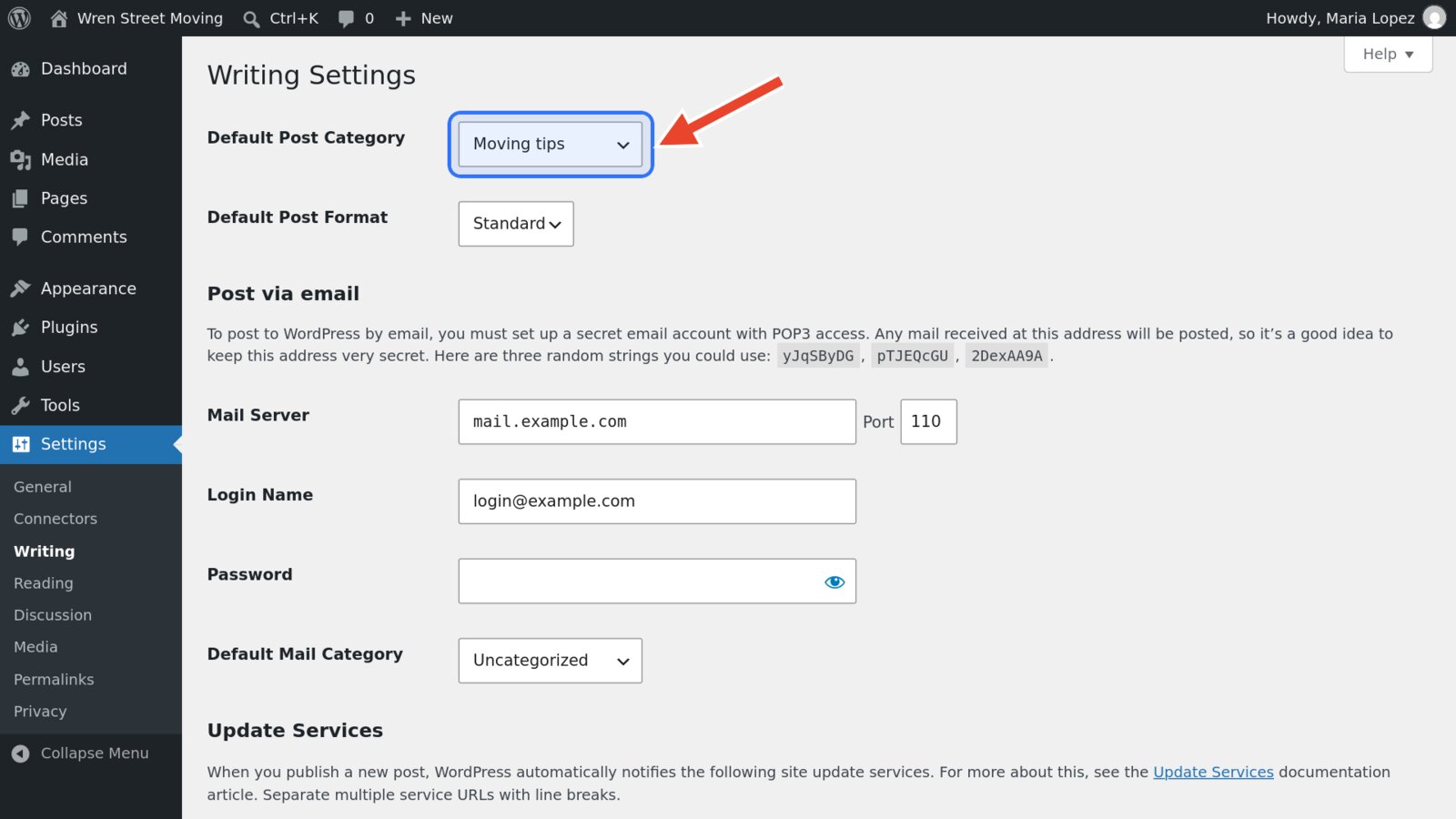
-
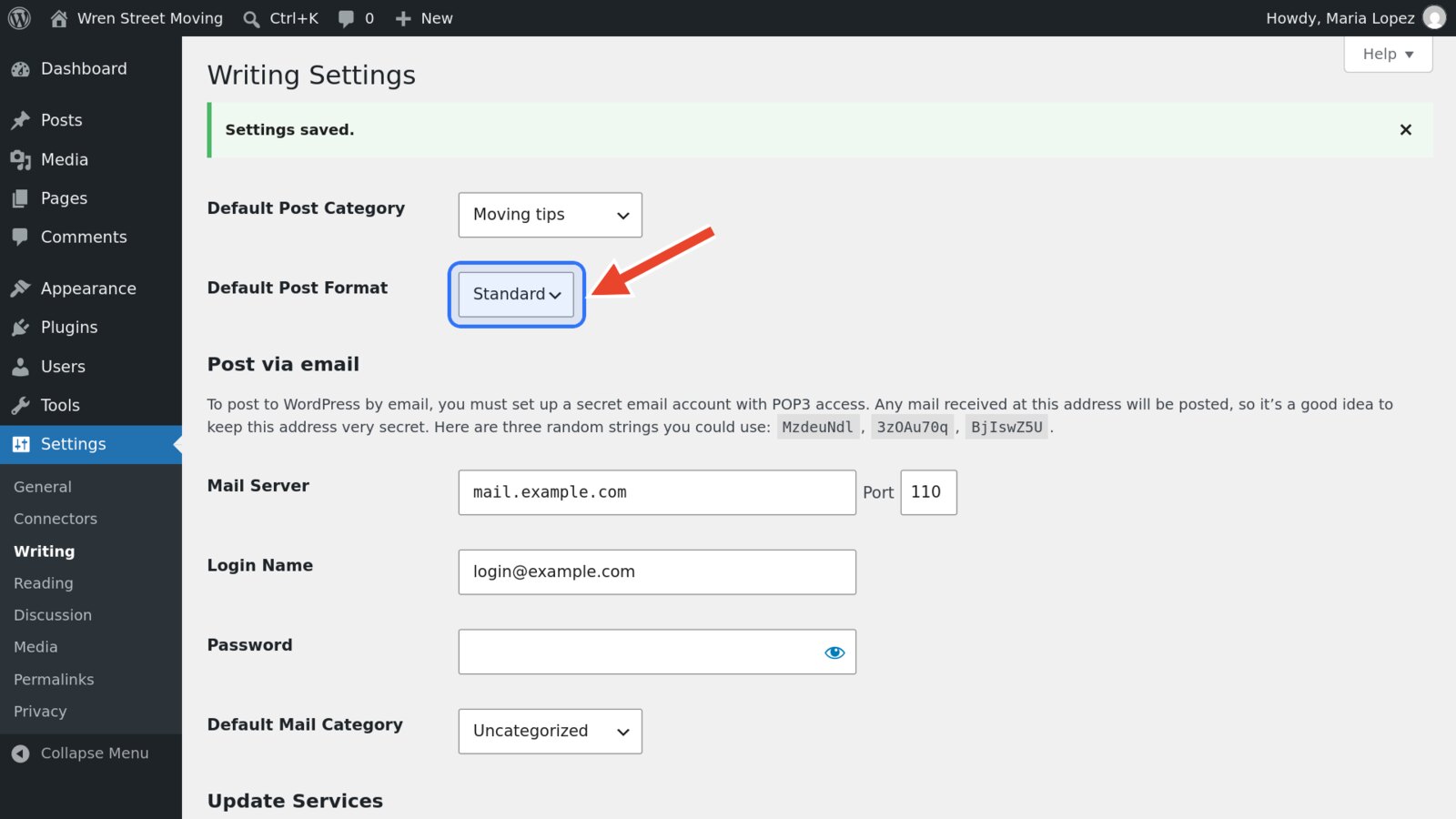
Default Post Format is Standard, a plain post. Leave it unless your theme needs another.Default Post Format es Standard, una entrada normal. Déjalo así si tu tema no pide otro.
Tip: Standard means no special styling. It is the safe choice.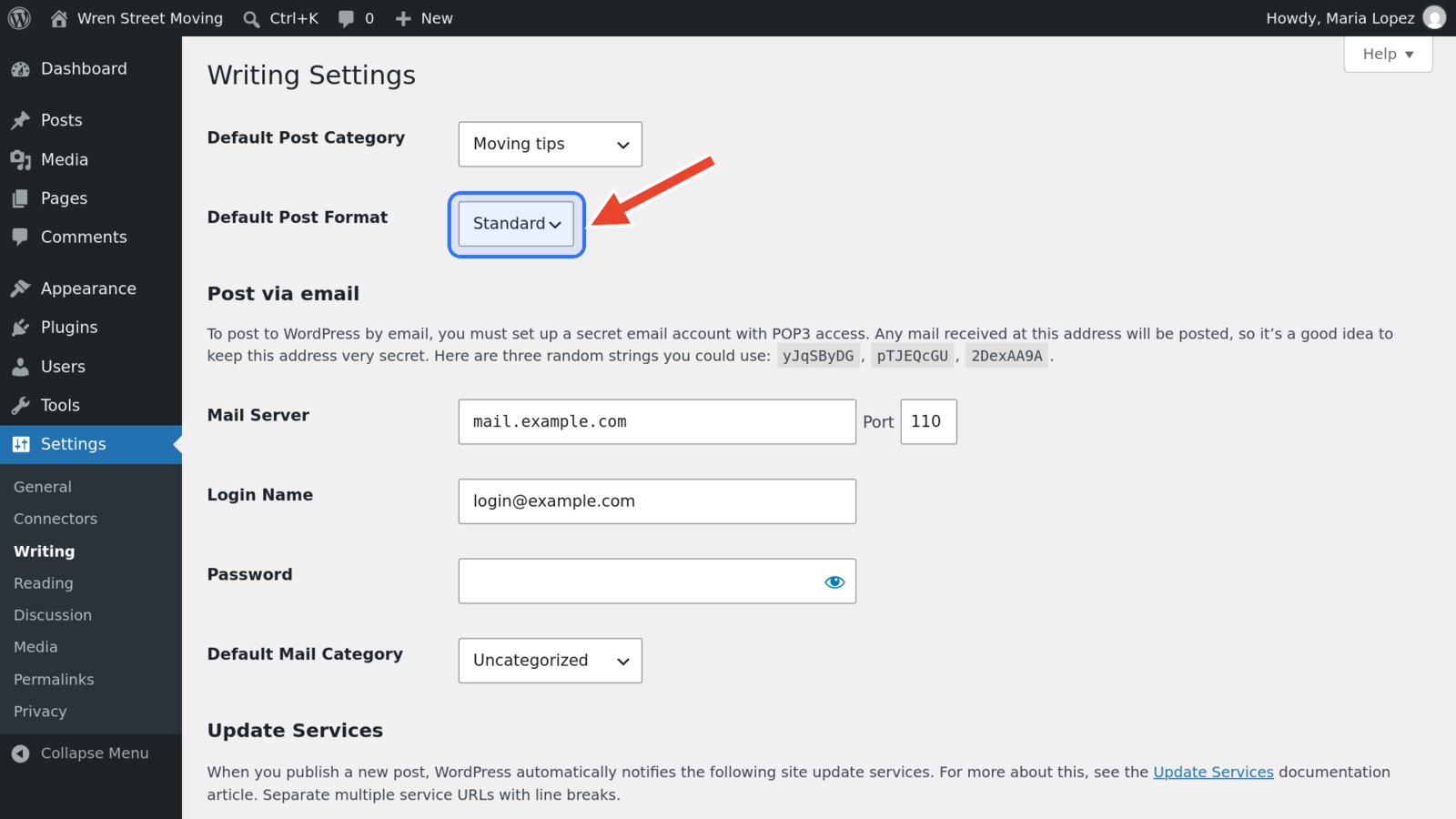
-
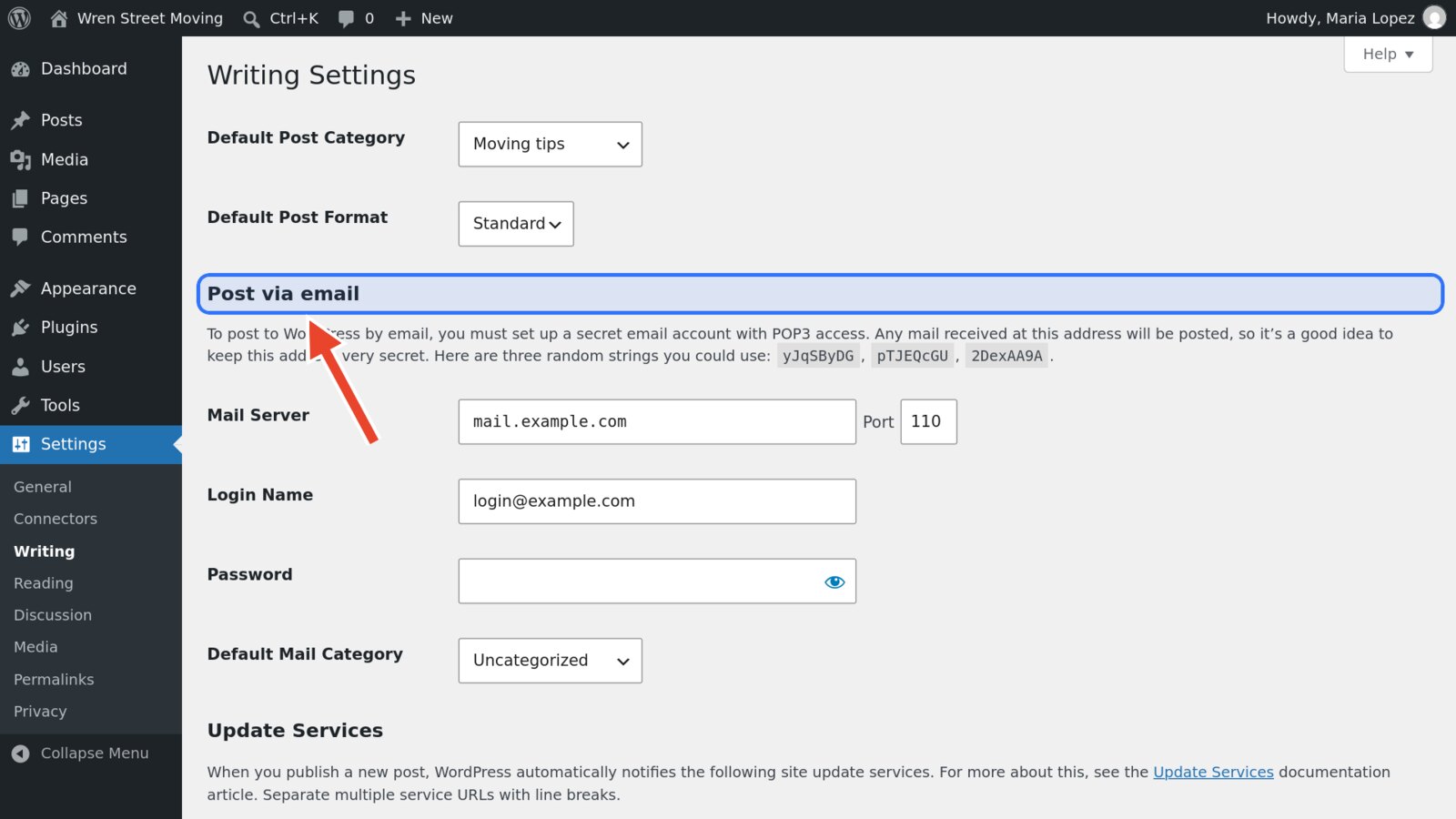
Post via email needs a separate mail account. Most sites leave it empty.Post via email necesita una cuenta de correo aparte. La mayoría de los sitios lo dejan vacío.
-
Press Save Changes at the bottom to keep your choice.Presiona Save Changes, abajo, para guardar tu elección.
Tip: Nothing is saved until you press this button.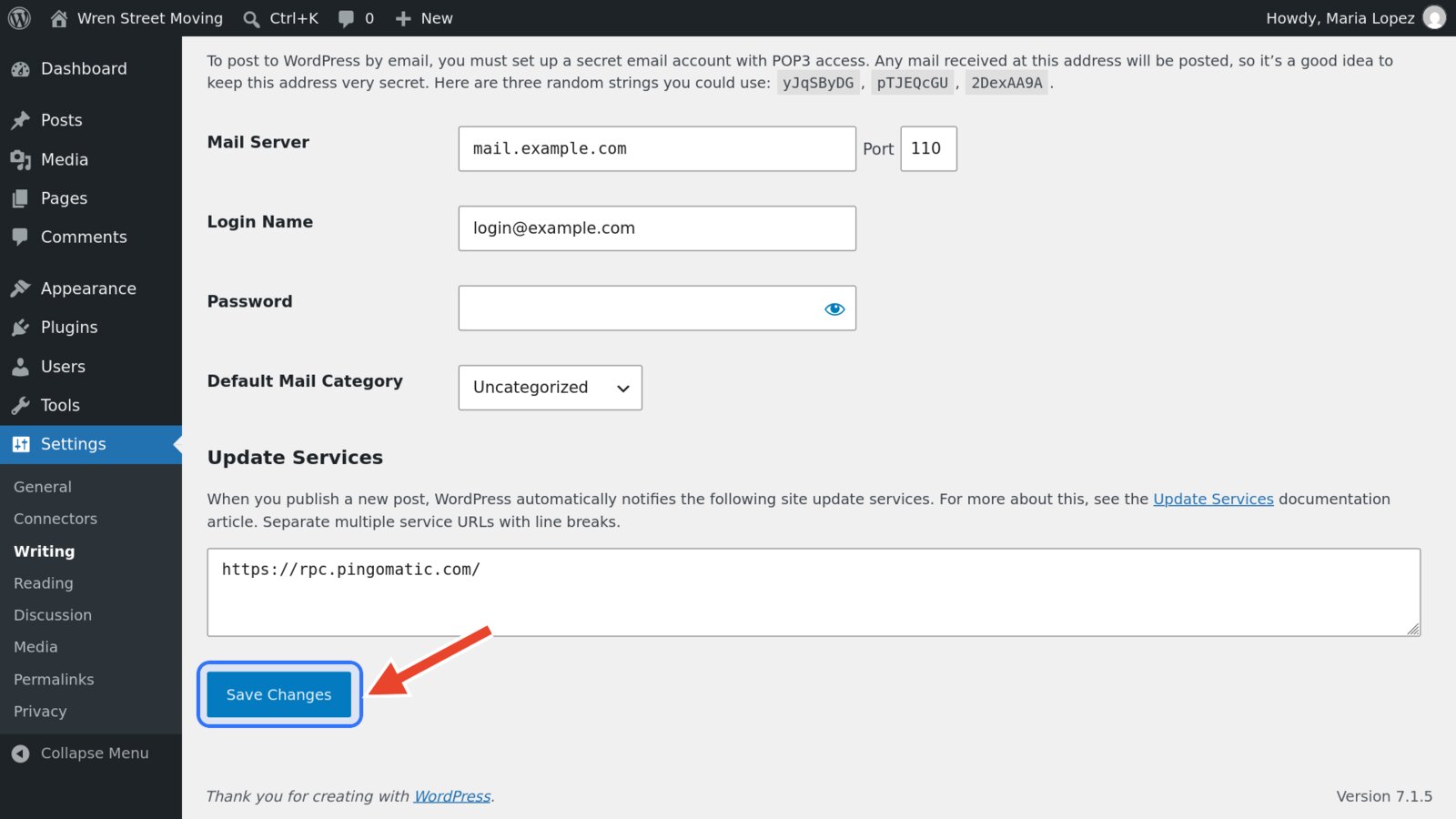
-
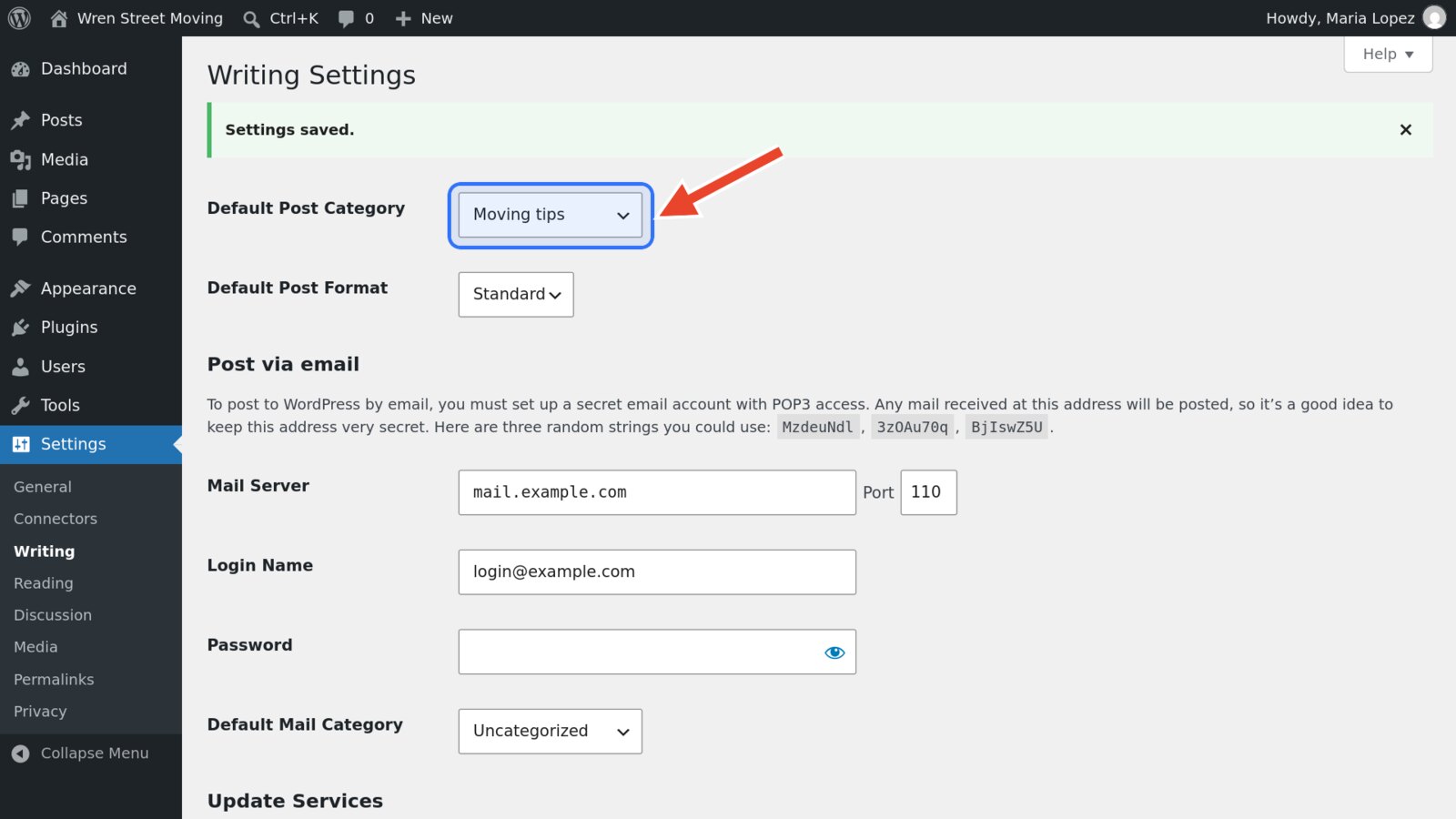
Saved. Default Post Category now shows Moving tips.Guardado. Default Post Category ahora muestra Moving tips.
-
Default Post Format stays Standard. Your new post defaults are in place.Default Post Format sigue en Standard. Tus valores para entradas nuevas están listos.
Stuck on your own site?
Get walked through it one-on-one, on video, on your real site. Or hand the job over and have it done.
- You click, I guide
- One price per job, set before work starts
- English or Spanish
Where this comes from
Every step was run on a real WordPress site and checked against the official WordPress documentation: