Add a new page
The steps
-
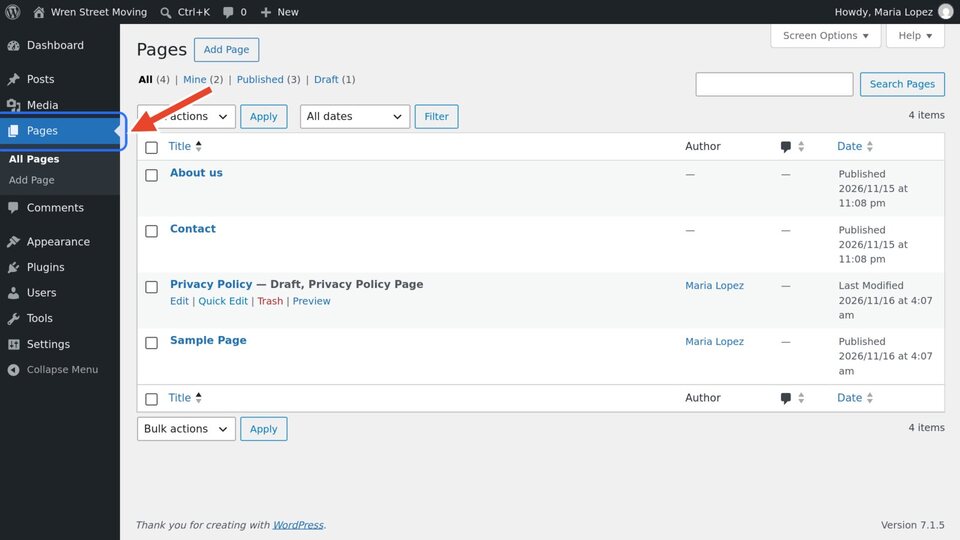
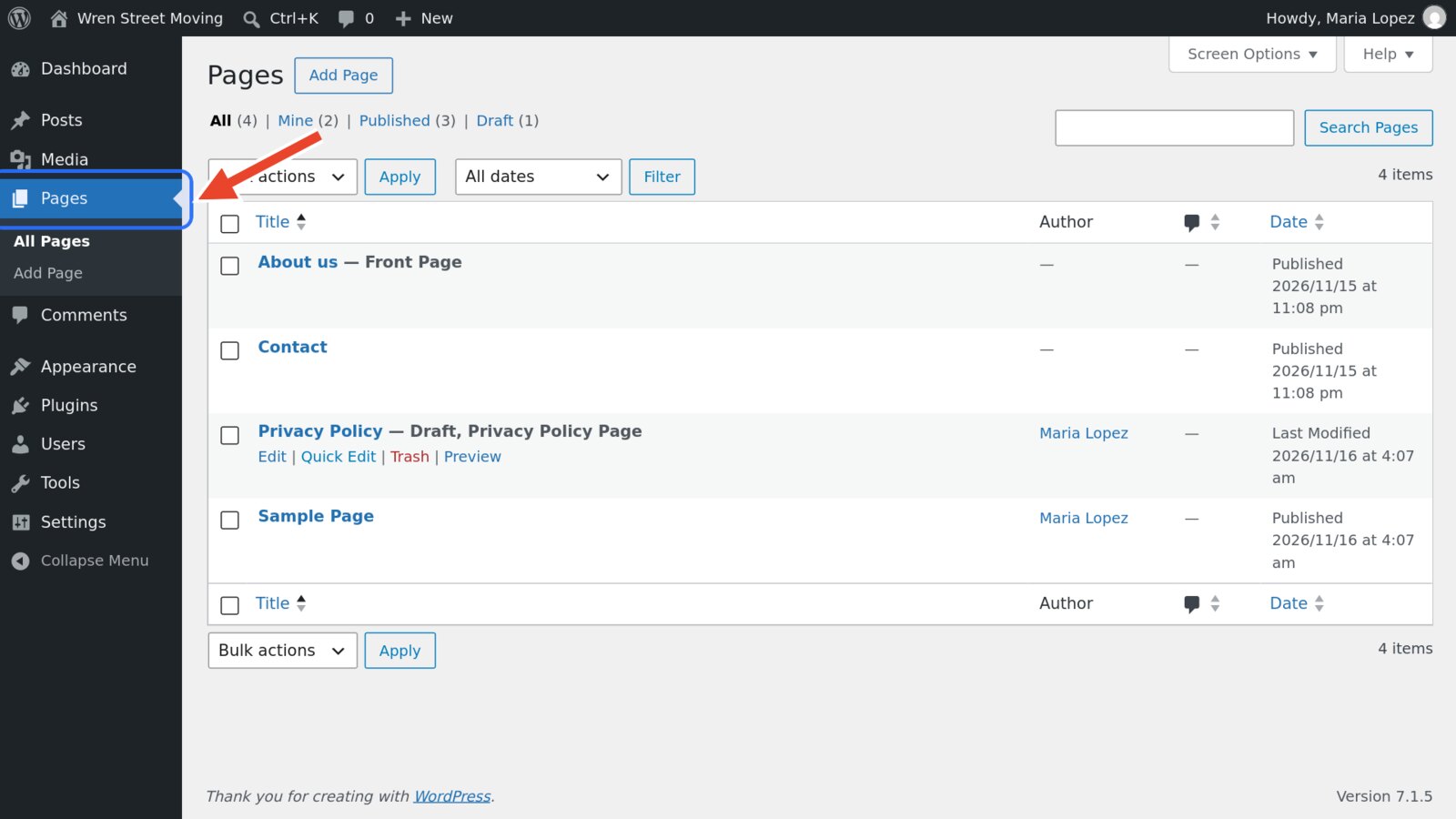
Pages hold the parts of your site that stay the same, like About and Contact.Las páginas guardan lo que no cambia en tu sitio, como About y Contact.
-
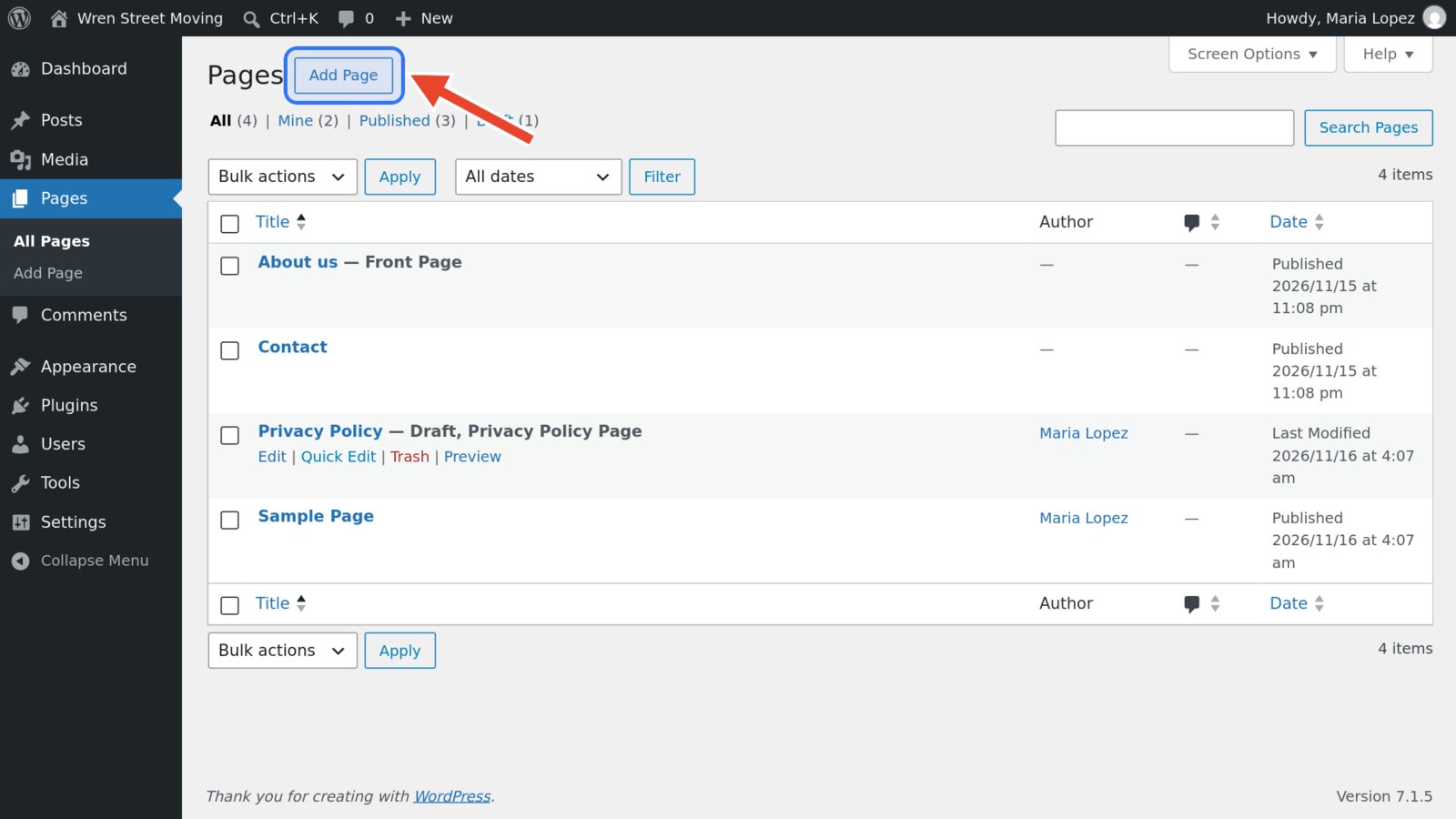
To make a new one, press Add Page.Para crear una nueva, presiona Add Page.
-
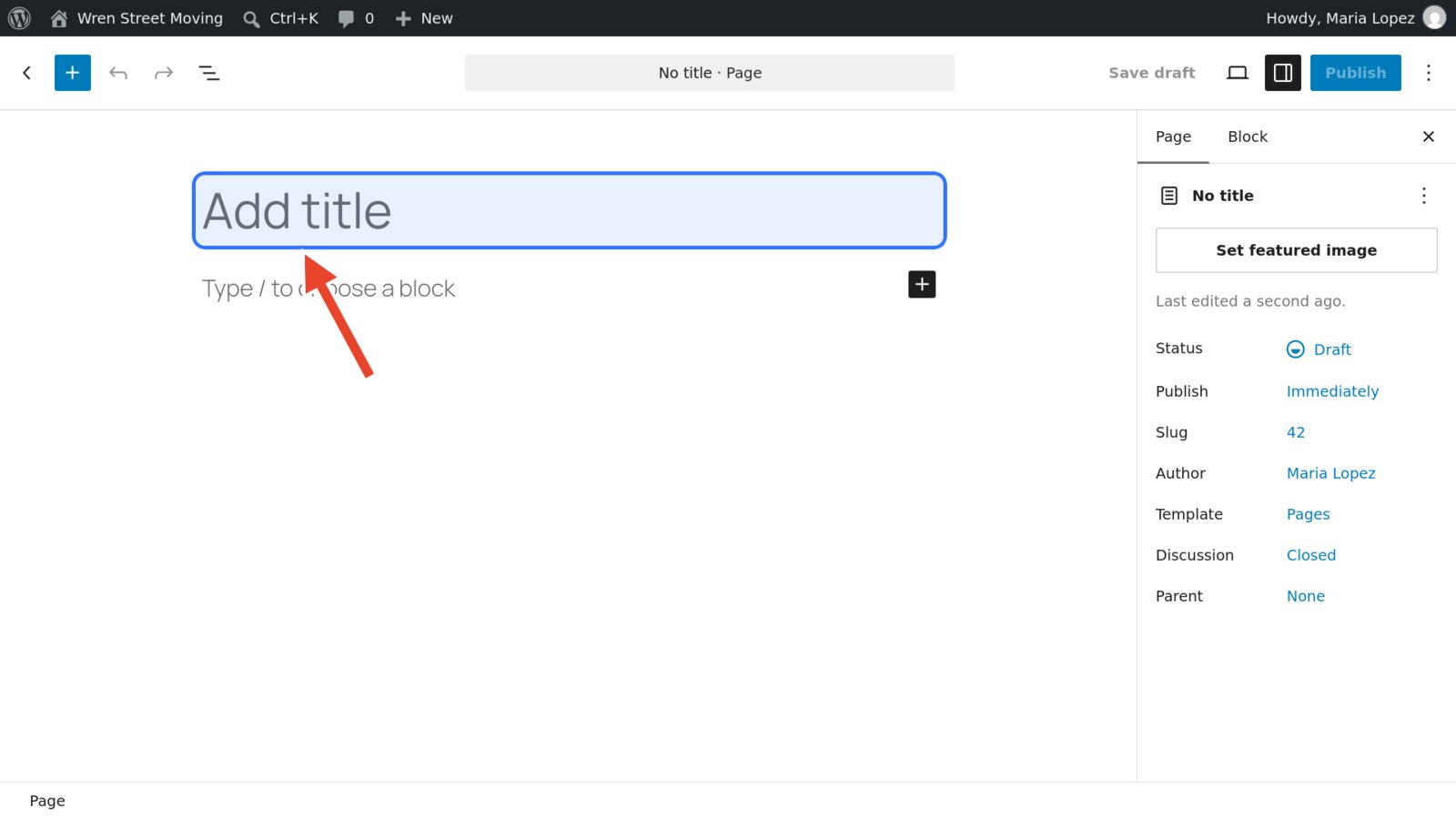
The page opens in the same editor as posts. Click Add title.La página se abre en el mismo editor que las entradas. Haz clic en Add title.
-
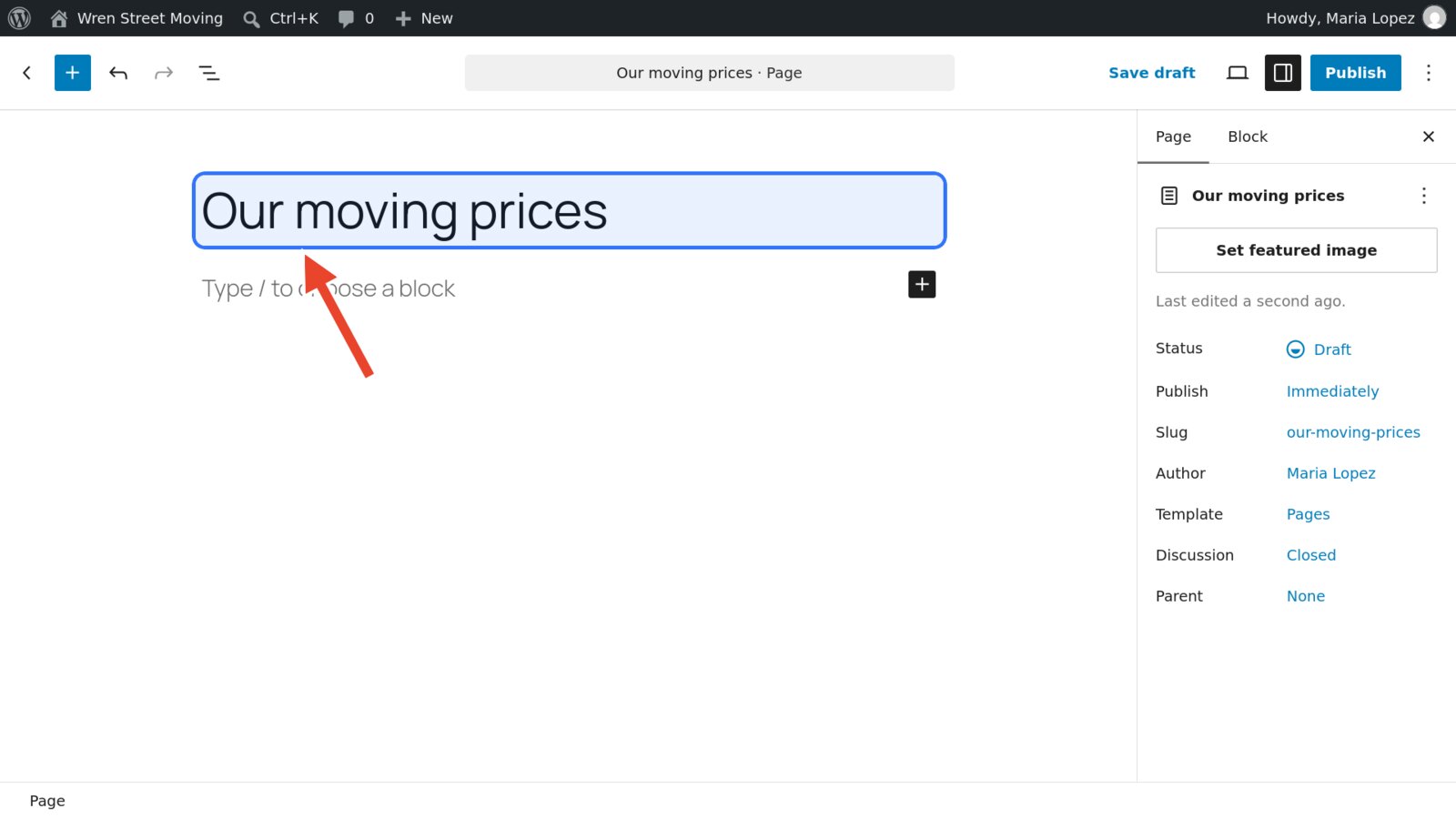
Type the page title. It also becomes the page's web address.Escribe el título de la página. También se convierte en su dirección web.
-
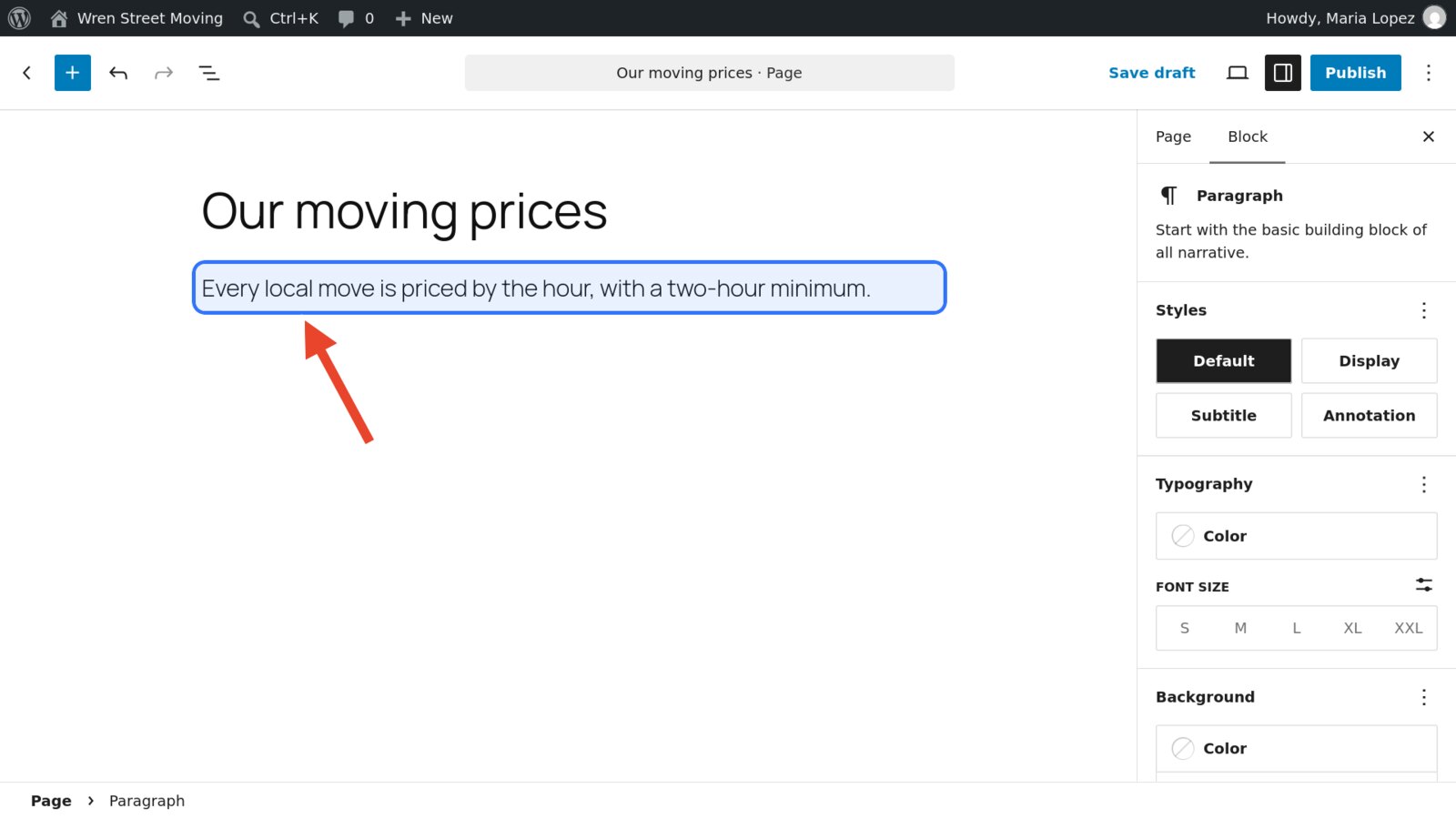
Press Enter and type the text of the page.Presiona Enter y escribe el texto de la página.
-
Save draft keeps the page private while you work on it.Save draft guarda la página en privado mientras trabajas en ella.
Tip: Use Save draft until the page is ready.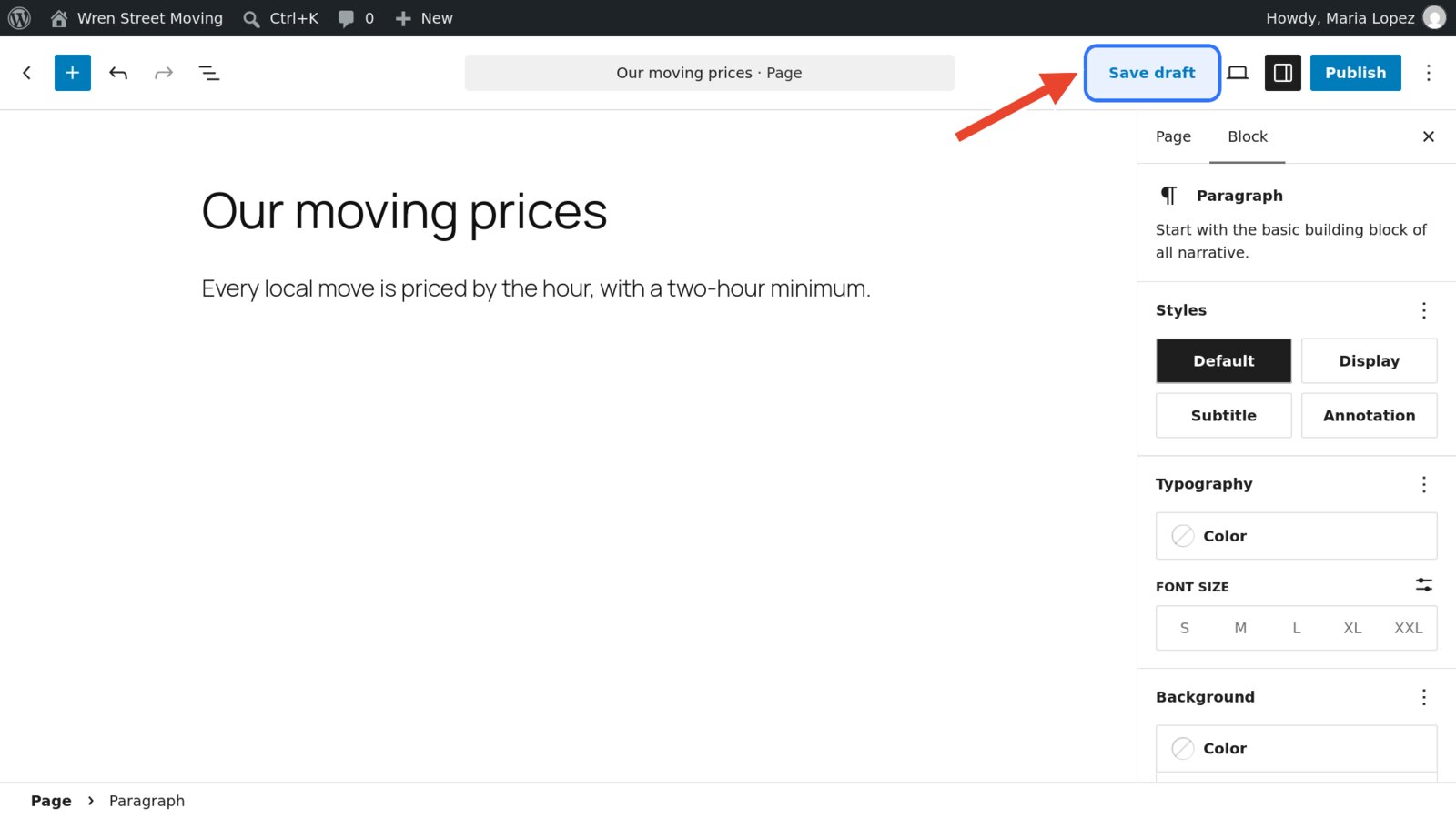
-
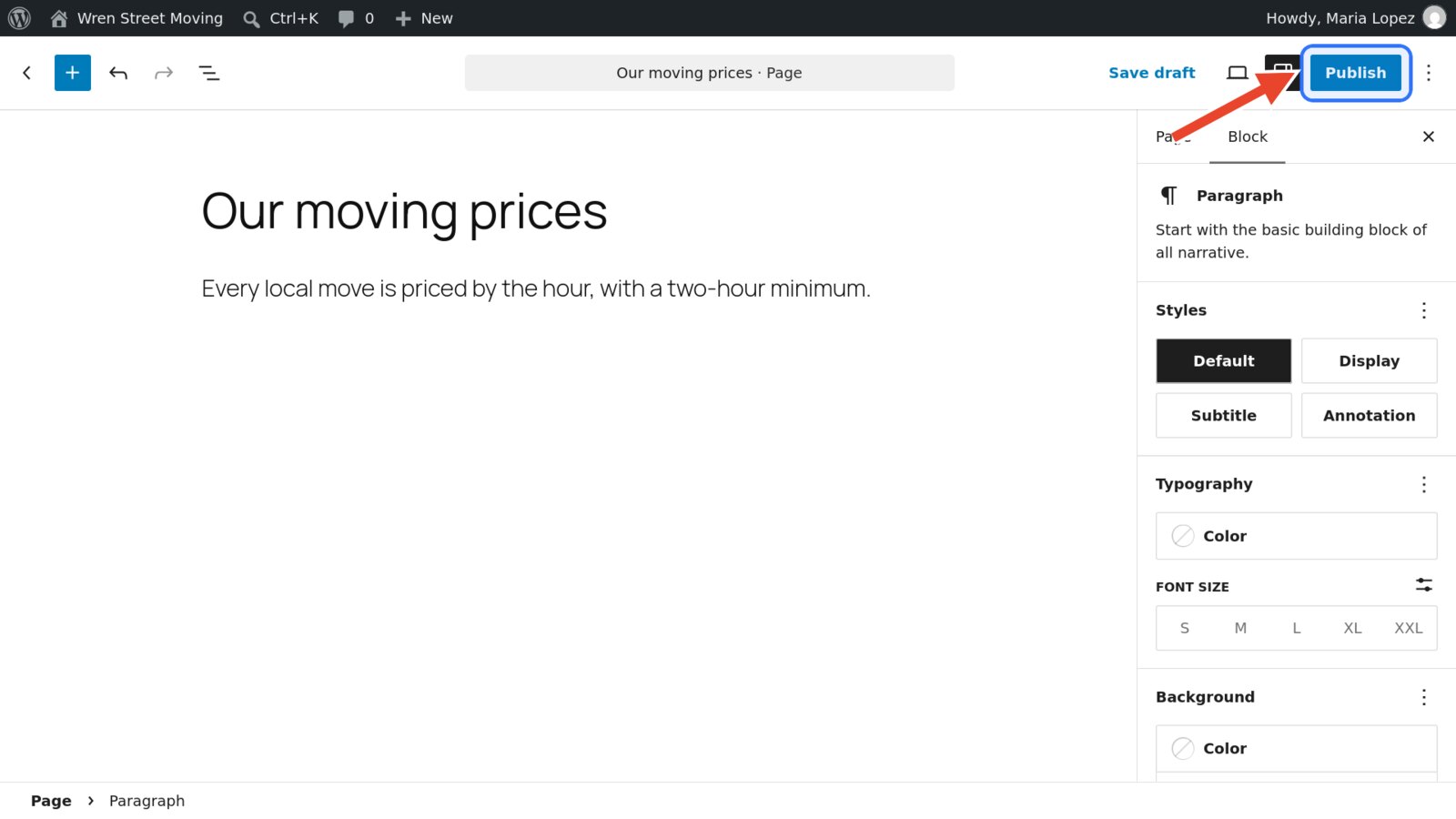
When it is ready, press Publish at the top right.Cuando esté lista, presiona Publish arriba a la derecha.
-
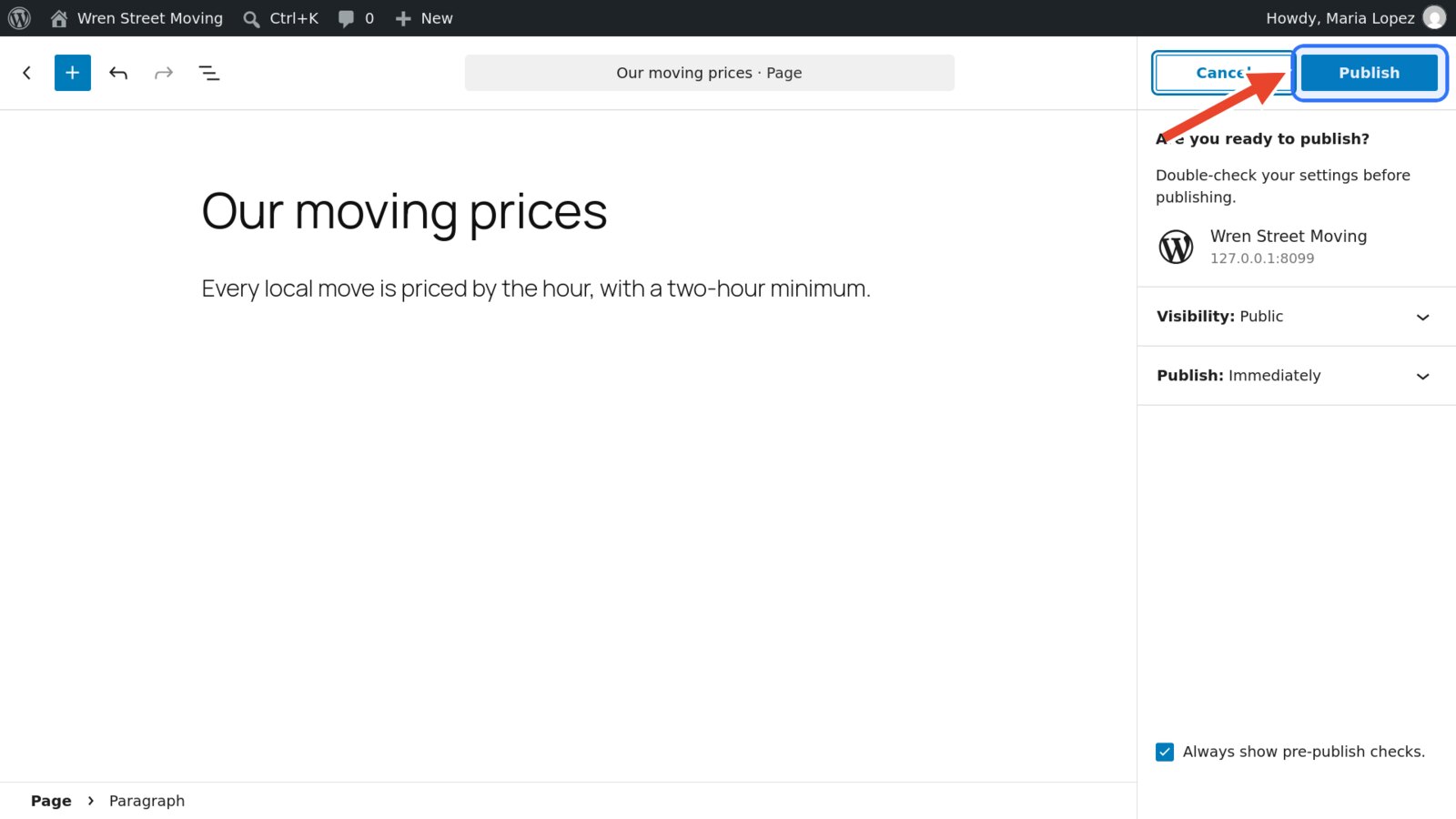
Check the details once more, then press Publish again.Revisa los detalles una vez más y presiona Publish otra vez.
-
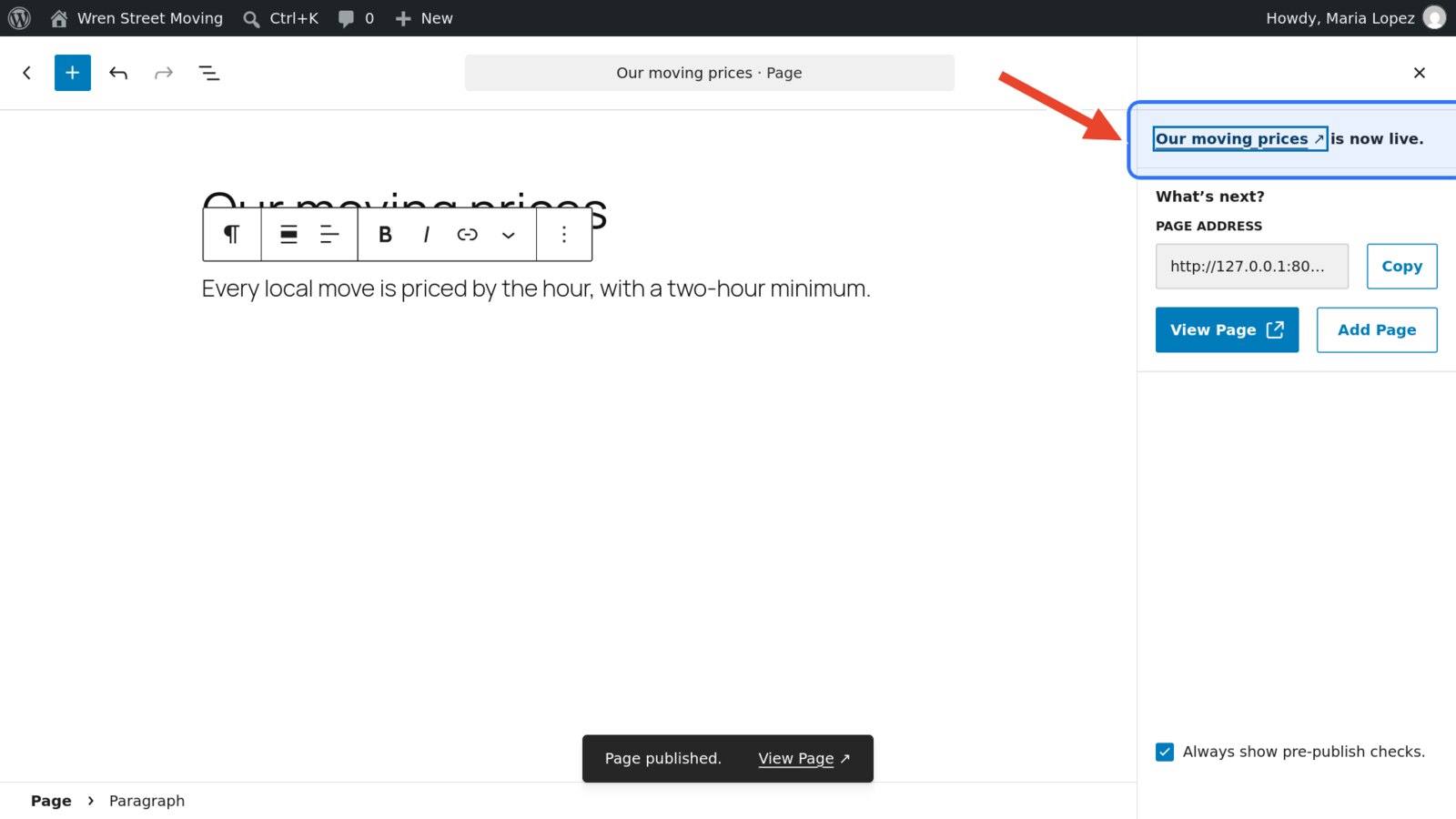
The page is now live on your site.La página ya está publicada en tu sitio.
-
Back in Pages, Our moving prices is in the list.De vuelta en Pages, Our moving prices está en la lista.
Tip: Add the new page to your menu so visitors can find it.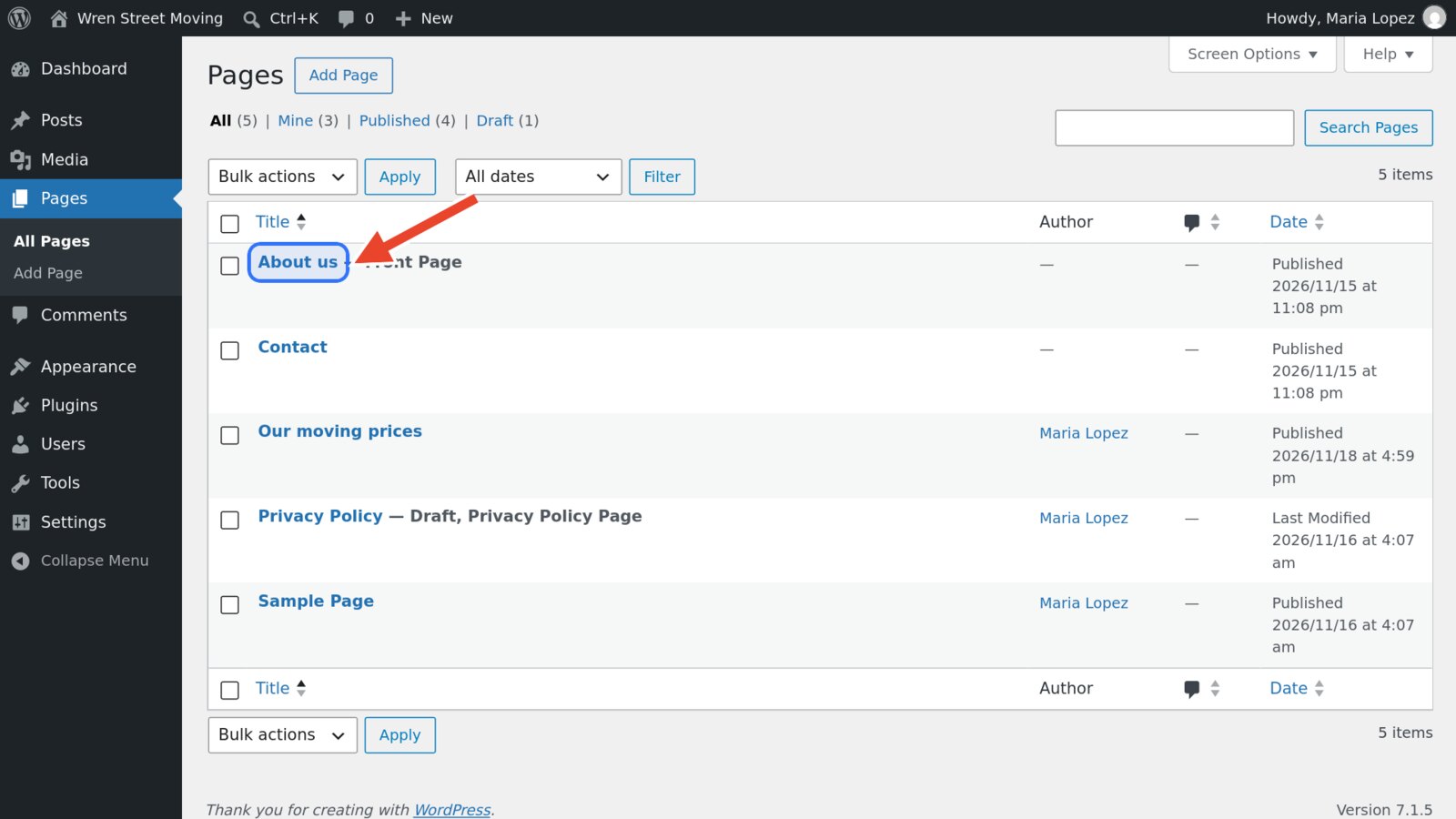
Stuck on your own site?
Get walked through it one-on-one, on video, on your real site. Or hand the job over and have it done.
- You click, I guide
- One price per job, set before work starts
- English or Spanish
Where this comes from
Every step was run on a real WordPress site and checked against the official WordPress documentation: